How to log in
Follow the steps:
1. Access this link ac.molonion.pt.
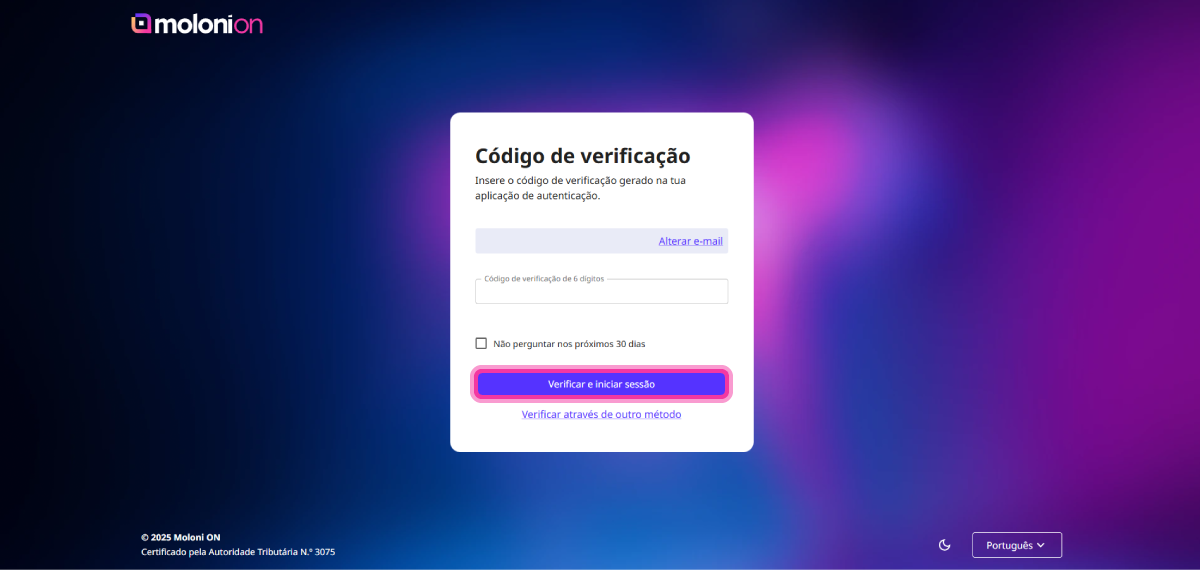
2. Enter your account login details. You can log in with Google by clicking on Continue with Google.
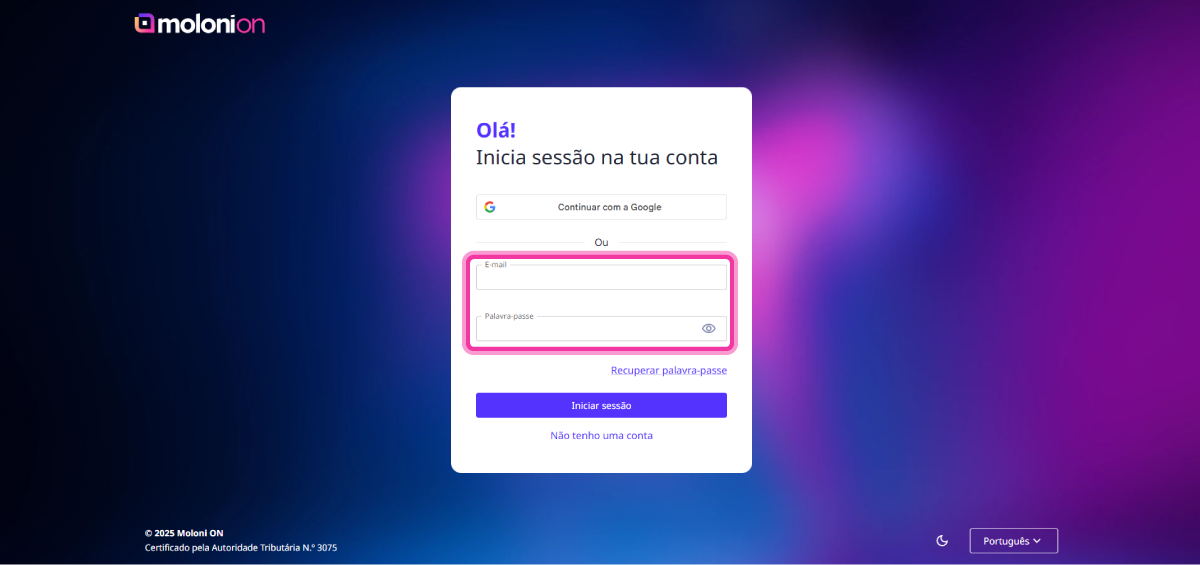
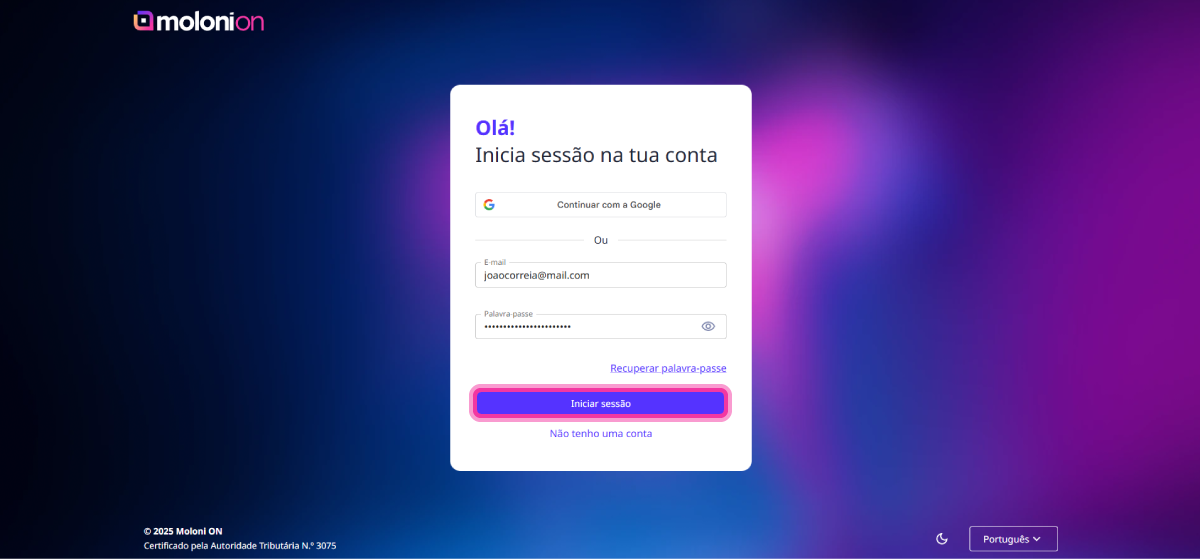
3. Click the Log in button.
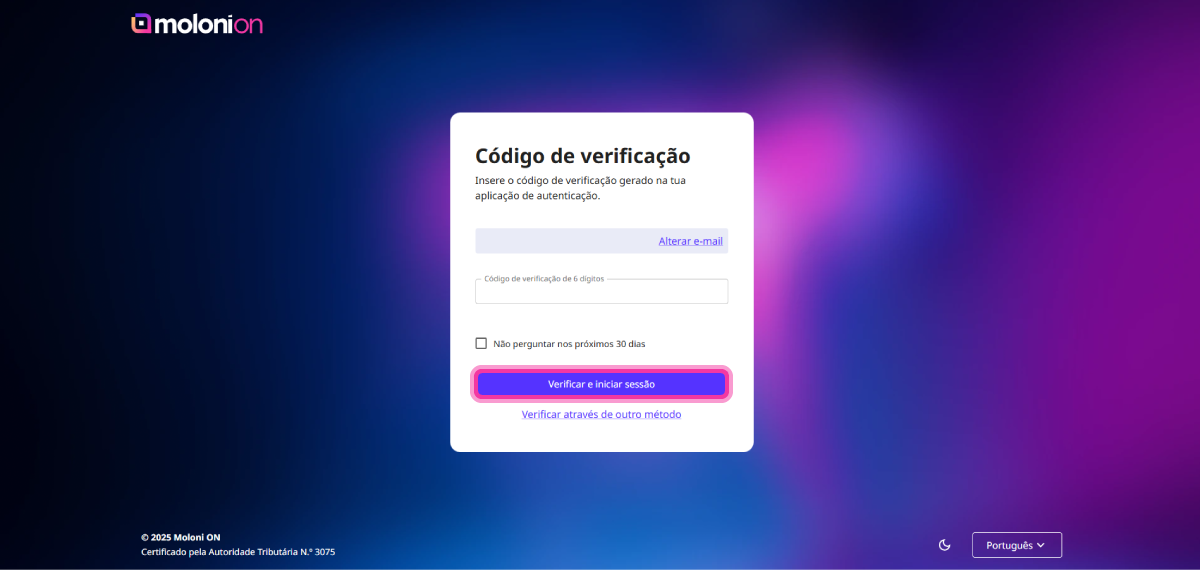
4. If you have 2FA authentication enabled, check your email or consult the authentication app on your mobile phone and enter the code provided. Click on Verify and log in. More information here.
How to recover the password
Follow the steps:
1. Access this link ac.molonion.pt.
2. Click on Recover Password.
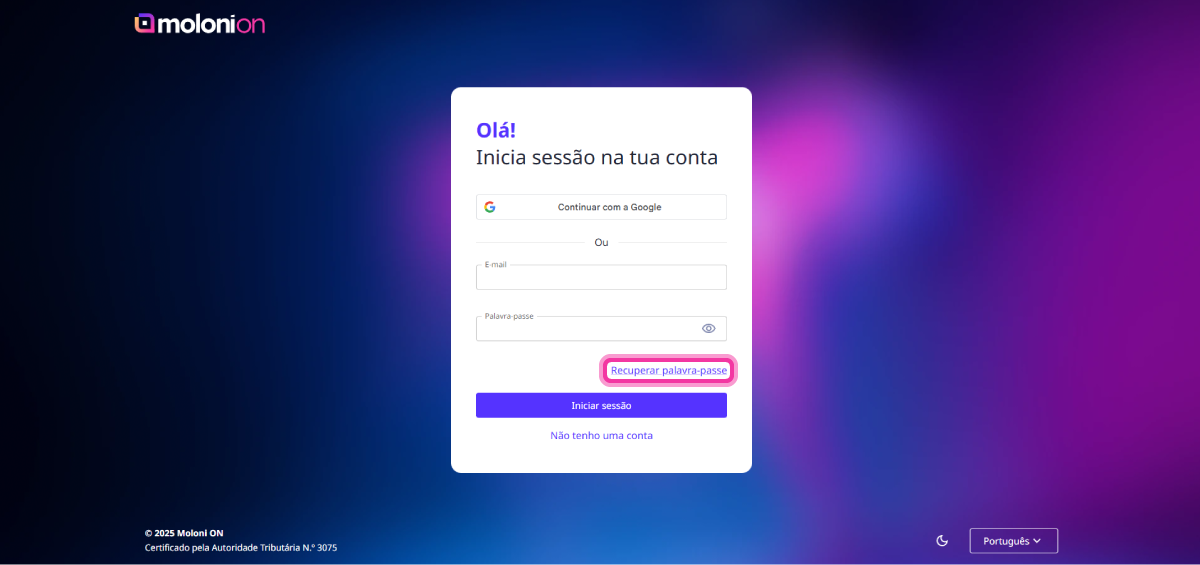
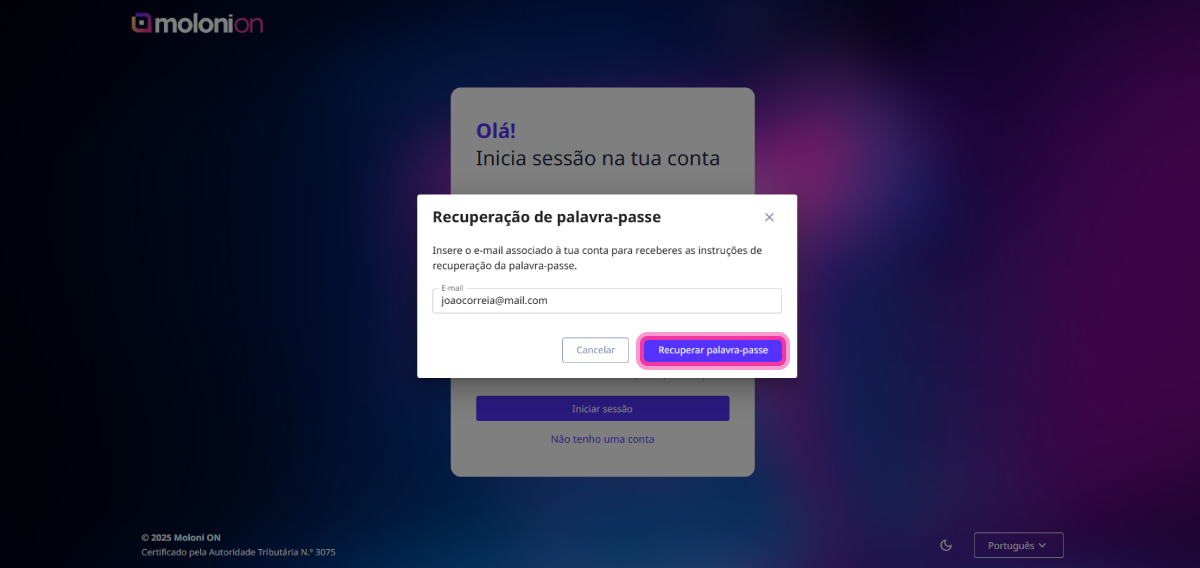
3. Enter the email address associated with your account and click on Recover Password.
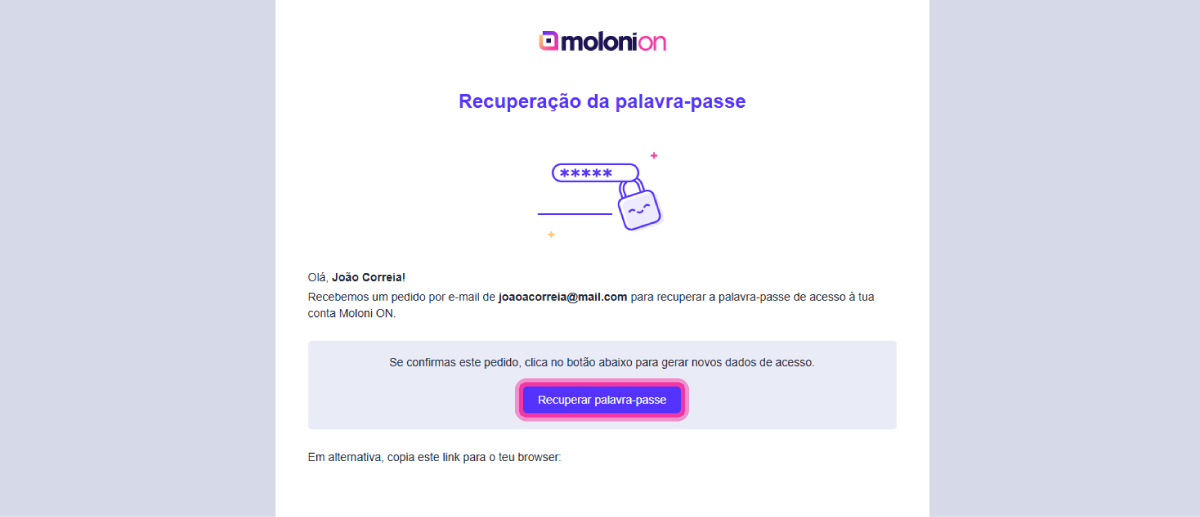
4. Access your email and click on the Recover Password button.
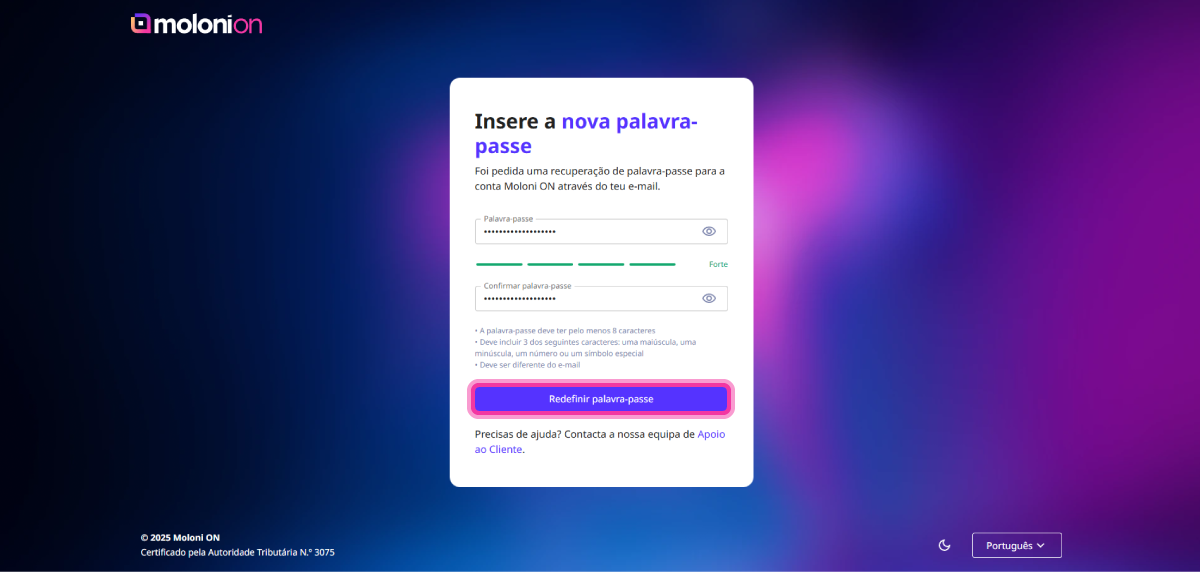
5. On this page, set a new password and click on Reset password.
6. If you have 2FA authentication enabled, check your email or consult the authentication app on your mobile phone and enter the code provided. Click on Verify and log in. More information here.