How to add a CAE
Follow the steps:
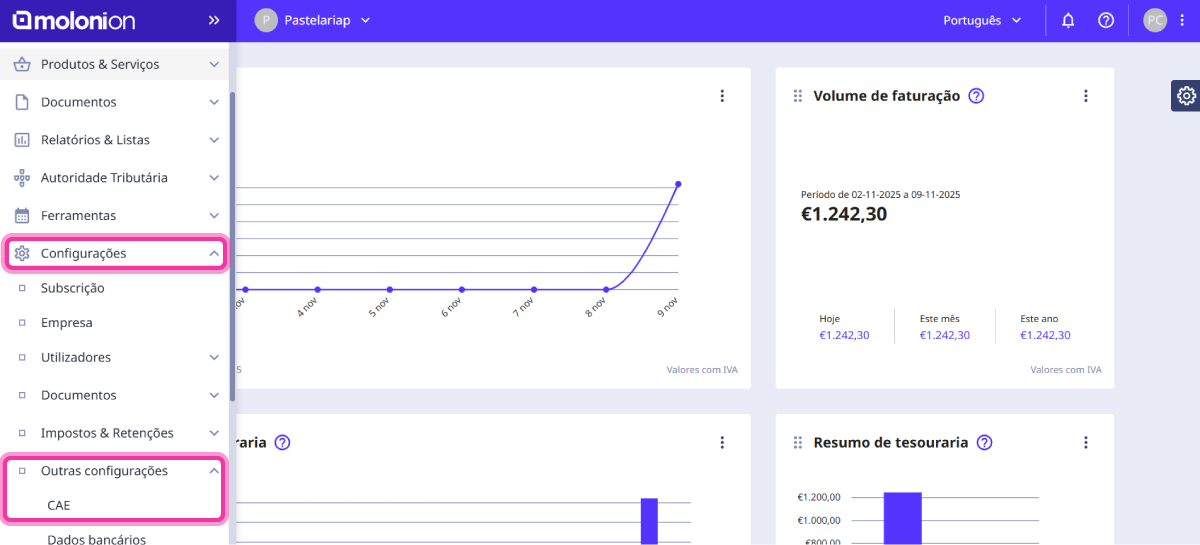
1. Go to the menu Settings > Other settings > CAE.
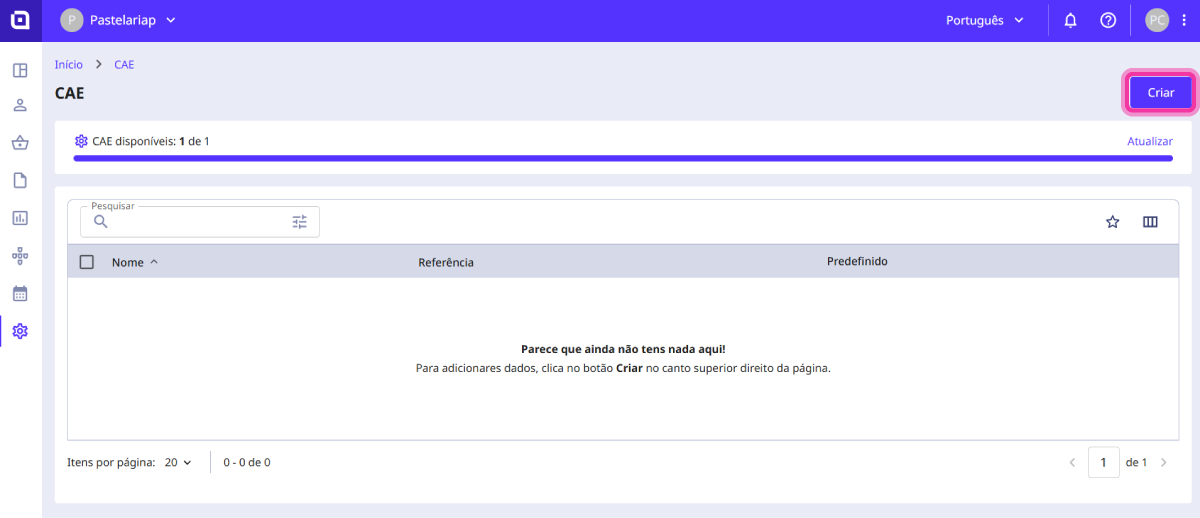
2. Click the Create button.
3. Fill in the requested details such as the Name and the Code.

4. Optionally, you can activate the Default option.
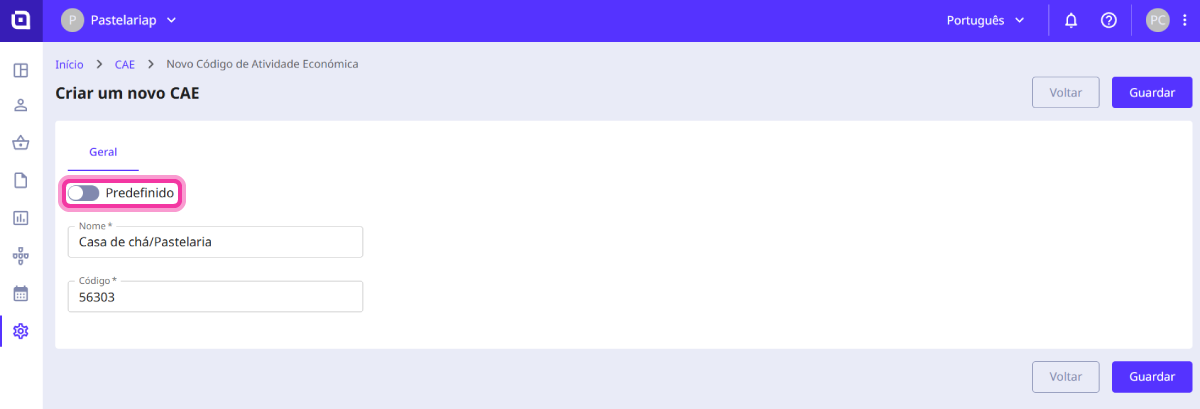
By selecting this option, this code will be assigned by default whenever you create a document. If you have a CAE code associated with a document set, that code takes priority over the default assigned CAE.
5. Click the Save button.
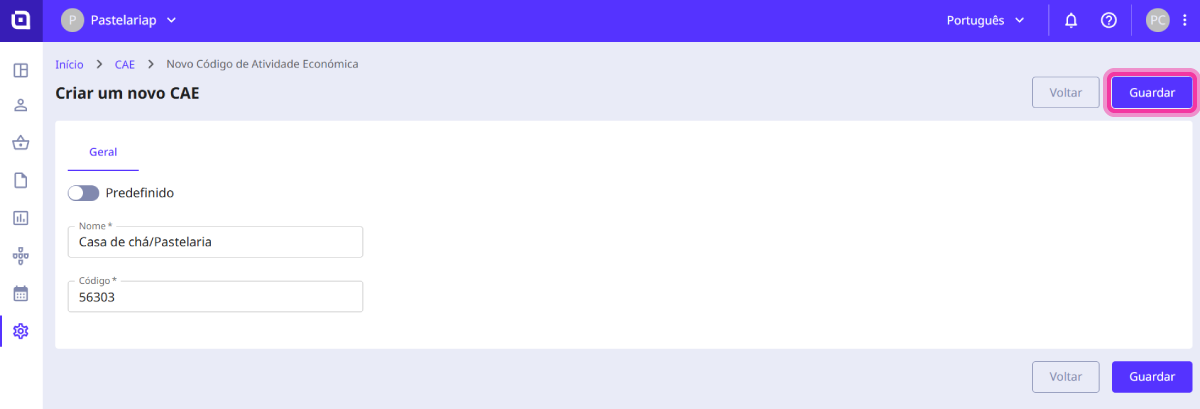
The CAE code has been successfully added.