How to set up the email sender
Follow the steps:
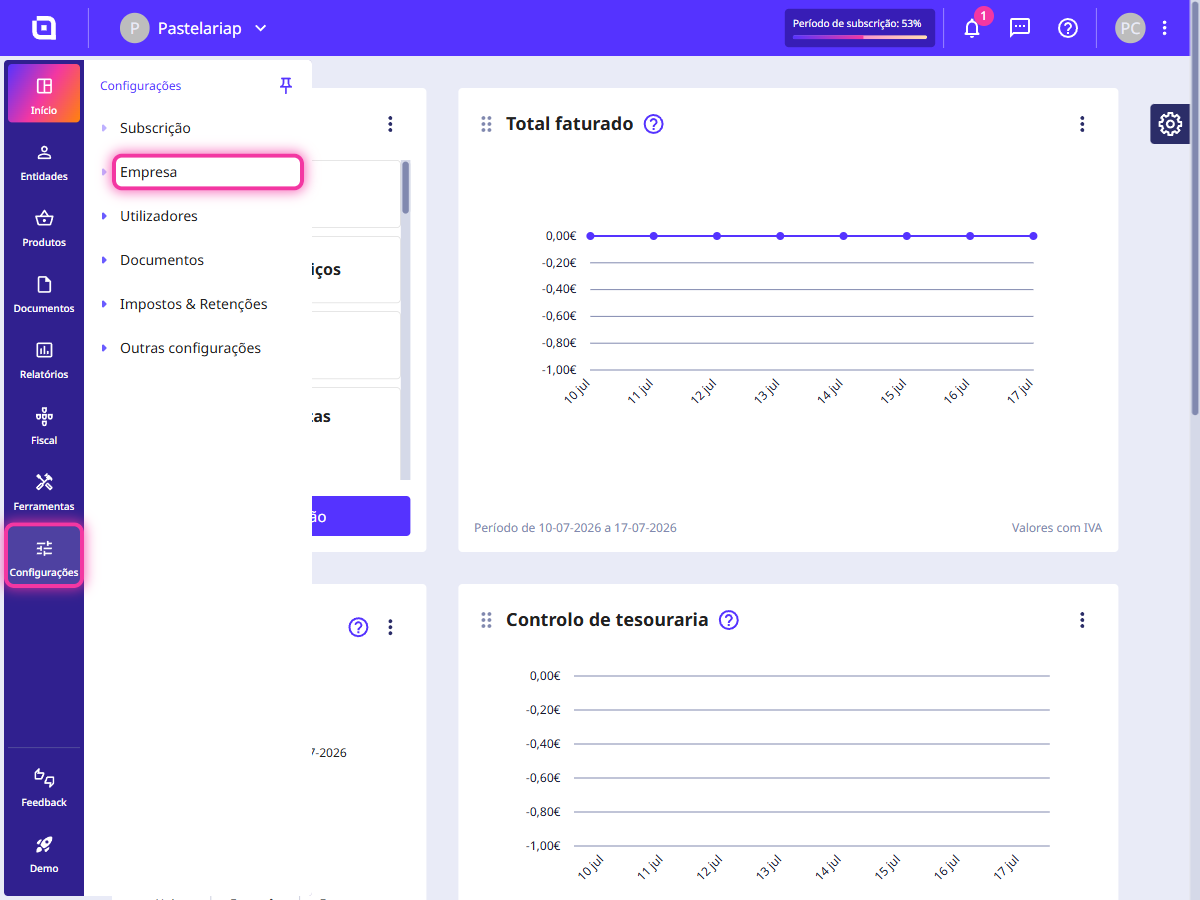
1. Go to the menu Settings > Company.
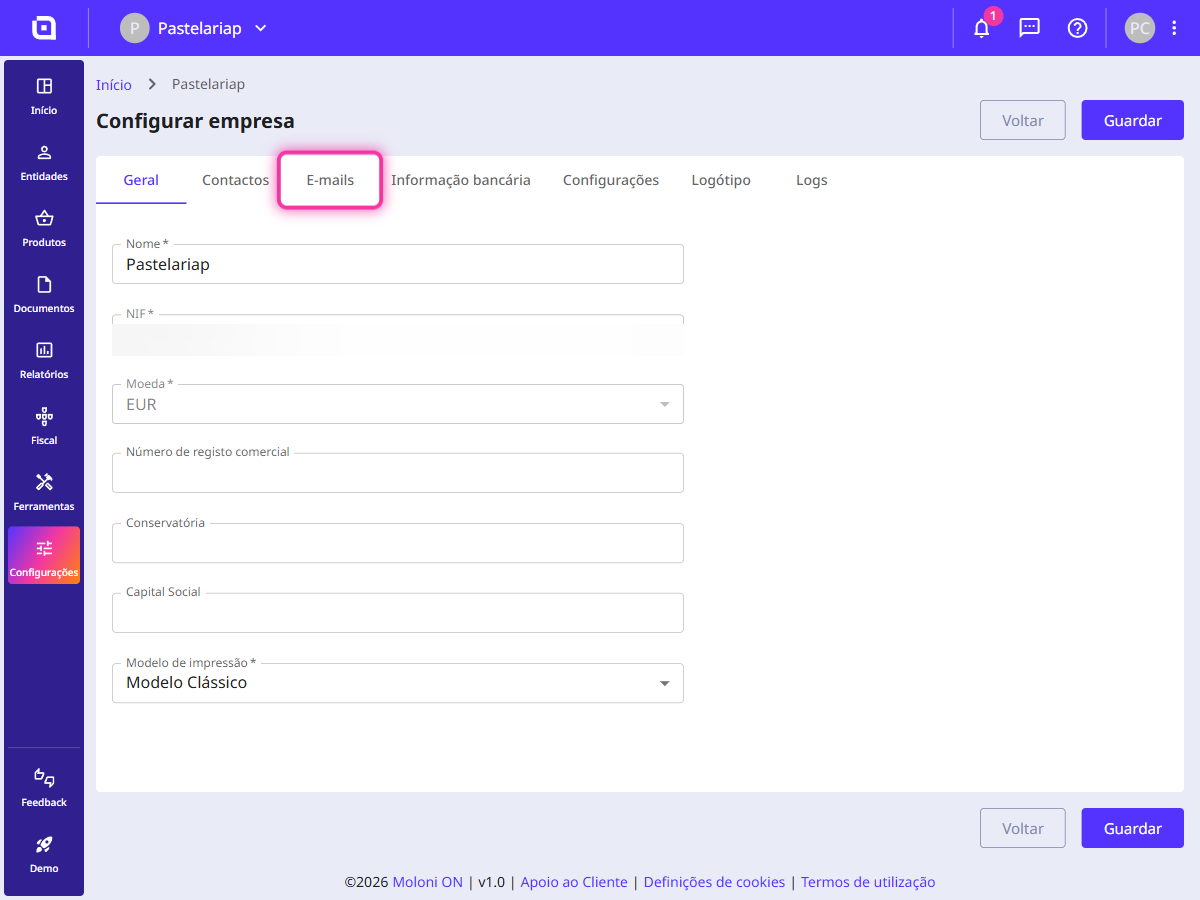
2. Select the Emails tab.
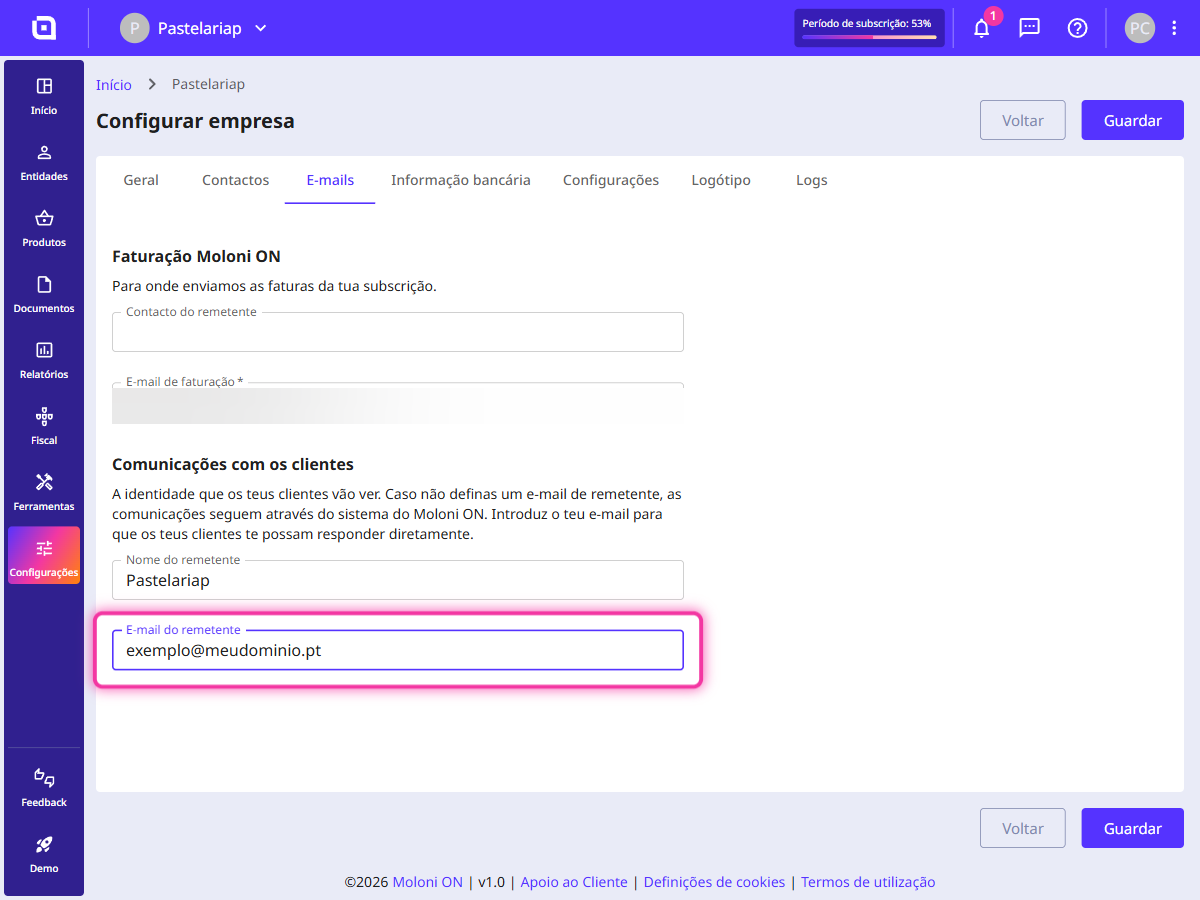
3. Fill in the Sender's email field.
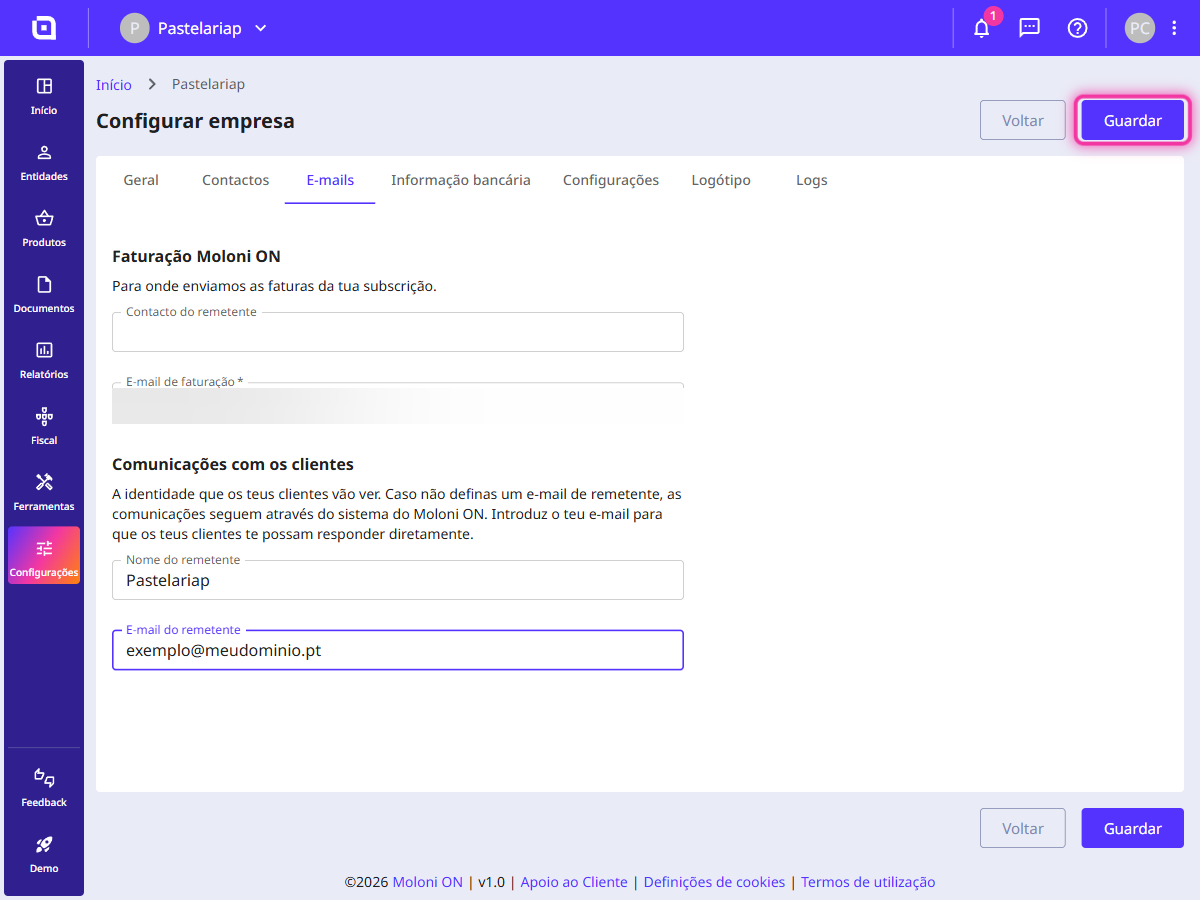
4. Click Save.
Important notes
The email is sent from apoio@molonion.pt. This procedure ensures that the email reaches the recipient under normal conditions.
If you use addresses such as Gmail or Hotmail or others that are not controlled by you or your domain, this configuration will not be possible, and the emails will always be sent via apoio@molonion.pt.
On the other hand, if you have your own domain, you need to confirm this with your hosting provider. It will be necessary to make a configuration on the server to allow us to send emails on your behalf.
The required configuration is as follows:
Dear Sirs/Madams XXX,
We need to add authorisation for the email servers of Moloni ON (www.molonion.pt) to send emails on our behalf from our internet domain.
Therefore, it is necessary to add the following to your DNS TXT records:
teu-dominio.com. 300 IN TXT "v=spf1 <outras configurações anteriores> include:mailgun.org"moloni._domainkey.teu-dominio.com. 300 IN TXT "k=rsa; p=MIGfMA0GCSqGSIb3DQEBAQUAA4GNADCBiQKBgQDLjDyr2i39gxXqqlygVUYwwZJTQbyHWSw6bn+4NrjqzHYjAFfDsKO9Ne9TWmkeEwhf4XxMNgcGGVVHttlVOr3yIMXEhEW8rHydNqwuz+Ex4DeURM2RnPK6+JtirOgBaxDtLMkwa1XaweX/esByS2+m4YO8NjtGftLBrNGB3rAK/wIDAQAB"