Configure deferred sending of documents to the TA
Follow the steps:
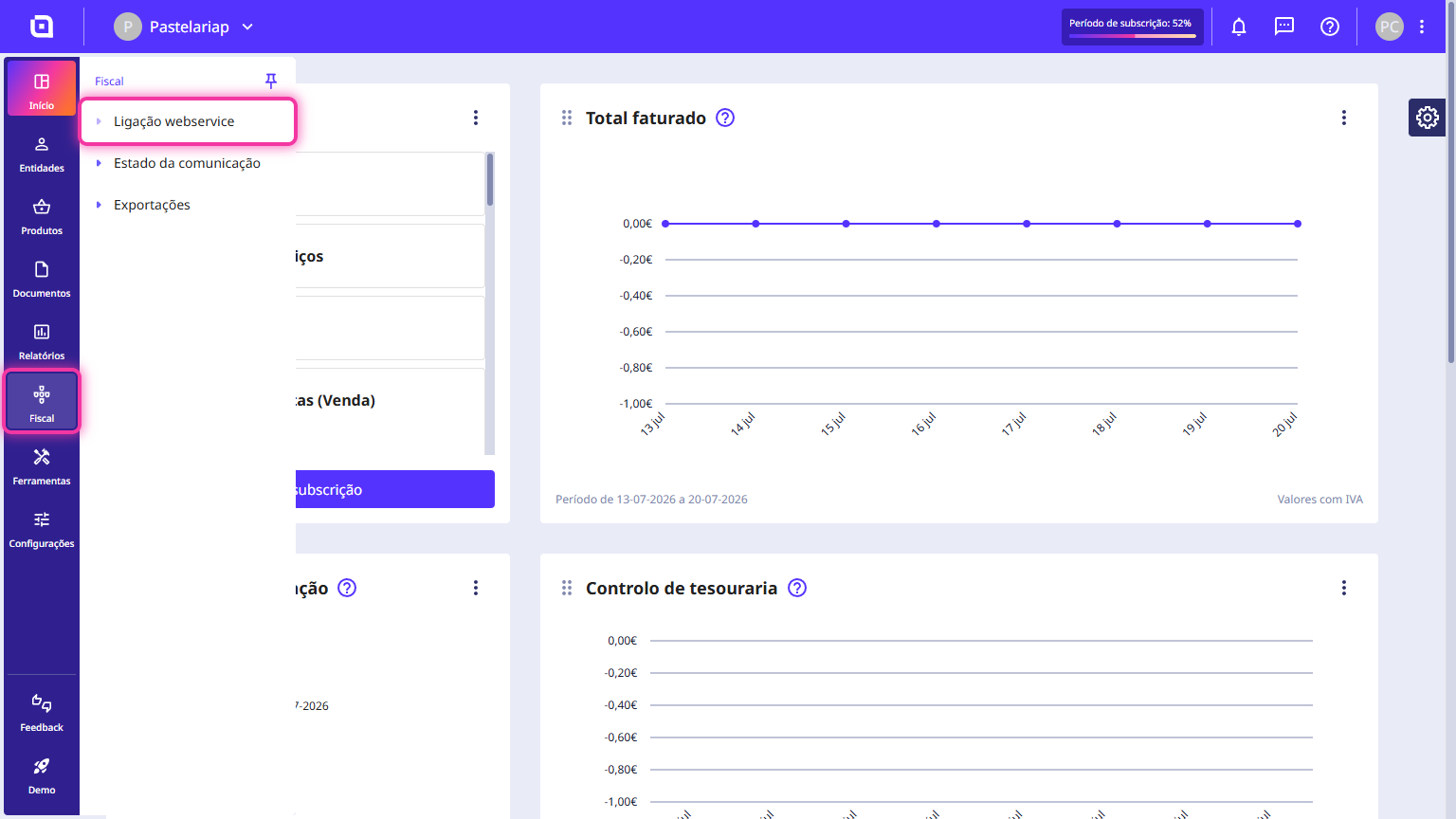
1. Go to the menu Fiscal and click Web service connection.
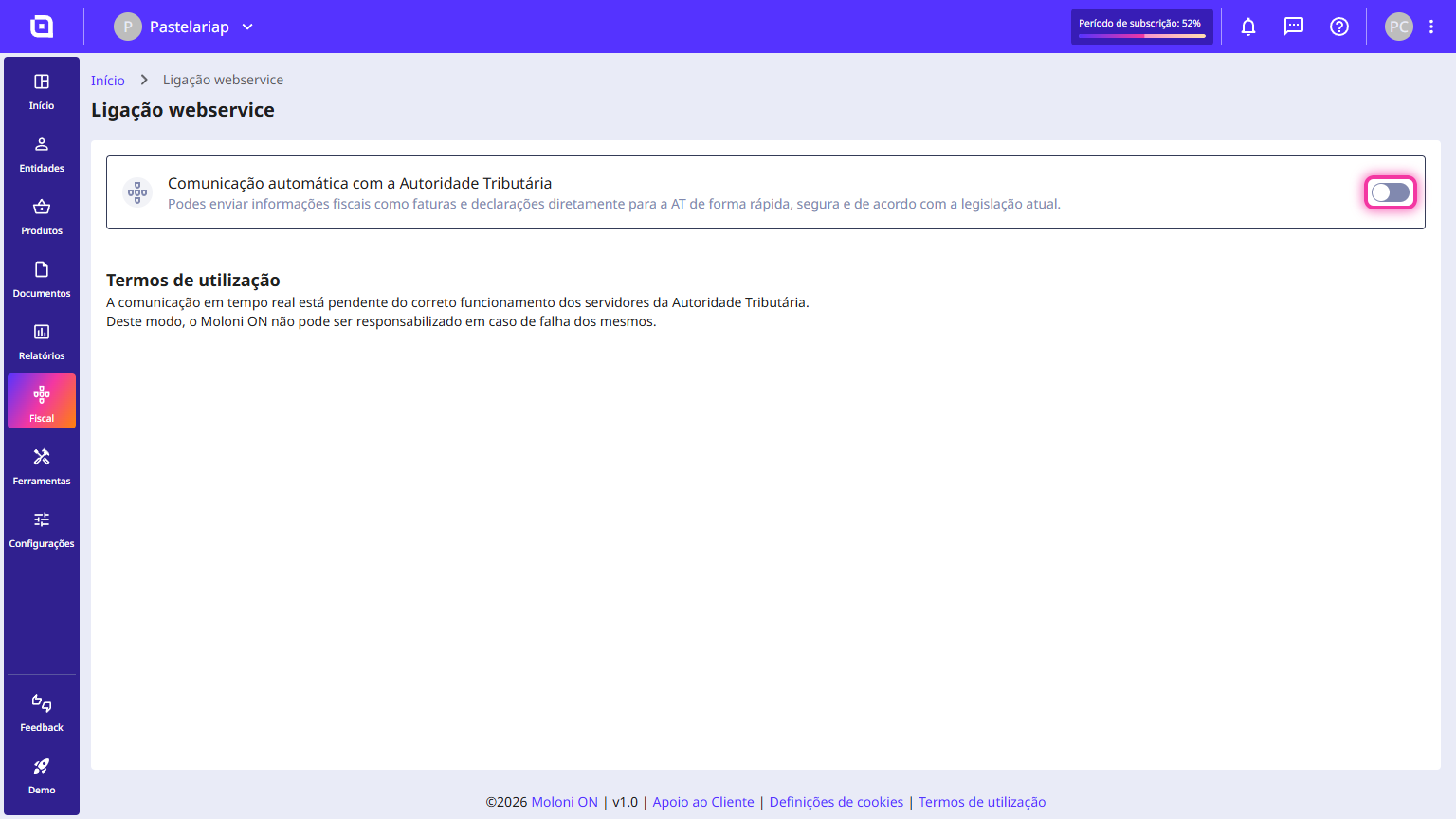
2. Activate the option Automatic communication with the Tax Authority.
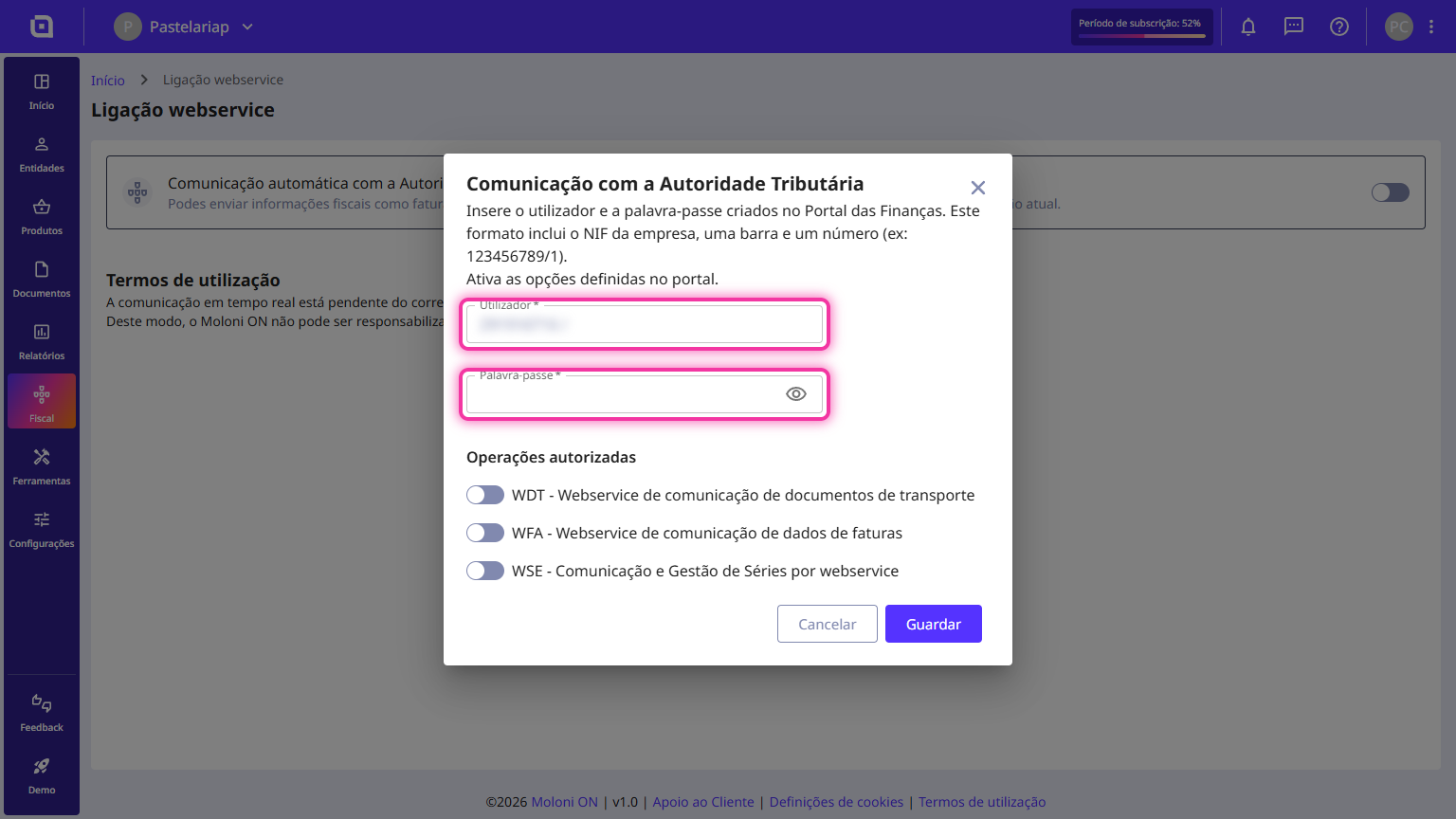
3. Enter the user created on the TA website and the password.
4. In the Authorised operations section, select the option WFA - Invoices data communication webservice.
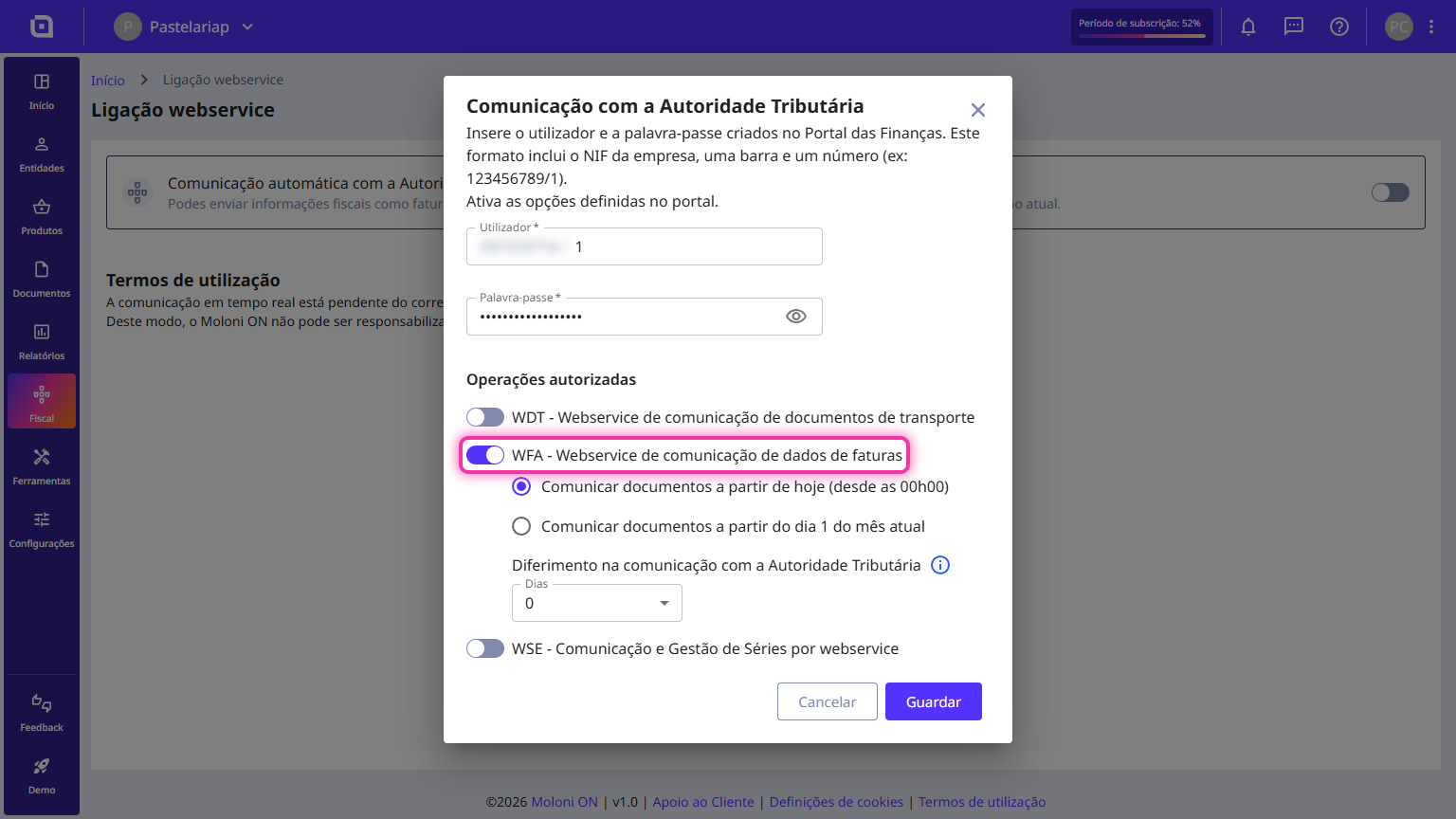
5. You can choose whether to report documents from the activation date or from the 1st of the current month.
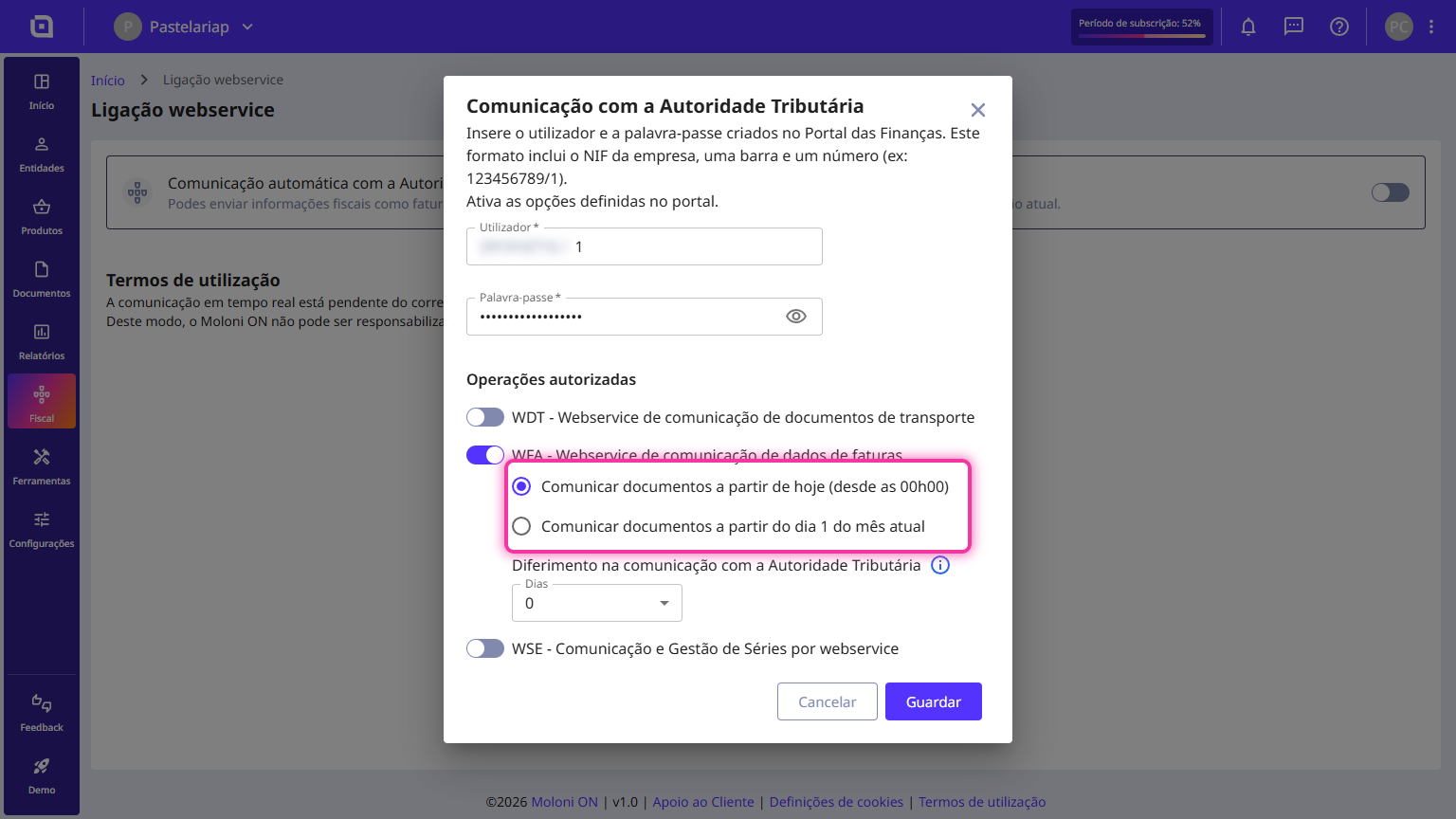
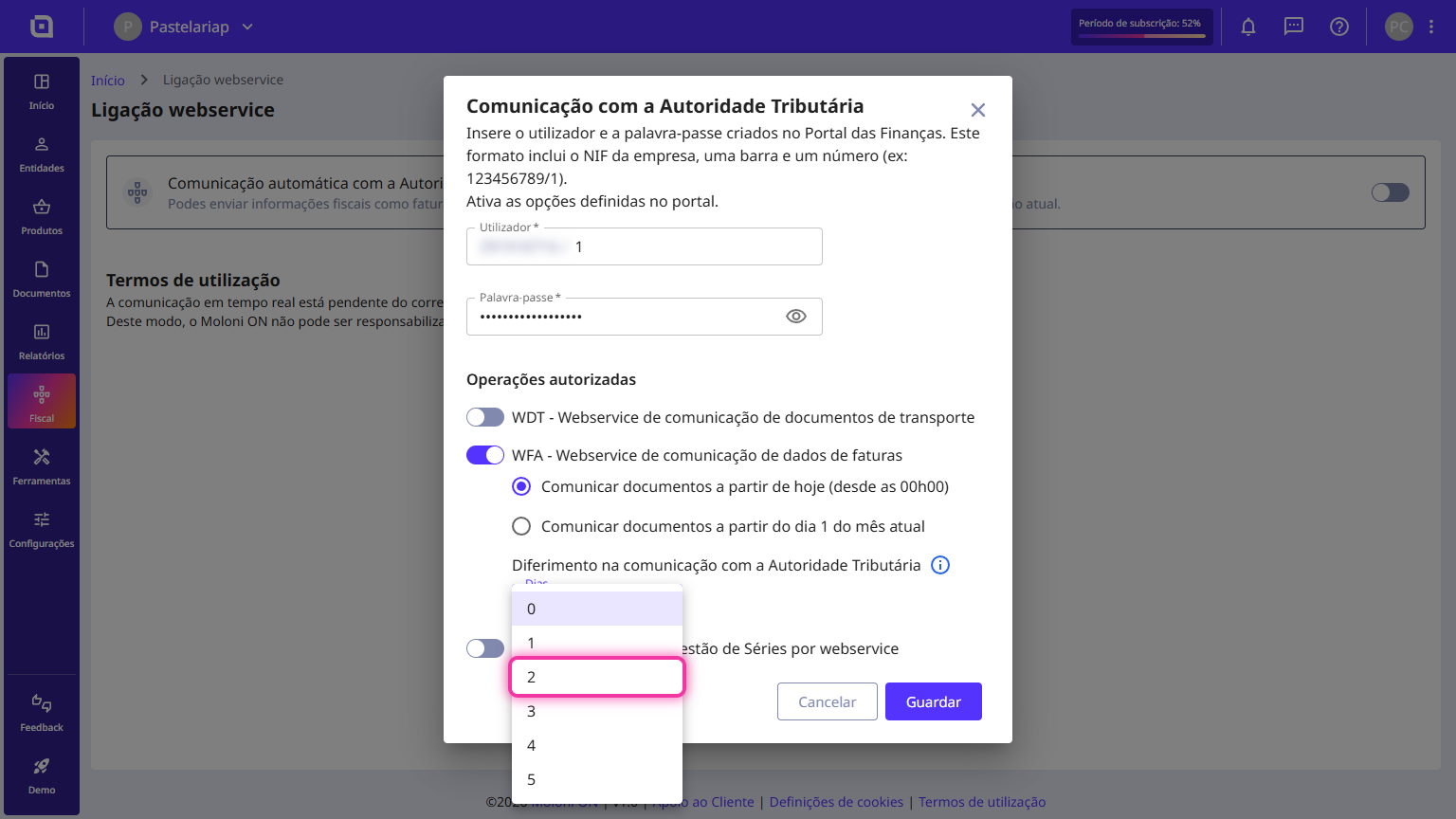
6. In the Deferral in communication with the Tax Authority field, select a value between 0 and 5.
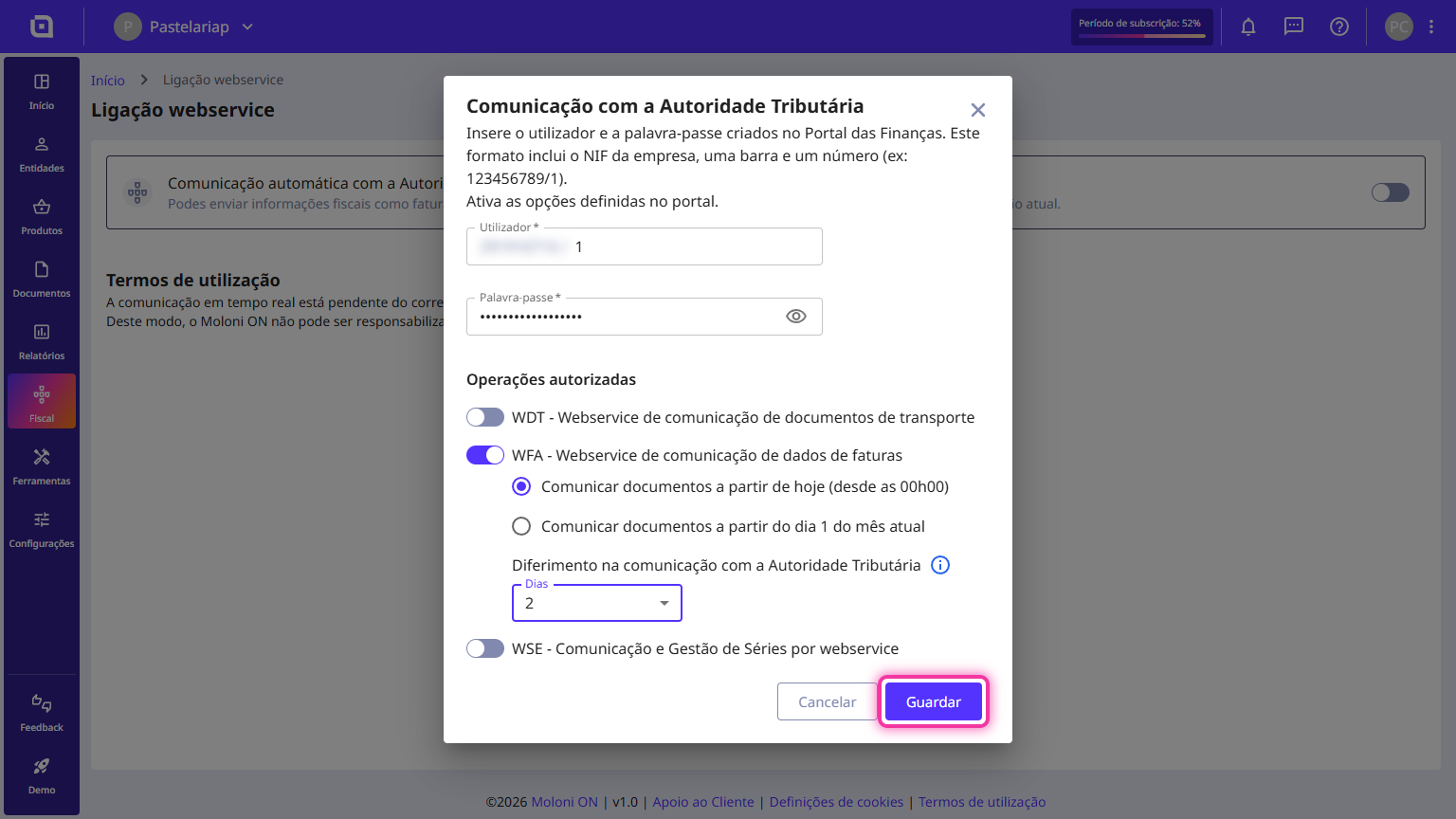
7. Click on Save.
With this option active, when creating or editing a document, you can view, based on the date you are creating it, the date on which the document will be communicated.
What is the control date?
The control date from which the days count for the submission to be made is the document date, not the document creation date. This means that if we create a document today with a date from 5 days ago, and the configuration has a 2-day deferral, it will be communicated the moment you close it.
What are the advantages of this system?
The main advantage of this configuration is being able to set a document to a cancelled status before communicating it to the TA.
In which documents can I perform this control?
The 5 types of debit and credit documents:
- Invoice
- Simplified Invoice
- Invoice/Receipt
- Credit Note
- Debit Note
Can I change this option?
Yes. This option can be changed, and even if you already have created documents that have not been communicated and you change this setting, it will influence the communication date.
Therefore, if there are documents that have not yet been communicated and, with the configuration change, they are now within the new deadline, they will be communicated immediately, and the opposite also applies.
If you increase the deferral period, documents that have not yet been communicated will have their deferral time extended, regardless of having been created before you changed the configuration.