How to add a CAE
The CAE (Portuguese economic activity classification code) identifies your company's activity on the documents you issue. In Moloni ON, you add CAE codes in Settings > Other settings > CAE, and you can have several if you sell goods or provide services in different areas. You can also choose which one is set as the default.
Follow these steps:
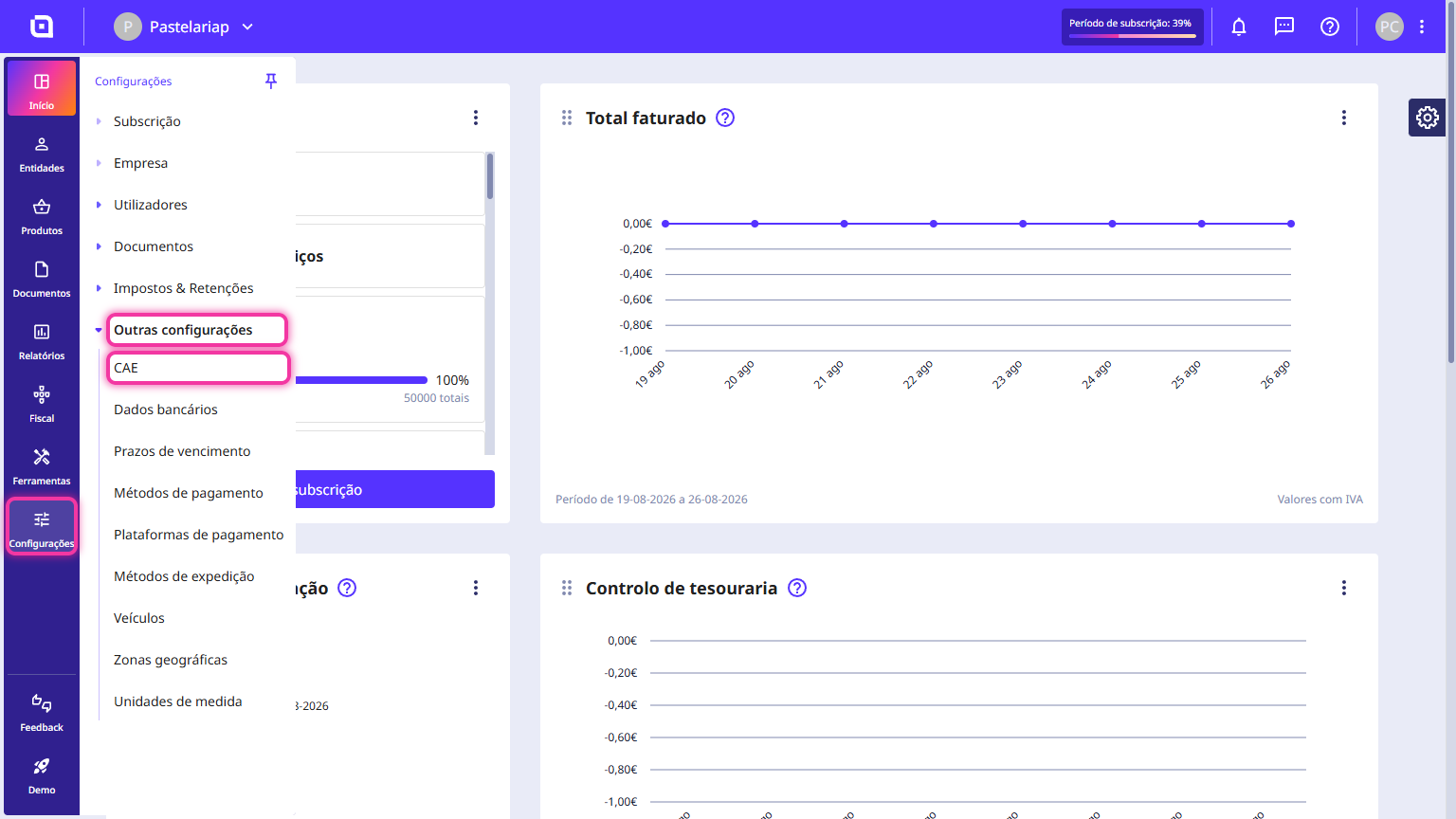
1. In the Client Area, go to the Settings menu, select Other settings and click on CAE.
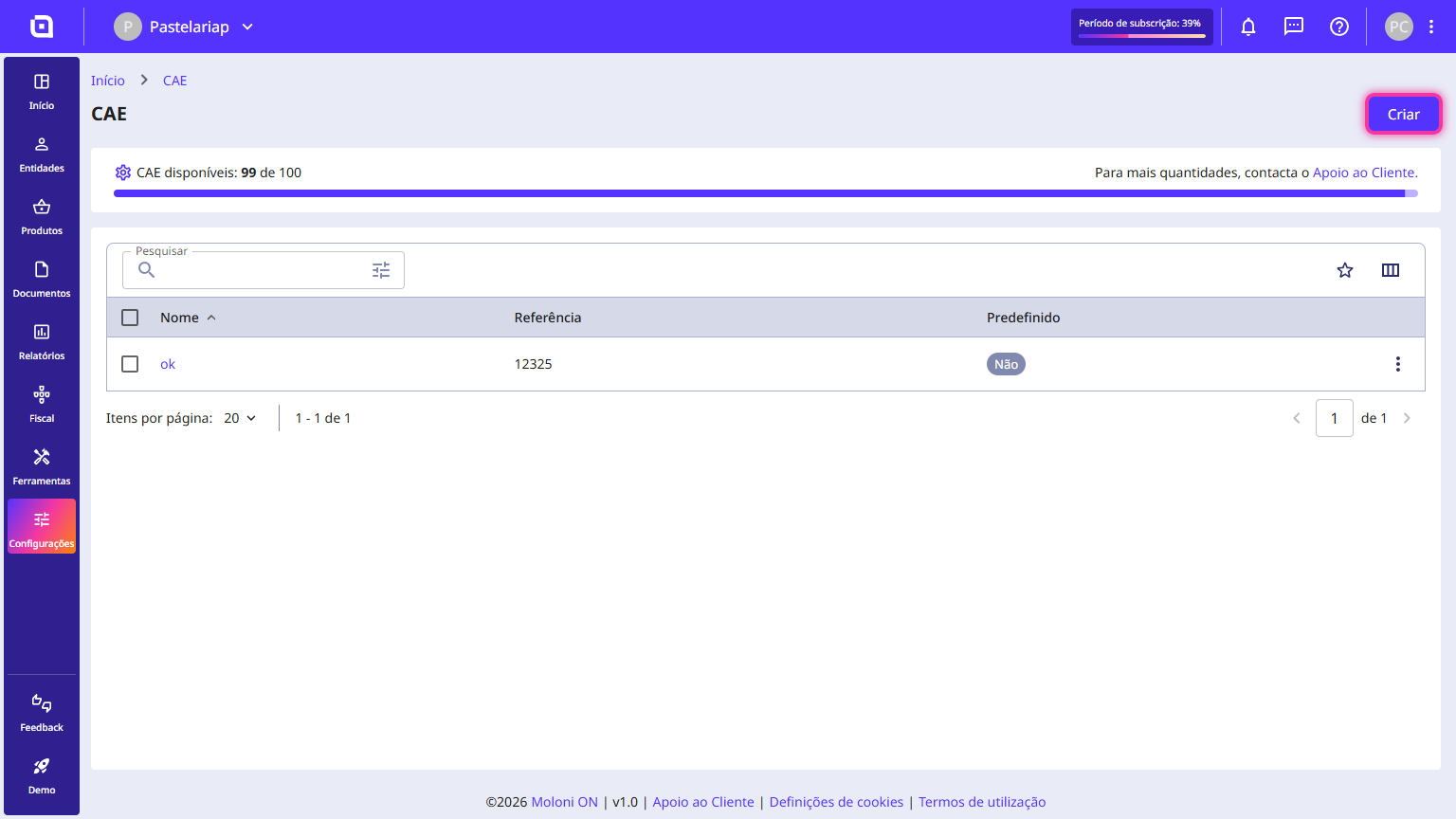
2. Click the Create button.
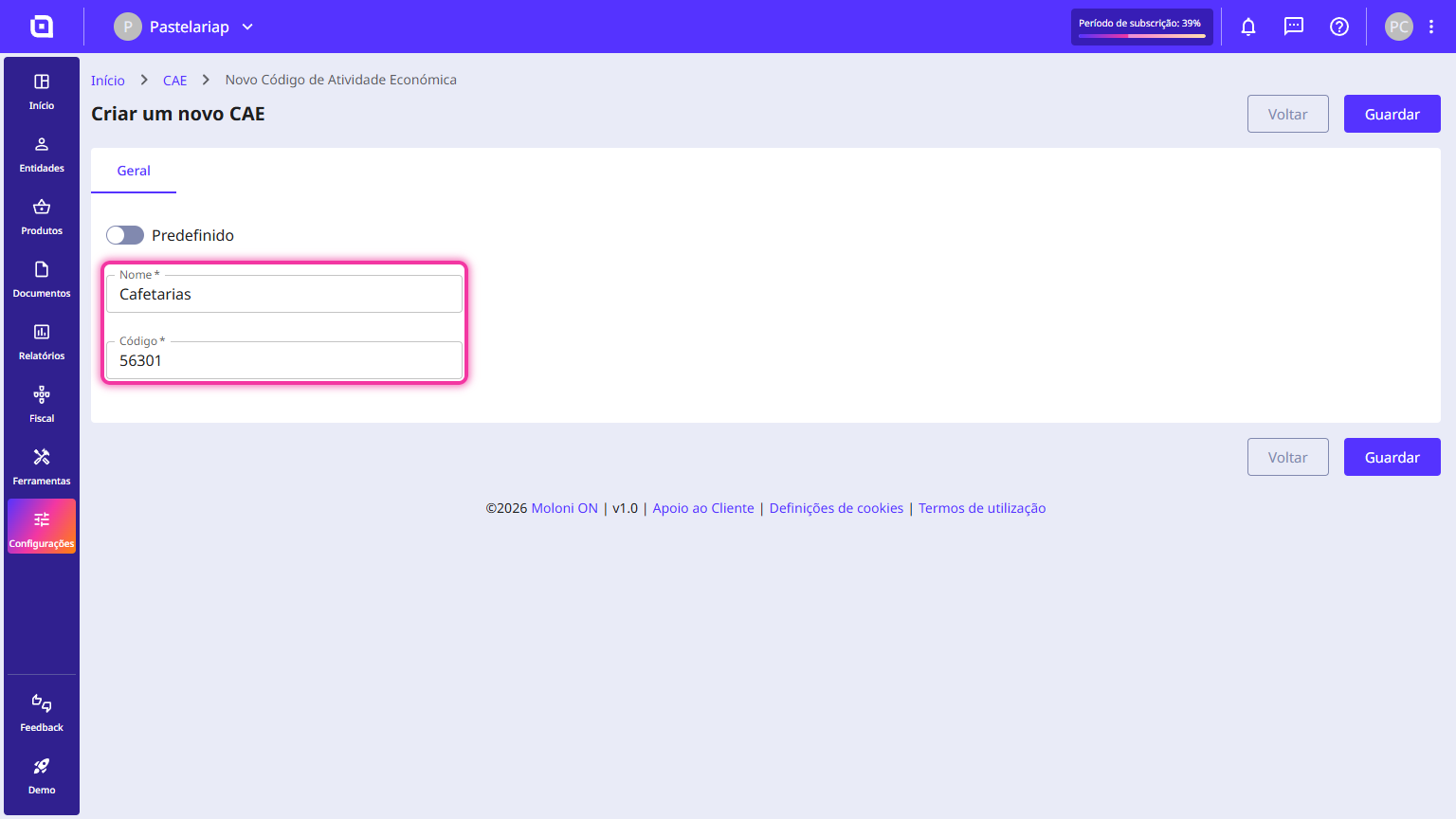
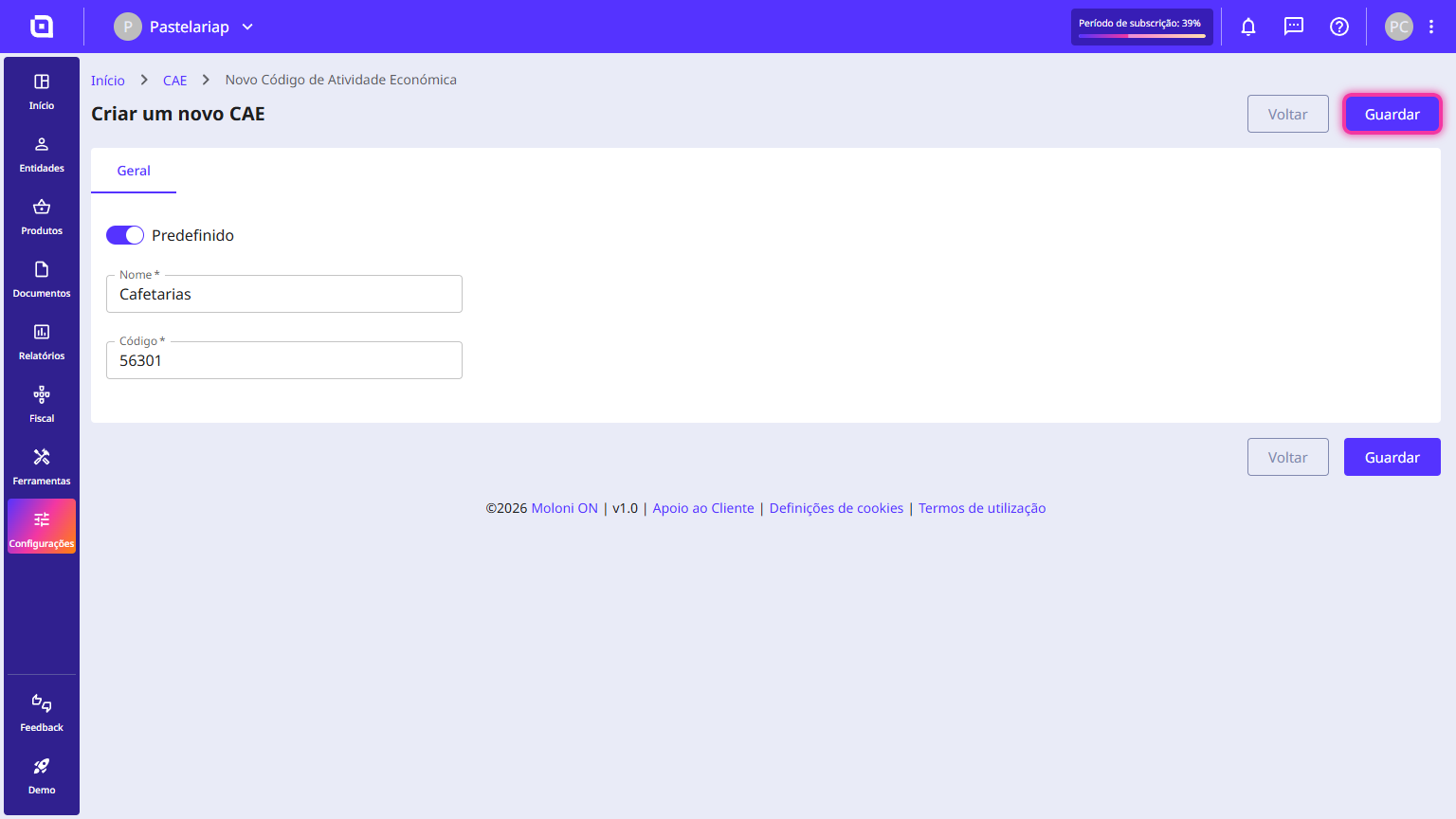
3. Fill in the requested details such as the Name and the Code.
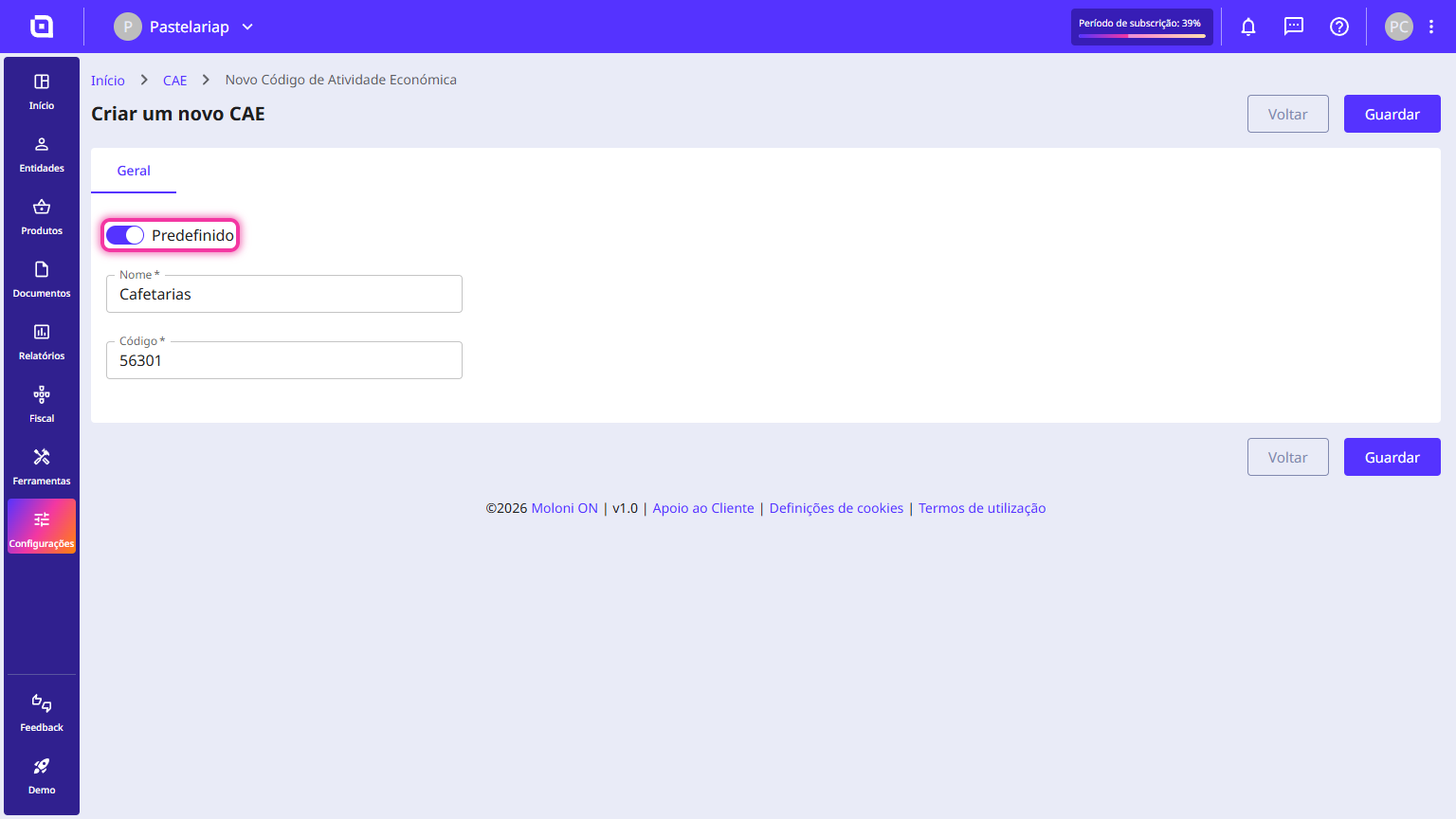
4. Optionally, you can activate the Default option.
5. Click the Save button.
The CAE code has been successfully added.