How to view and export a sales analysis
Follow these steps:
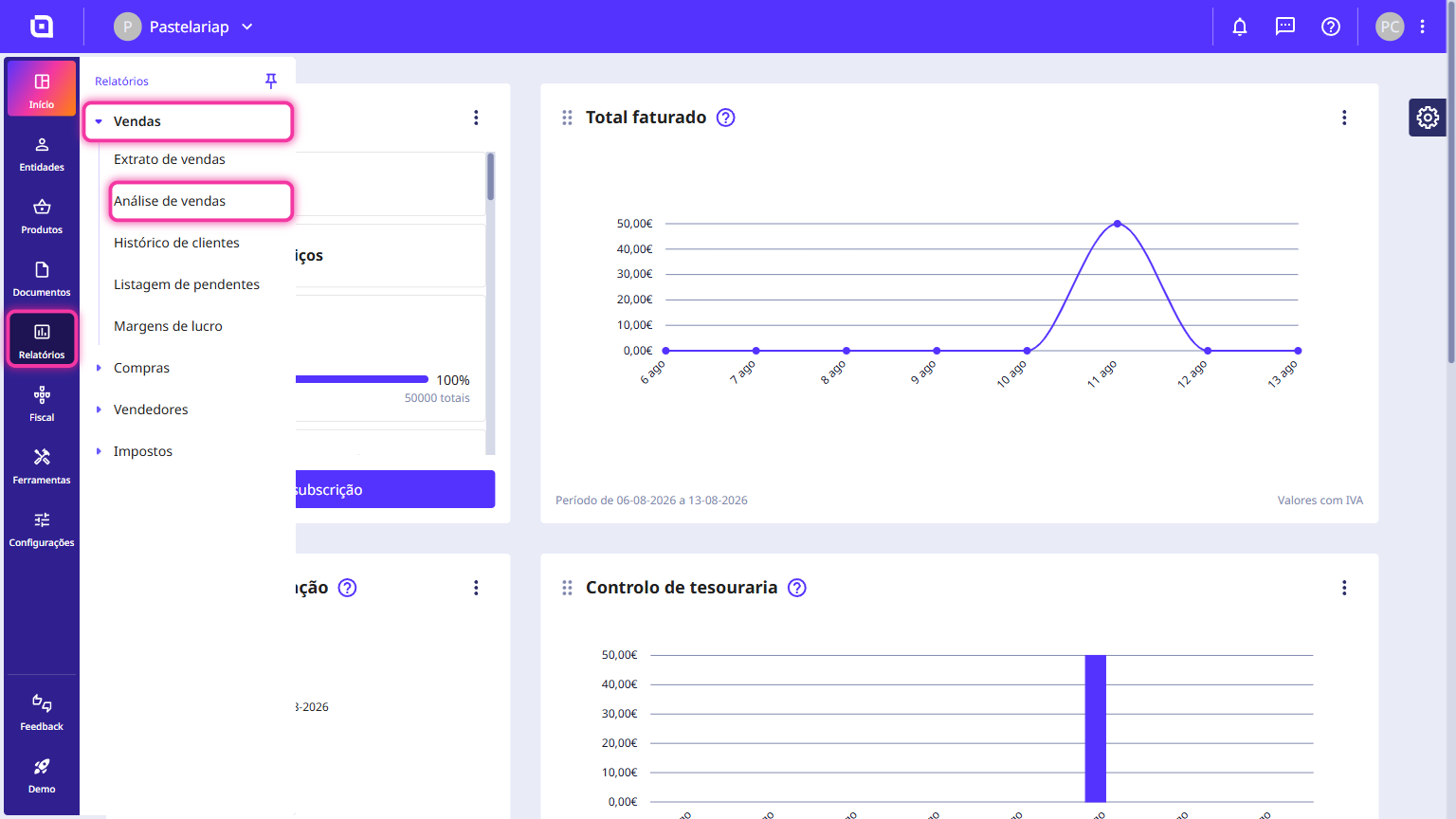
1. Access the Reports menu, click on Sales, and select Sales analysis.
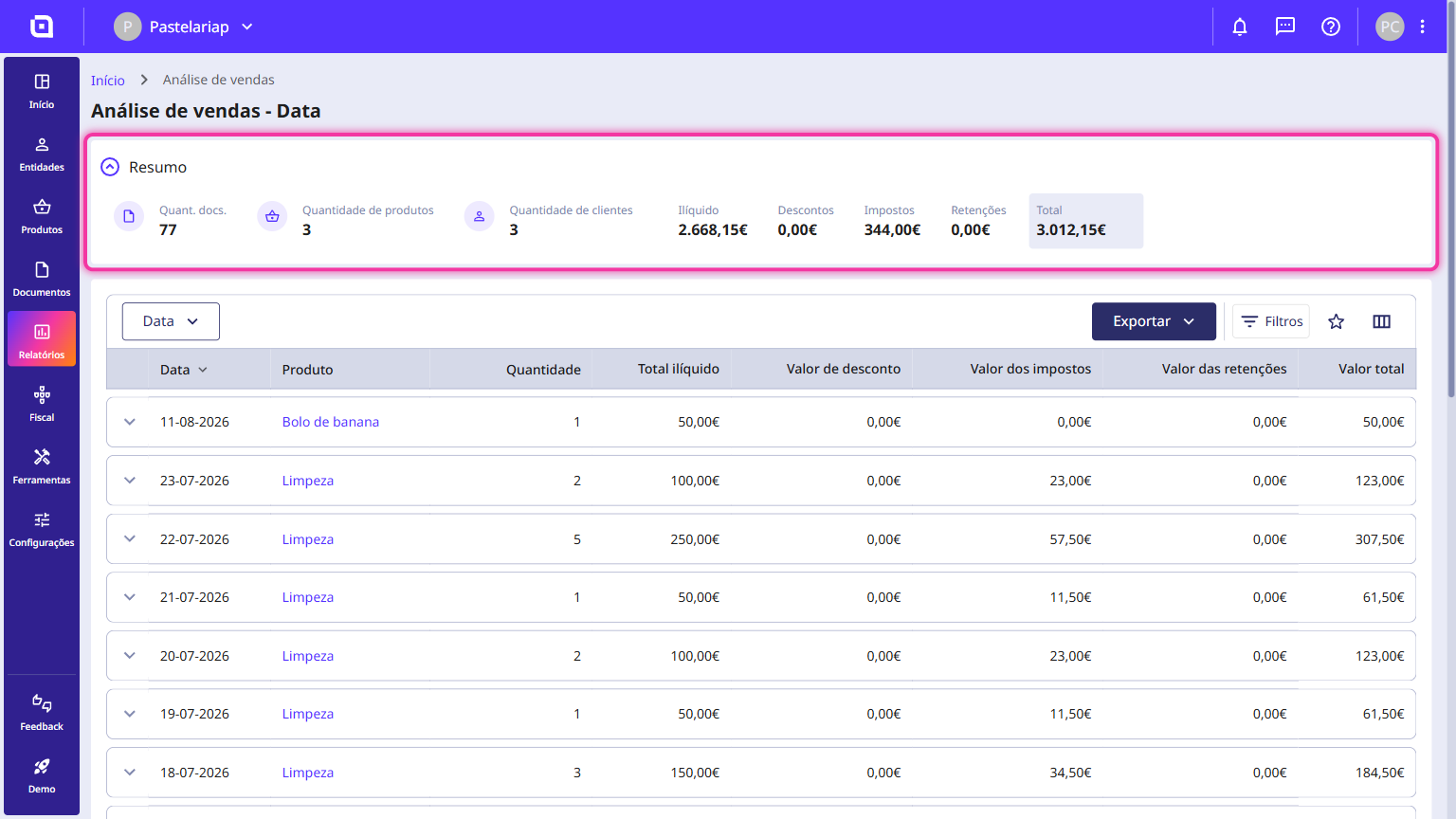
2. On this page, you will find a list of all products sold. At the top, there is a Summary section where you can view the consolidated information for all products.
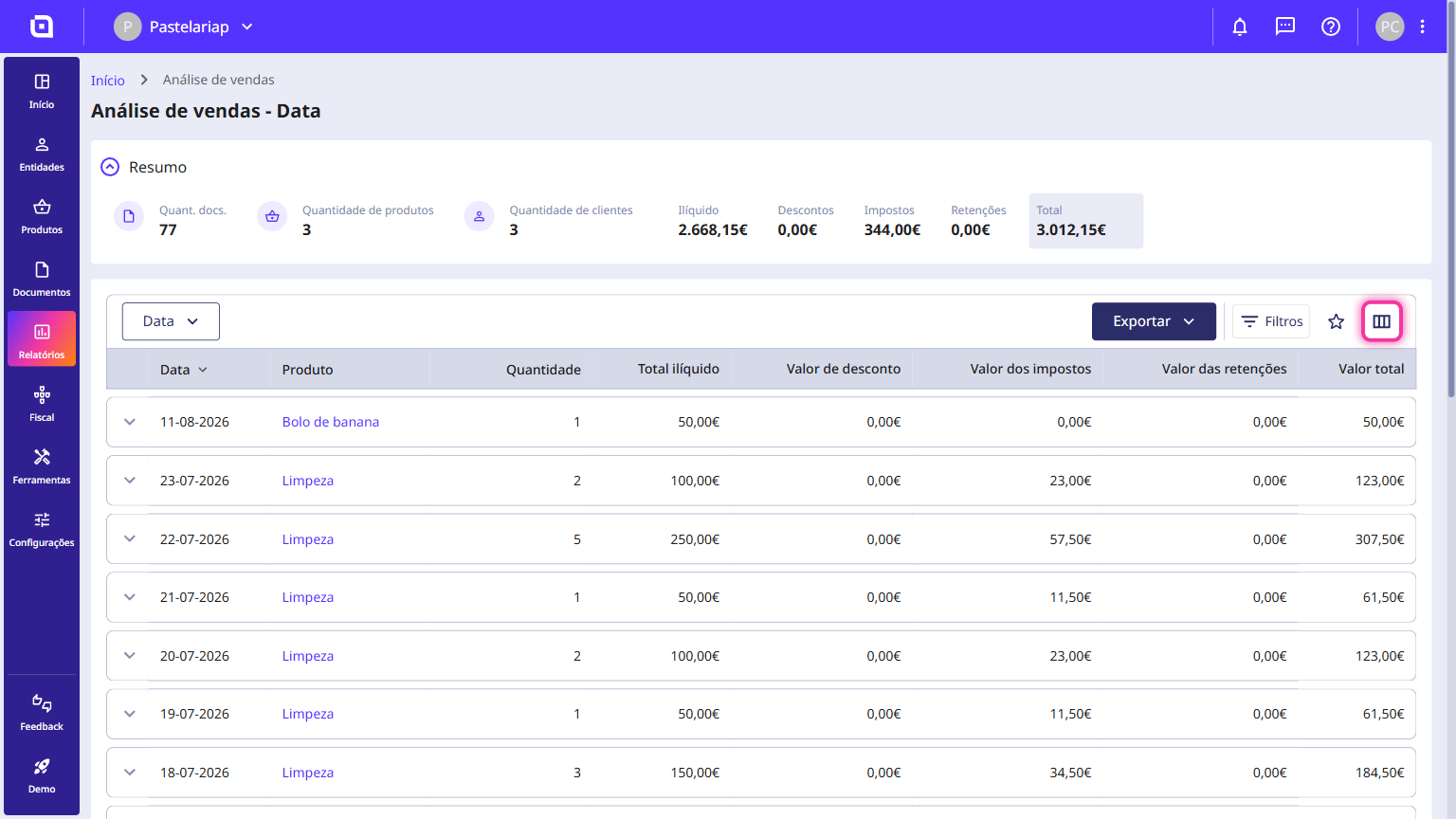
3. The list displays several columns such as date, product, quantity, and gross total, among others. You can customise the visible columns by clicking the column icon (located at the top right of the list).
4. By selecting a specific product, you can view all documents in which it was included. If you only need the data for that specific product, use the Export button.
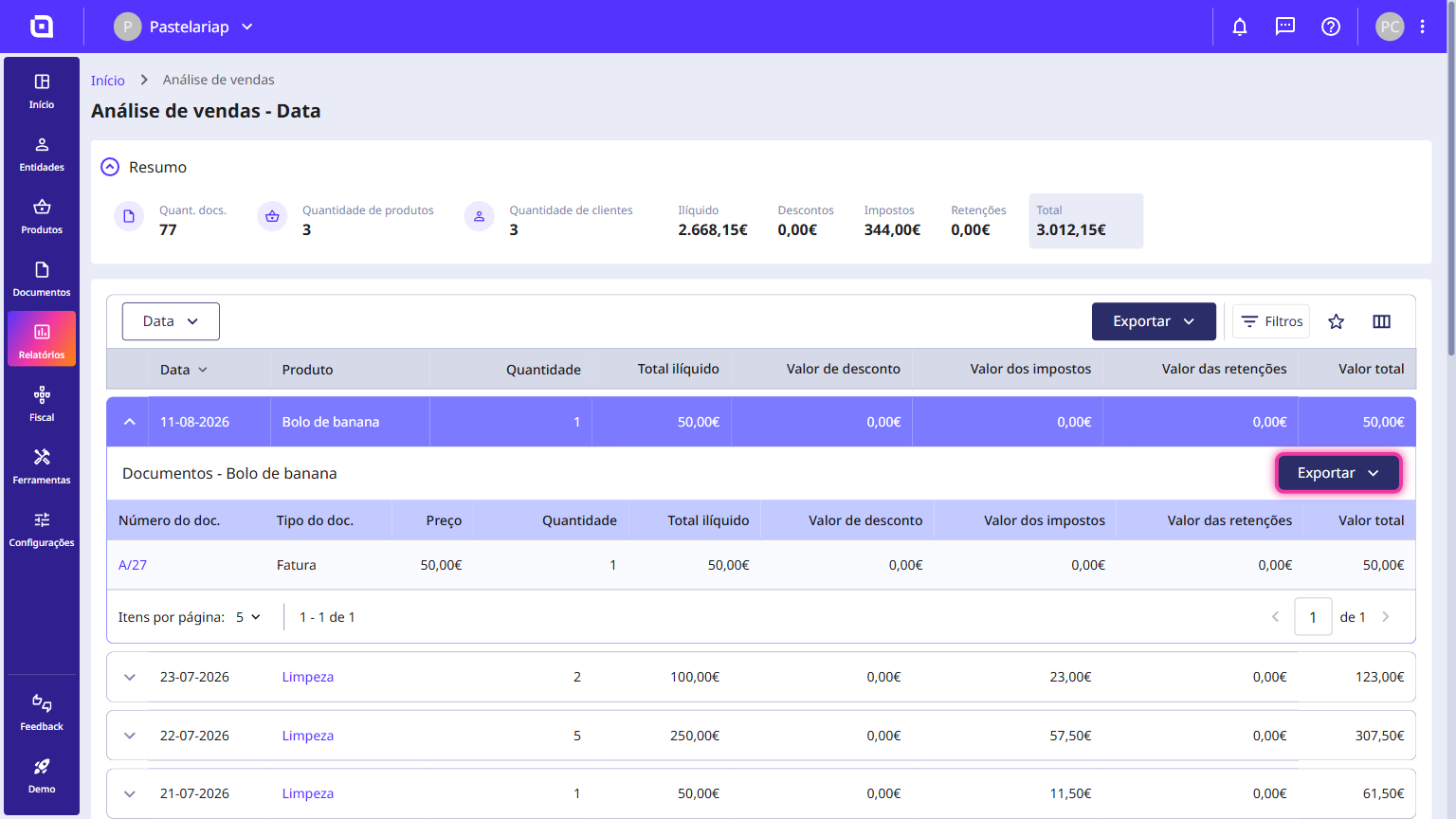
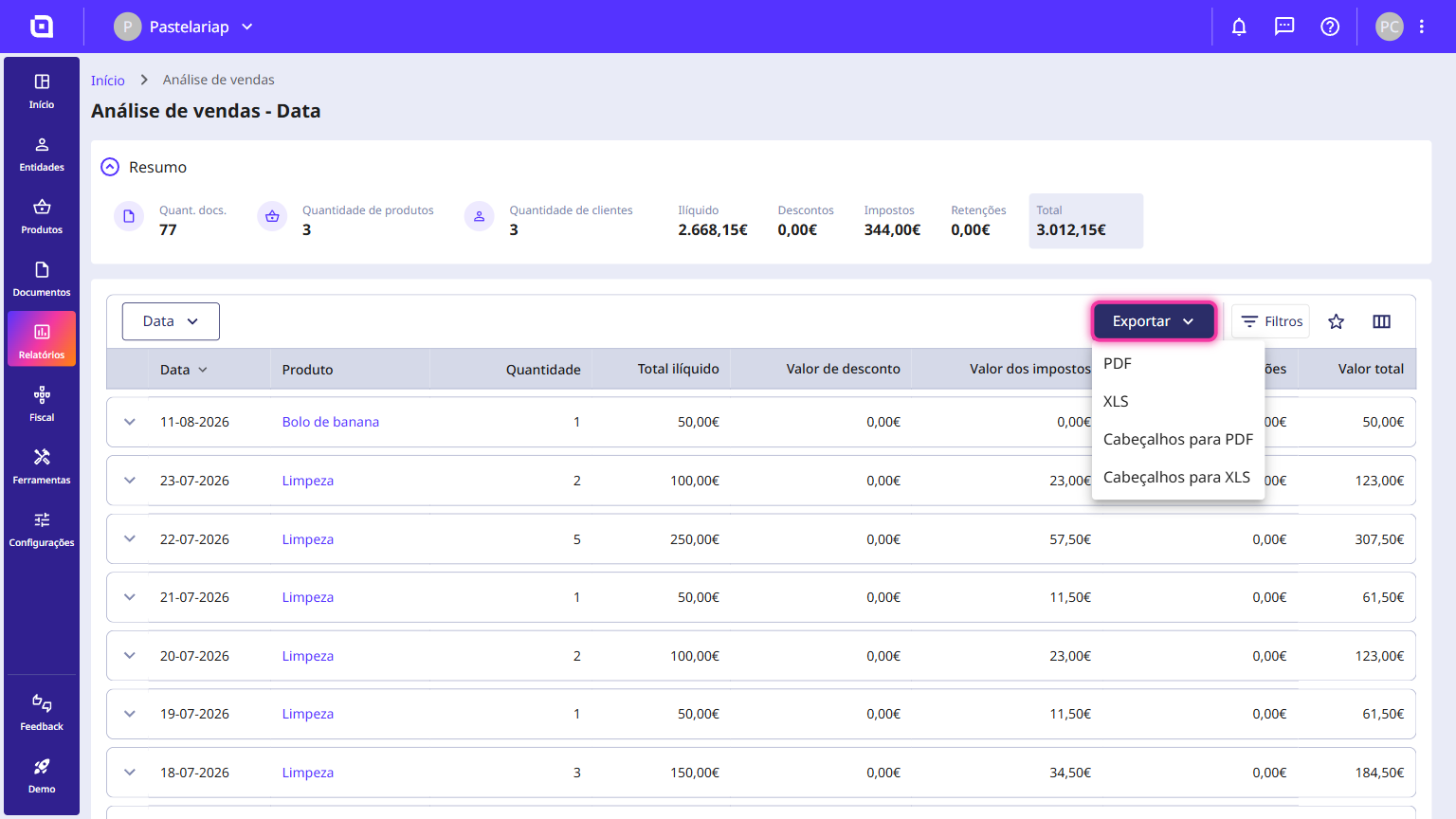
5. You can export the list of all products using the Export button and selecting your preferred format: PDF, XLS, Headers to PDF or Headers to XLS.
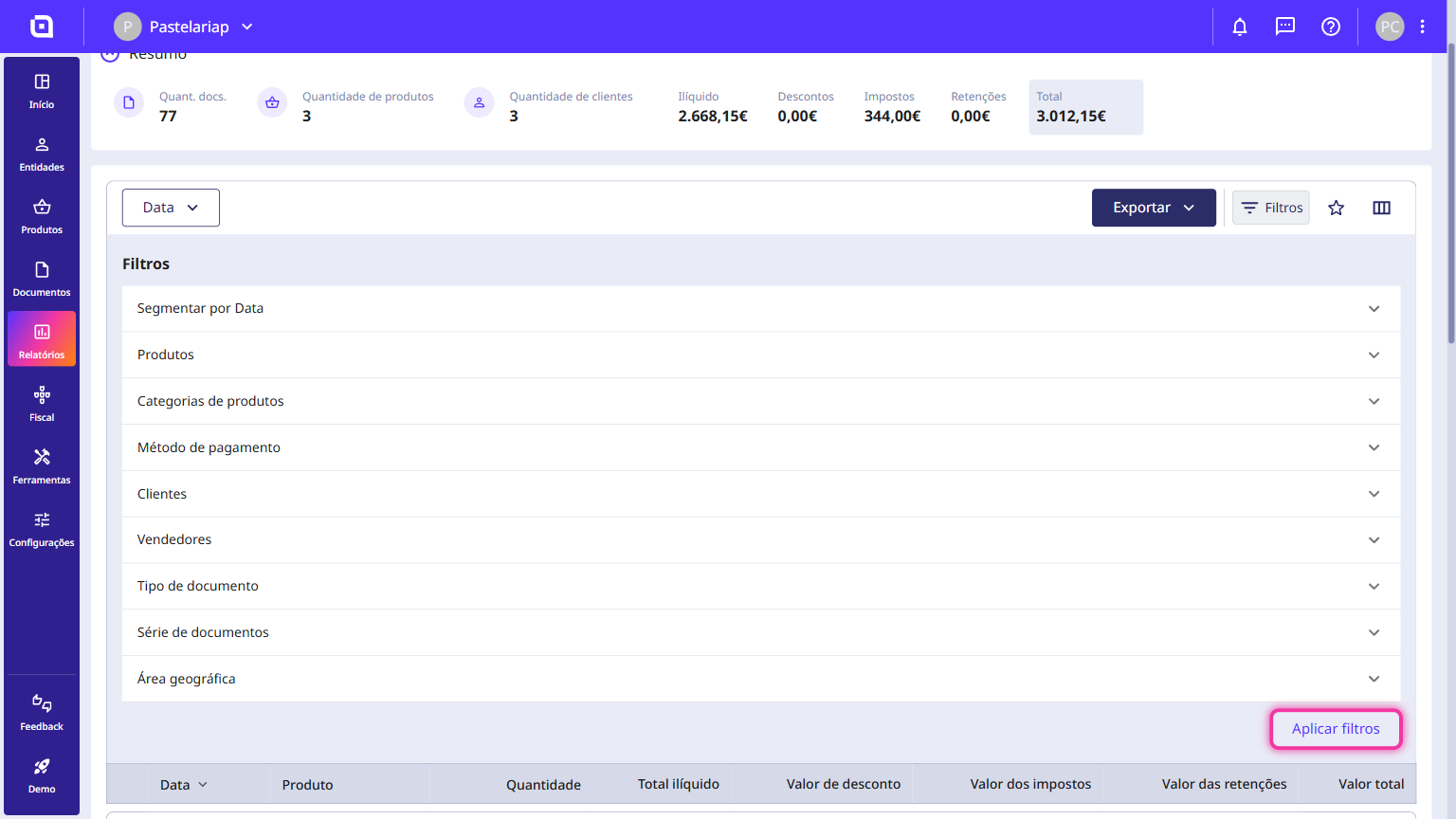
6. Using the Filters button, you can filter the list by:
- Segment by Date;
- Products;
- Product categories;
- Payment method;
- Customers;
- Salespeople;
- Document type;
- Document set;
- Geographic zone.
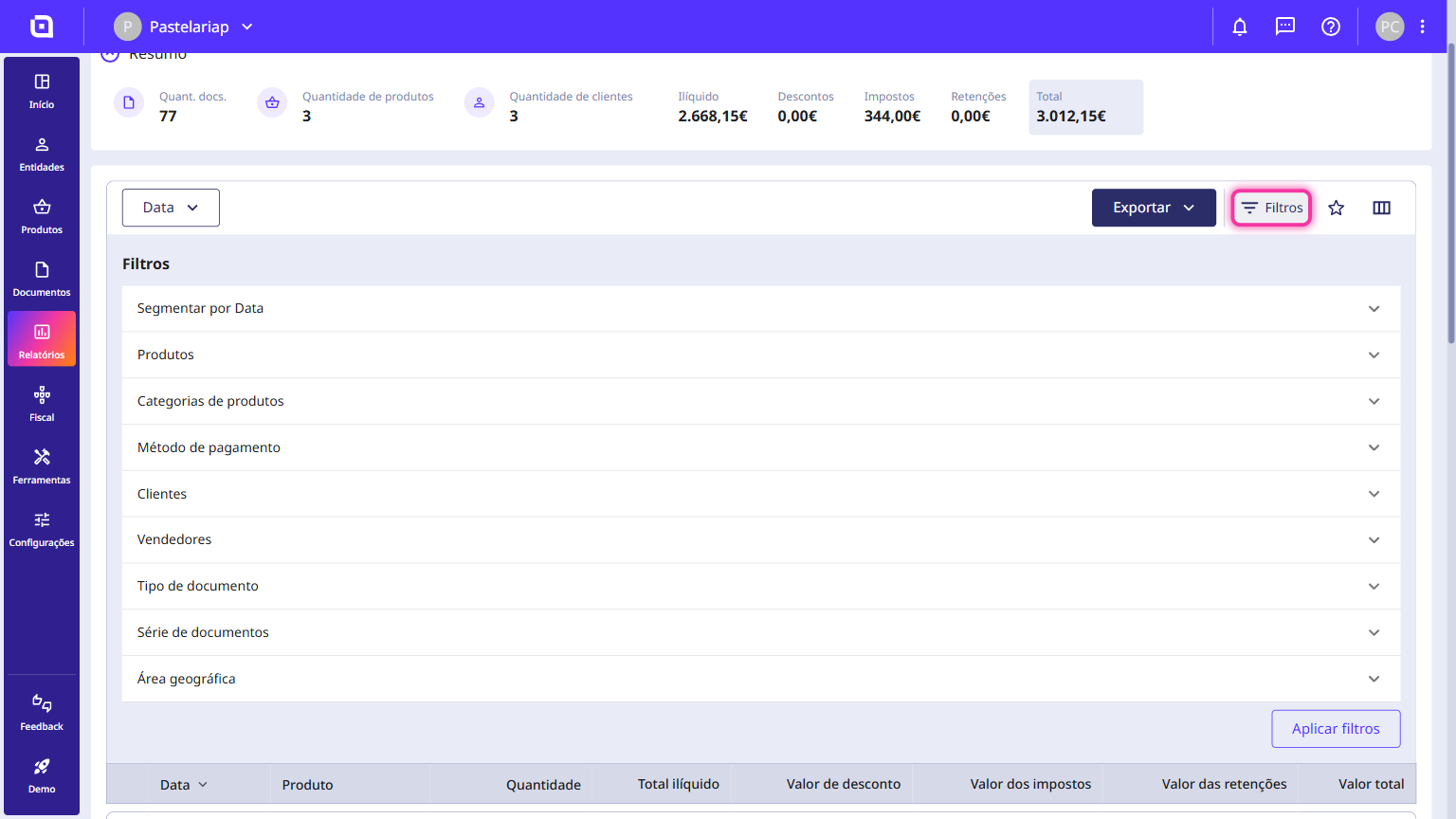
7. Click the Apply filters button to update the list.