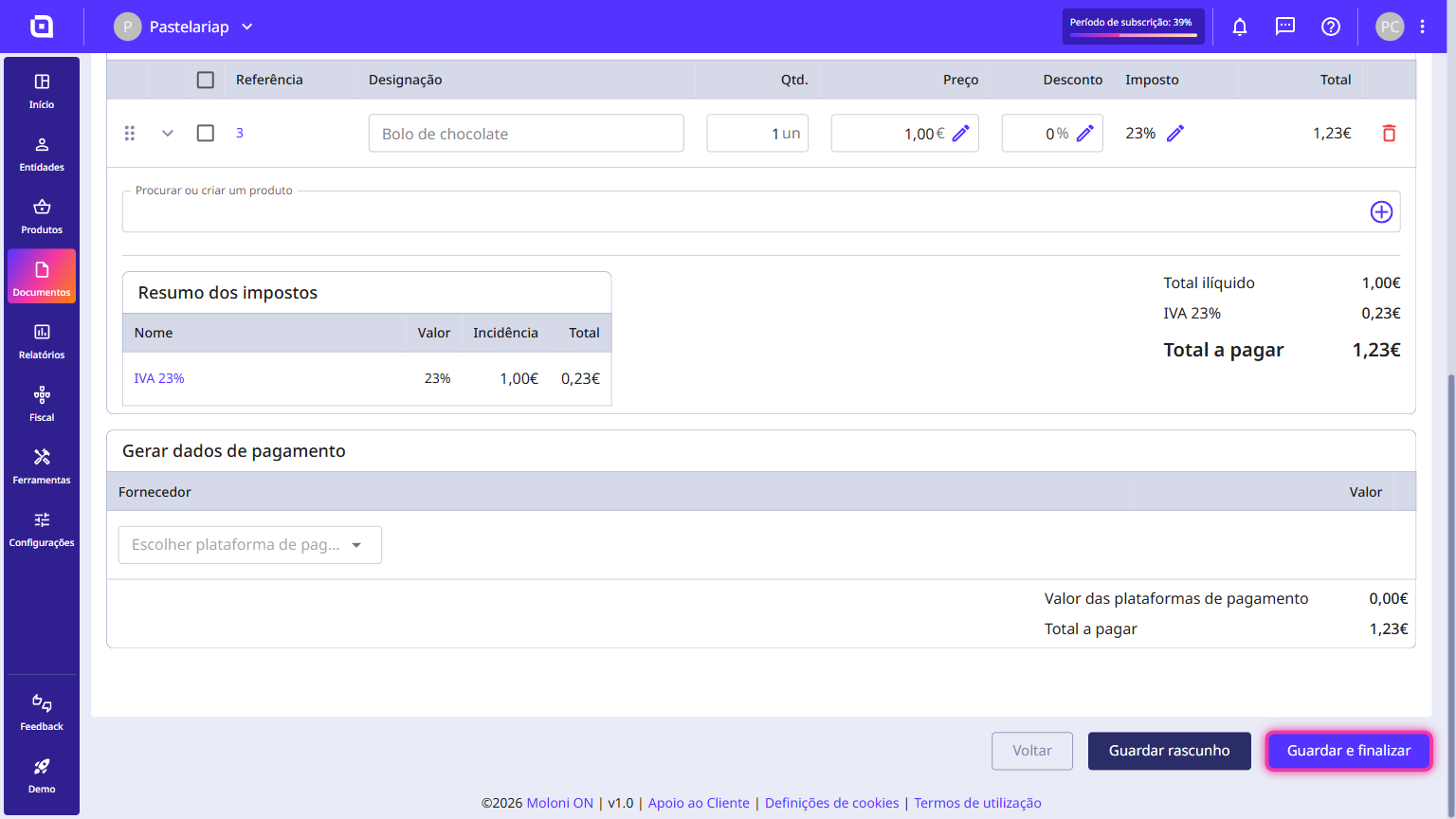
How to issue an invoice
An invoice is the document you issue whenever you sell a product or provide a service. In Moloni ON, it takes just a few steps: you choose the document set, the customer and the products, and the invoice is ready to send.
Follow these steps:
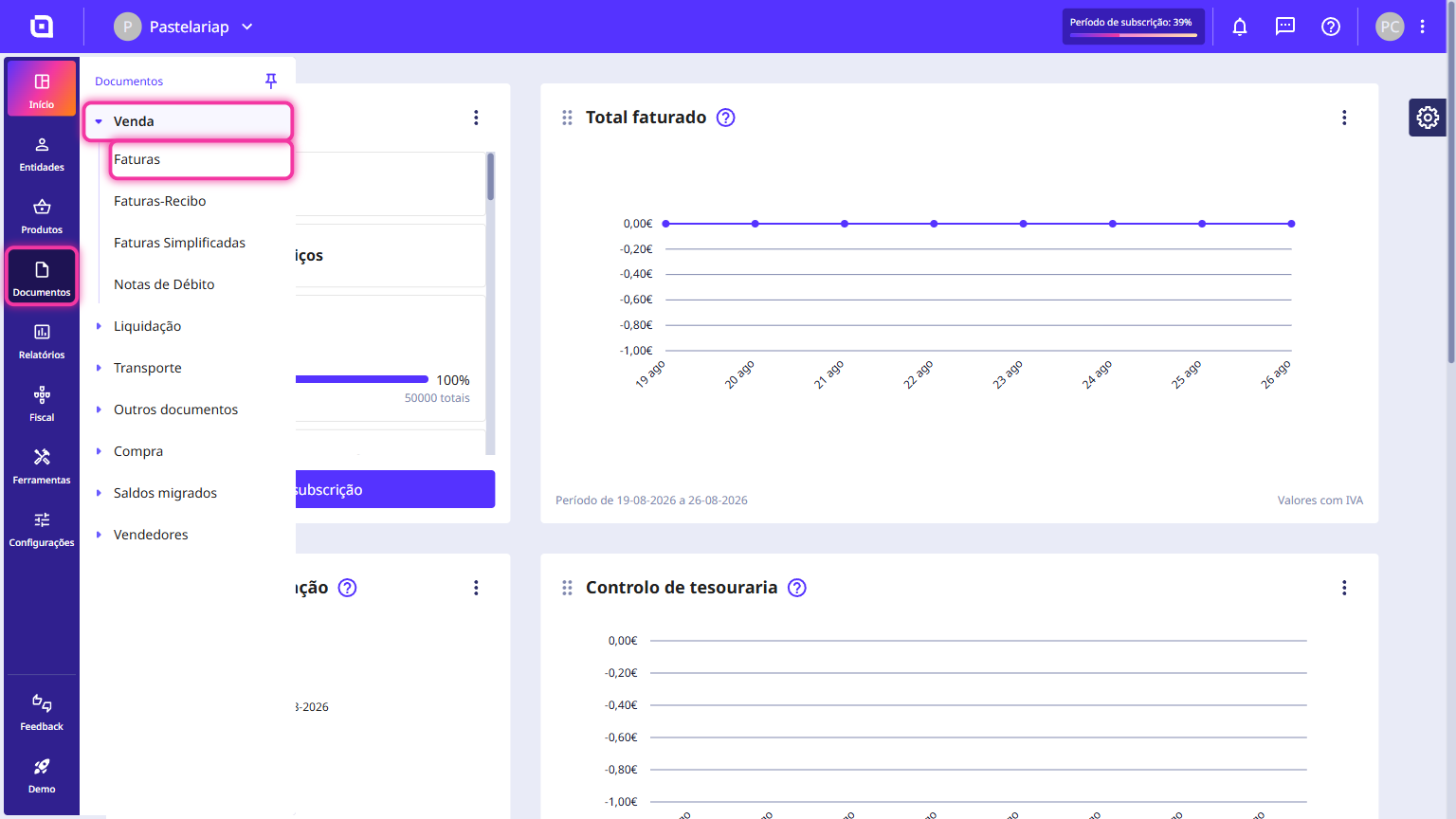
1. Go to the menu Documents, select Sales and click on Invoices.
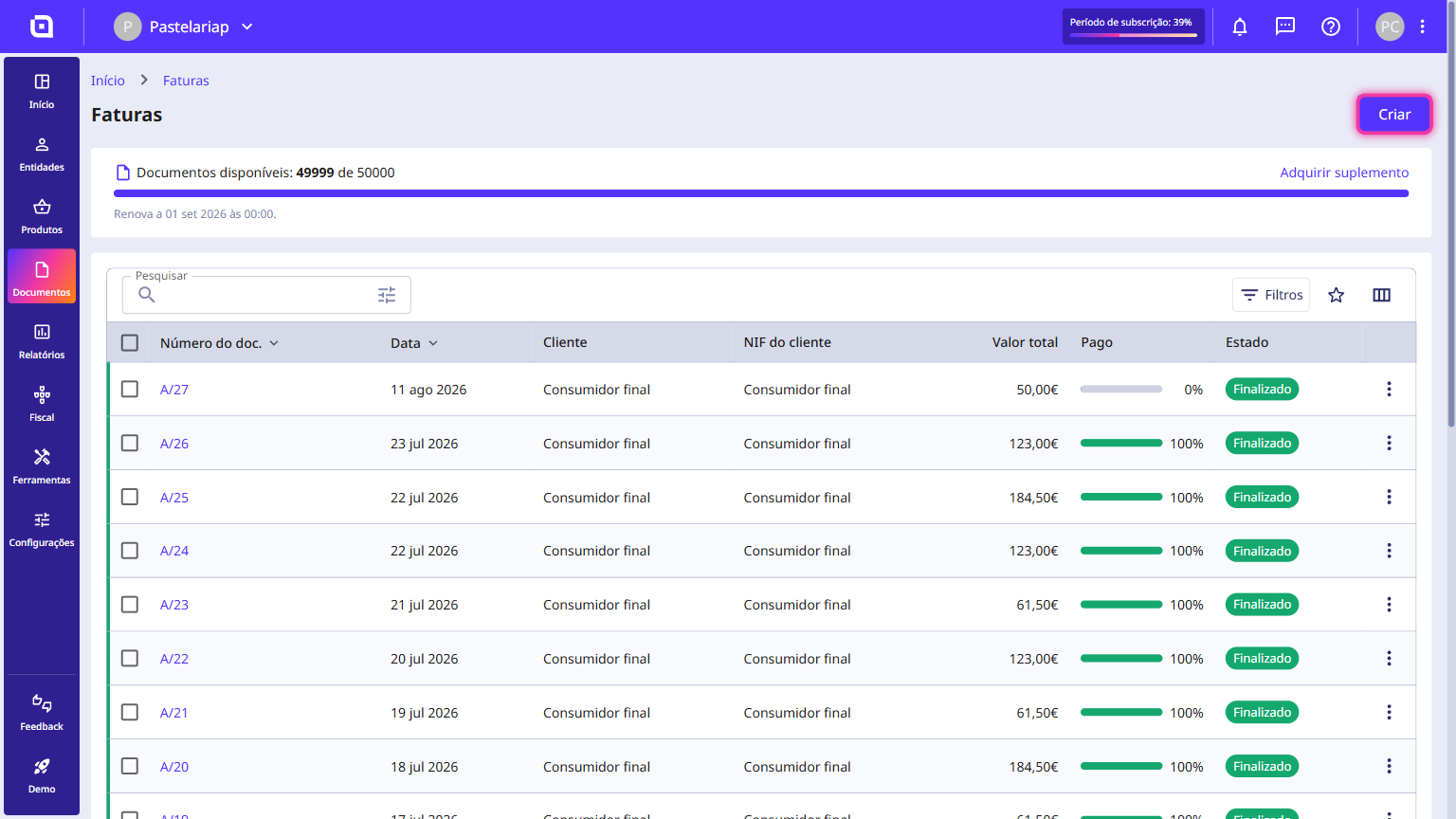
2. Click on Create.
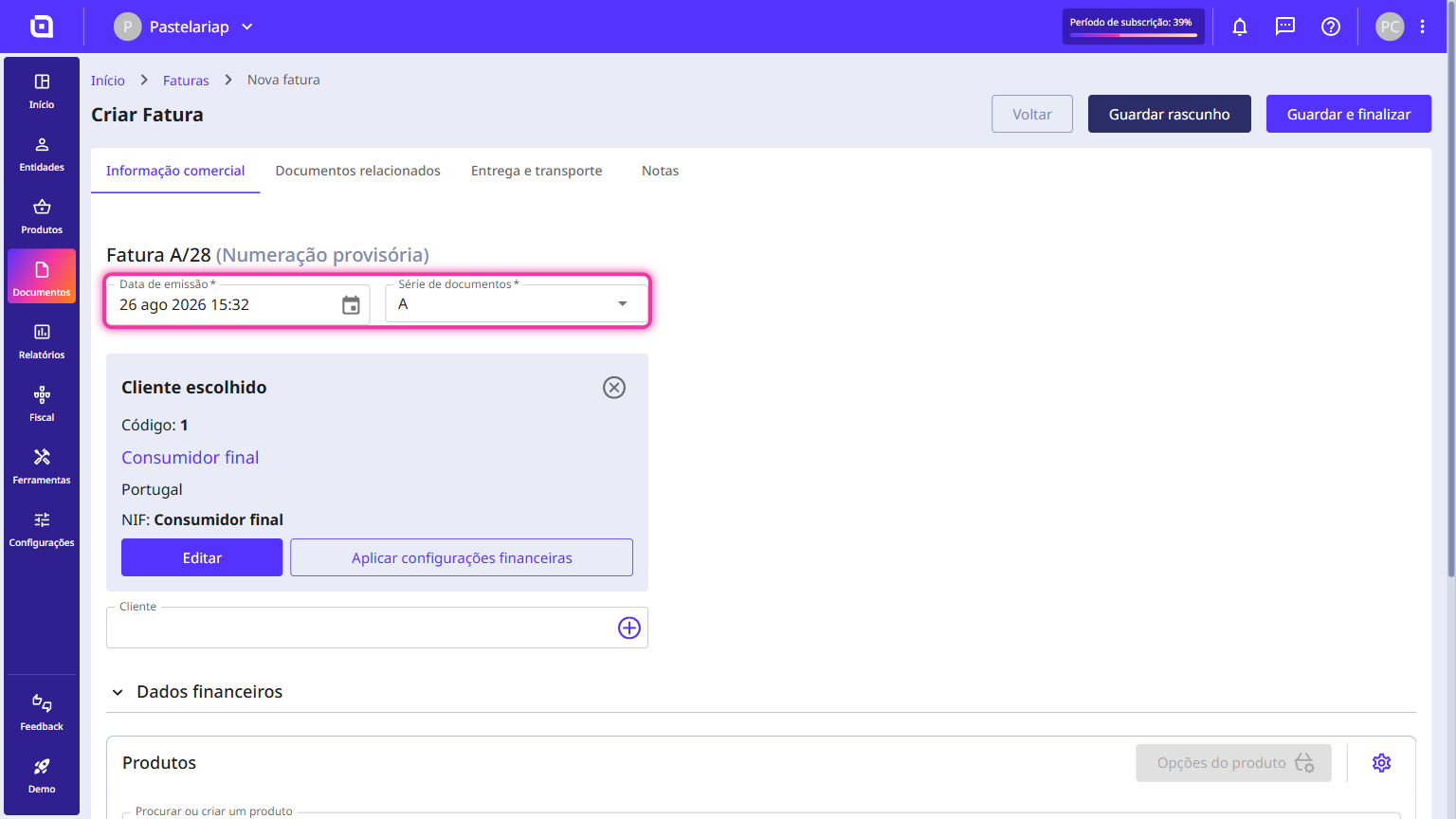
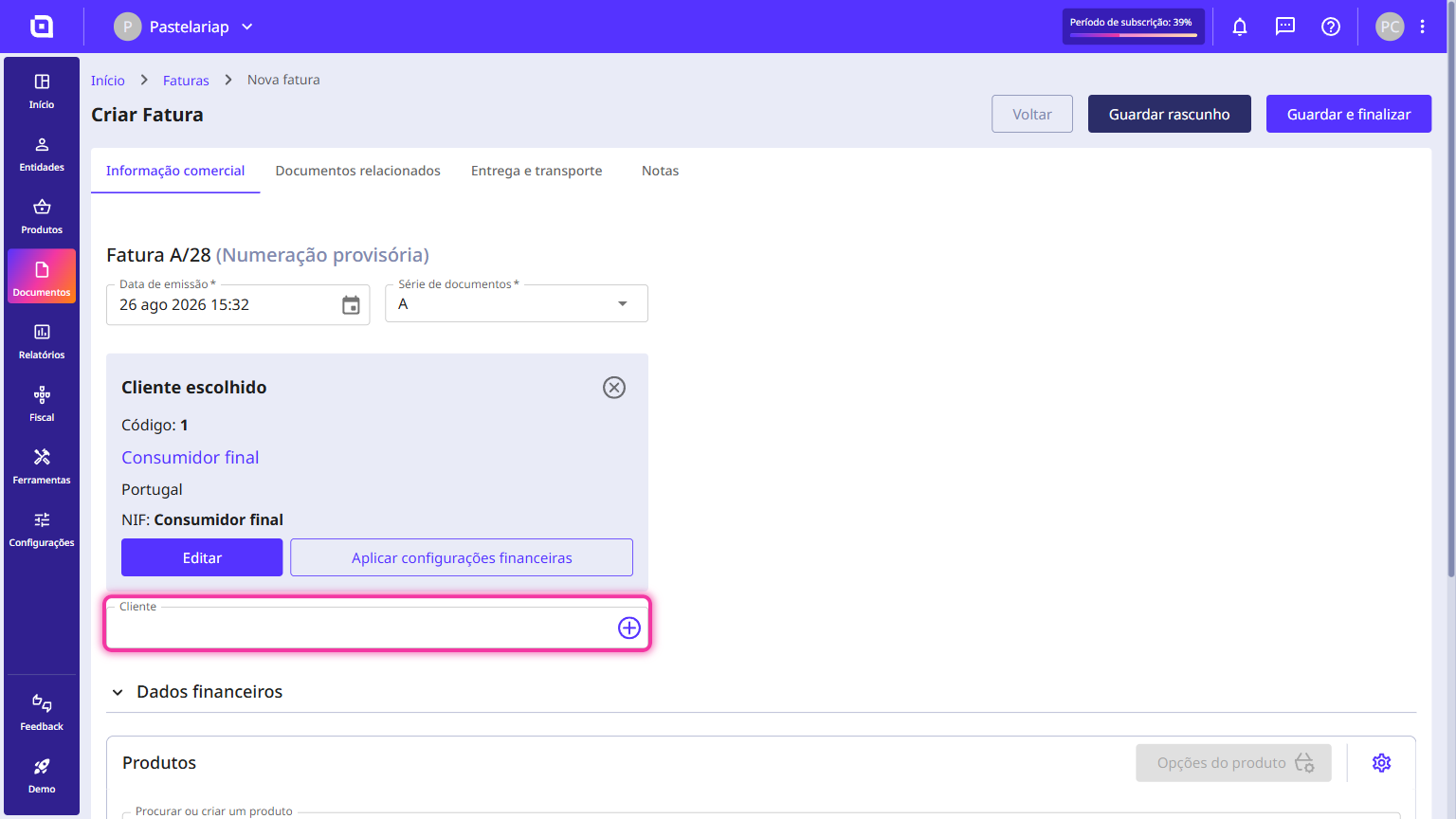
3. Select the issue date and the document set.
4. Add the desired customer.
5. Add the desired products.
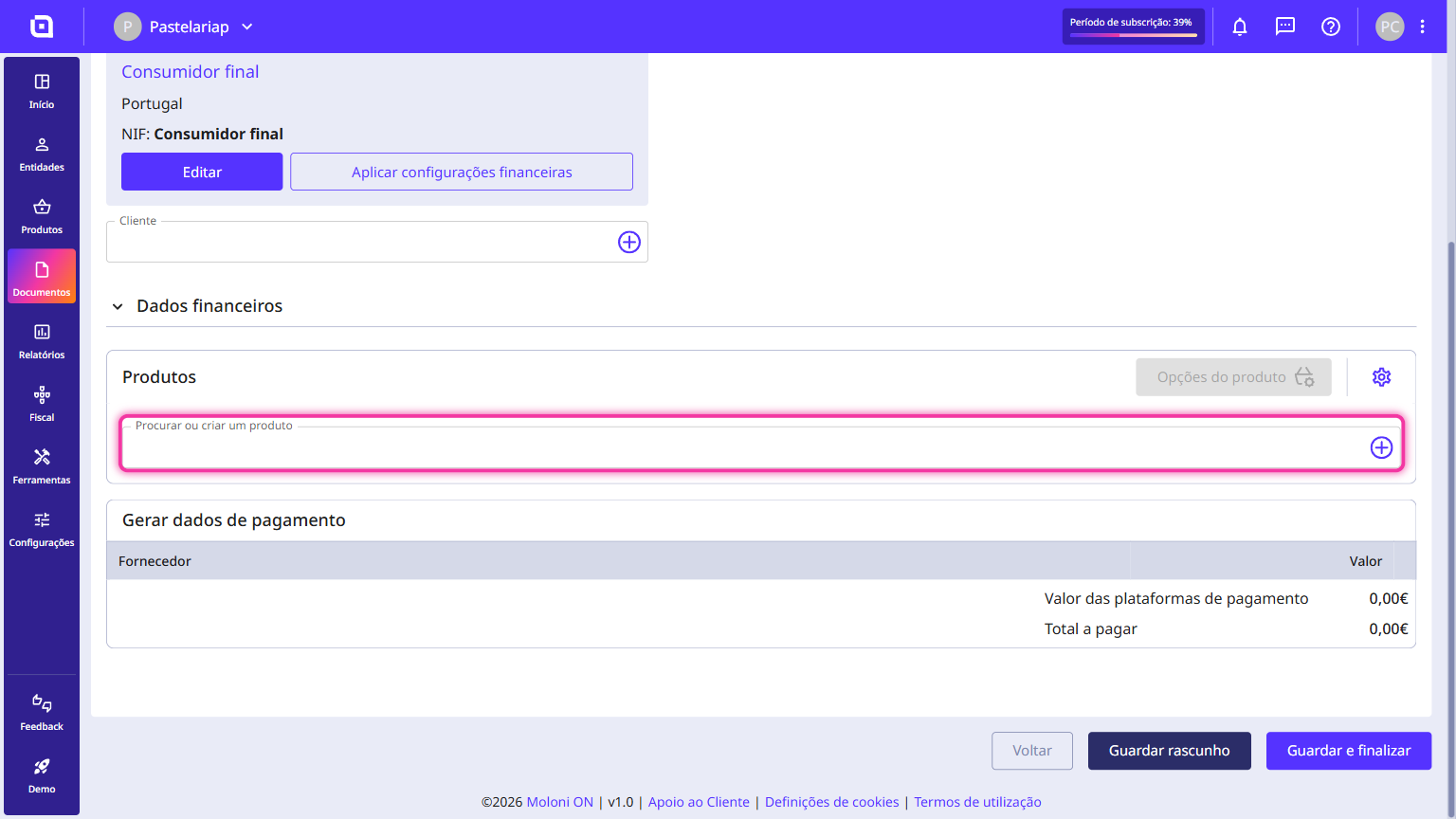
6. Click on Save and finish. From this point on, you can no longer change your document.