How to create a product
Each product stores the category, the reference, the description, the type, the price, the unit of measure and the tax you want to apply to it - and becomes available to pick on the lines of your documents.
Follow these steps:
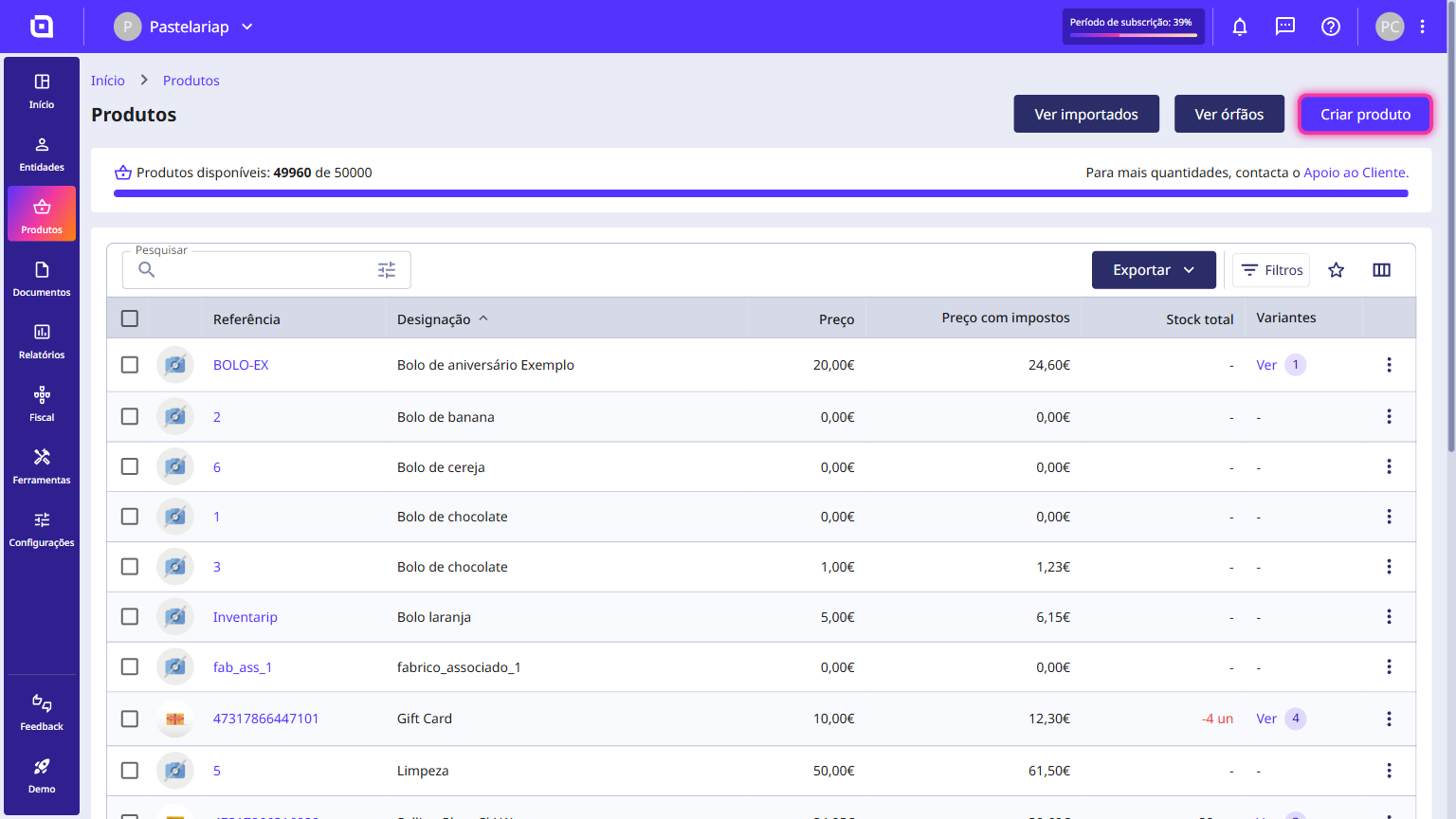
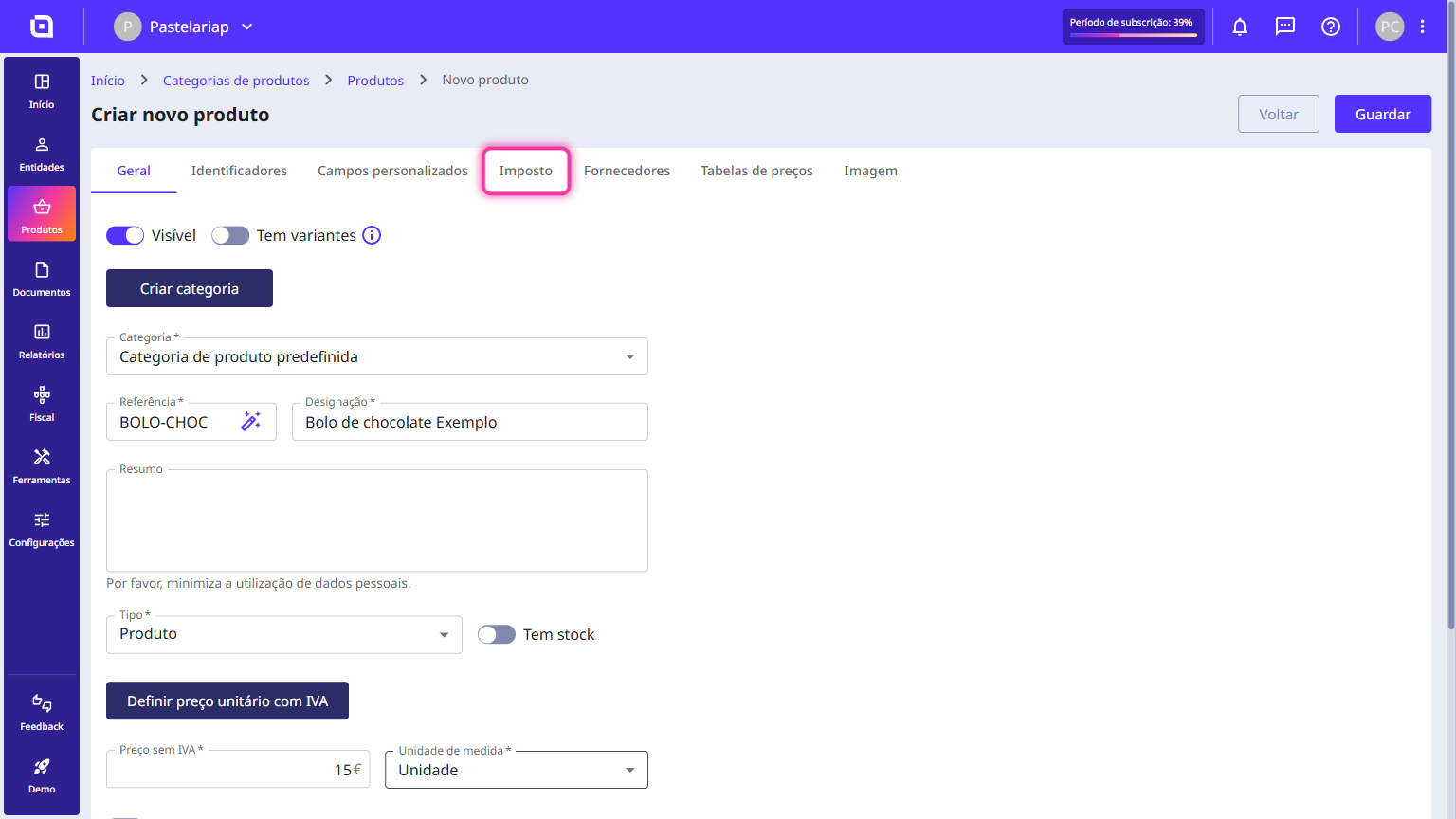
1. In the left-hand side menu, go to the Products section and click on Products.
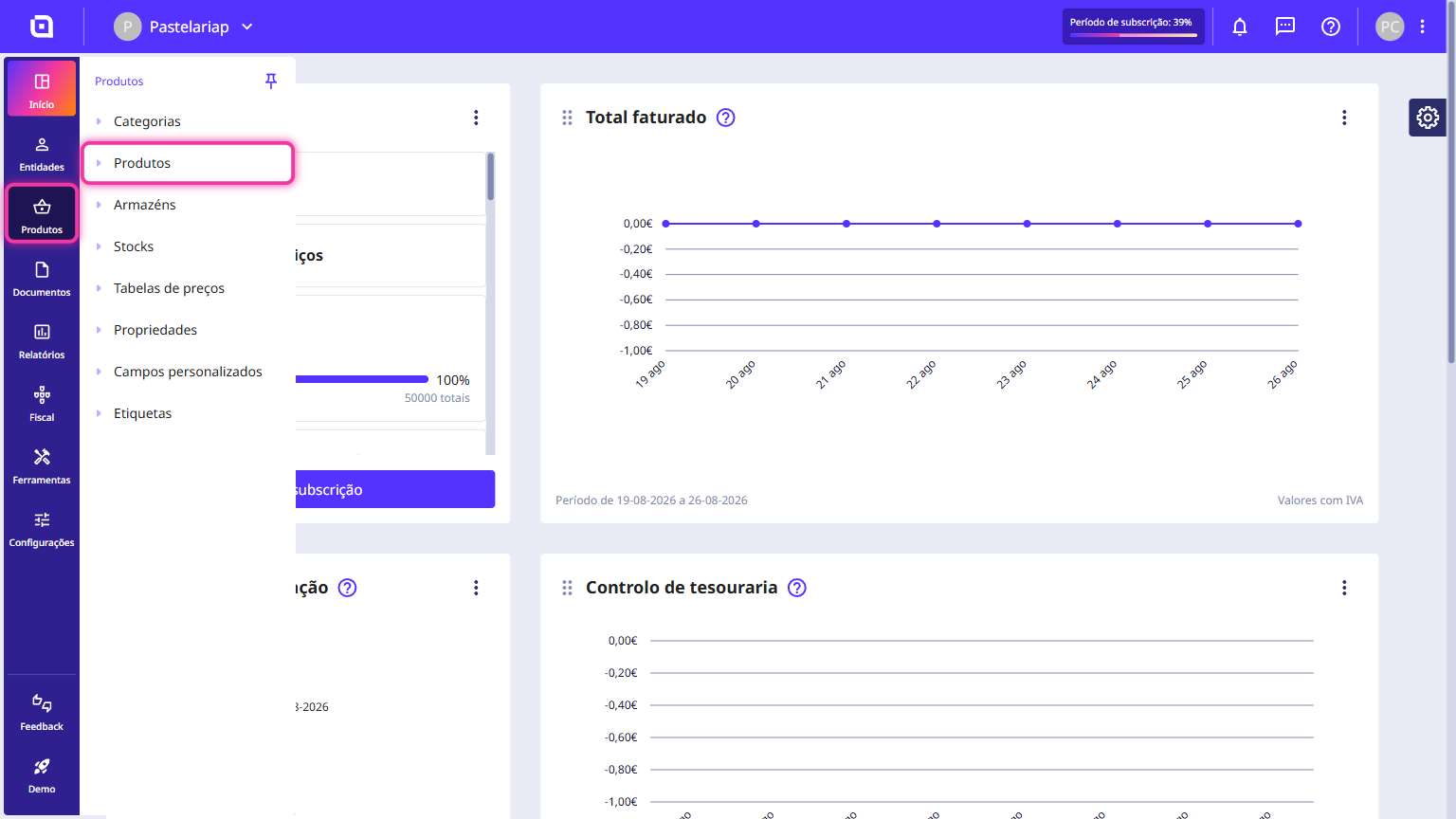
2. Click on Create product.
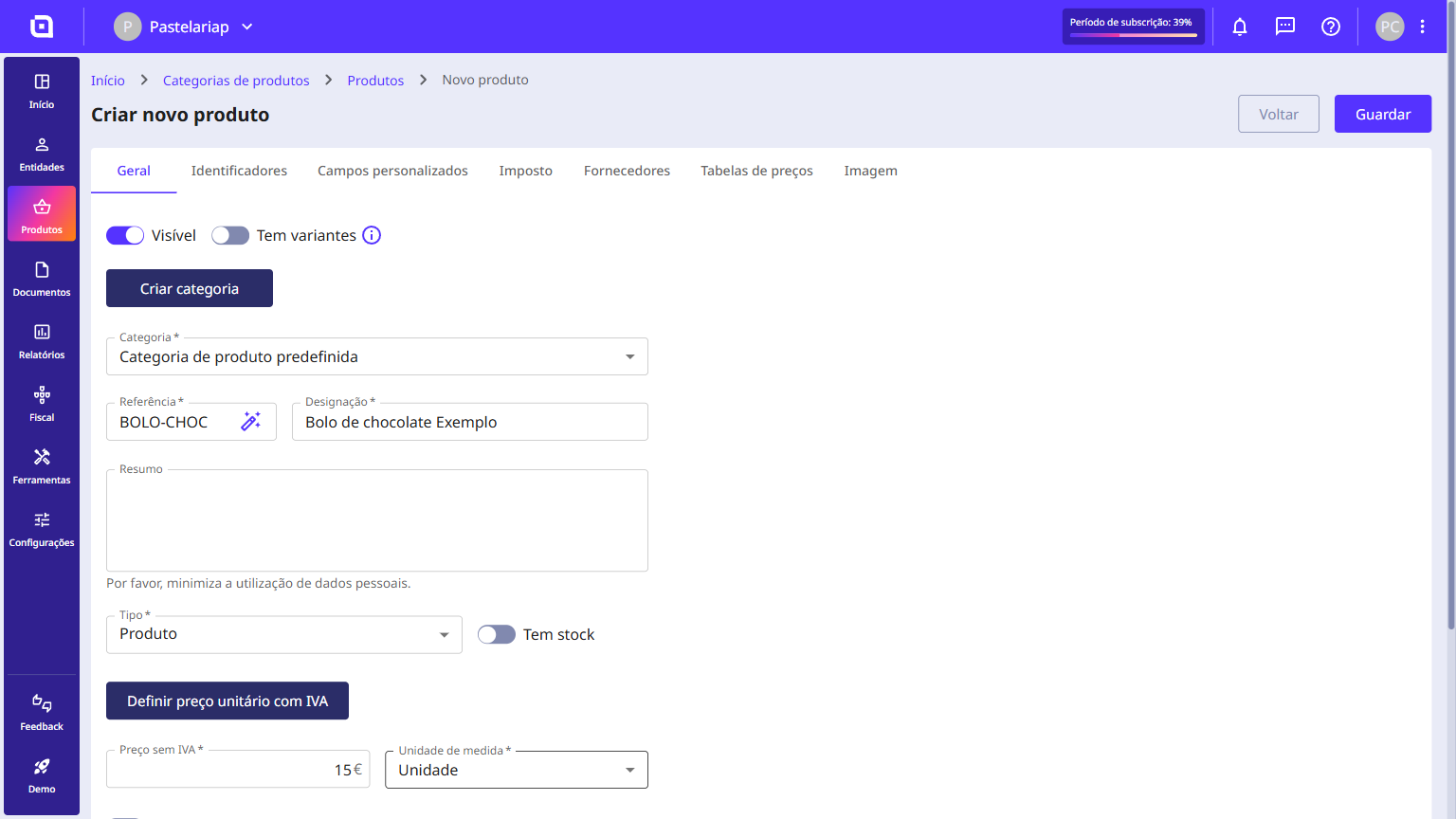
3. Enter the requested information such as category, reference, description, type, price without VAT and unit of measure. The remaining fields are optional.
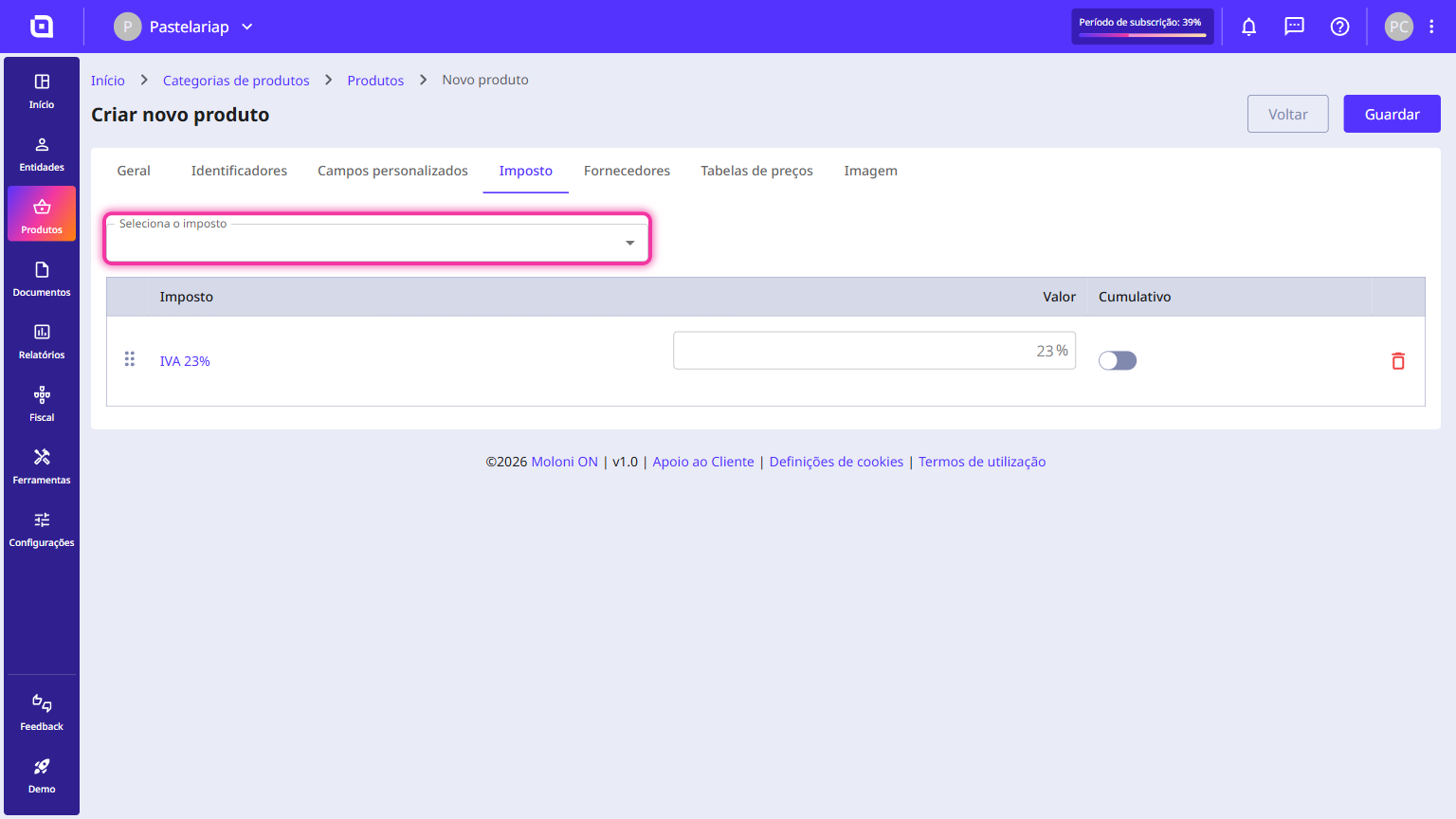
4. If you wish to add a tax, go to the Tax tab.
5. Select the tax to be applied to the product.
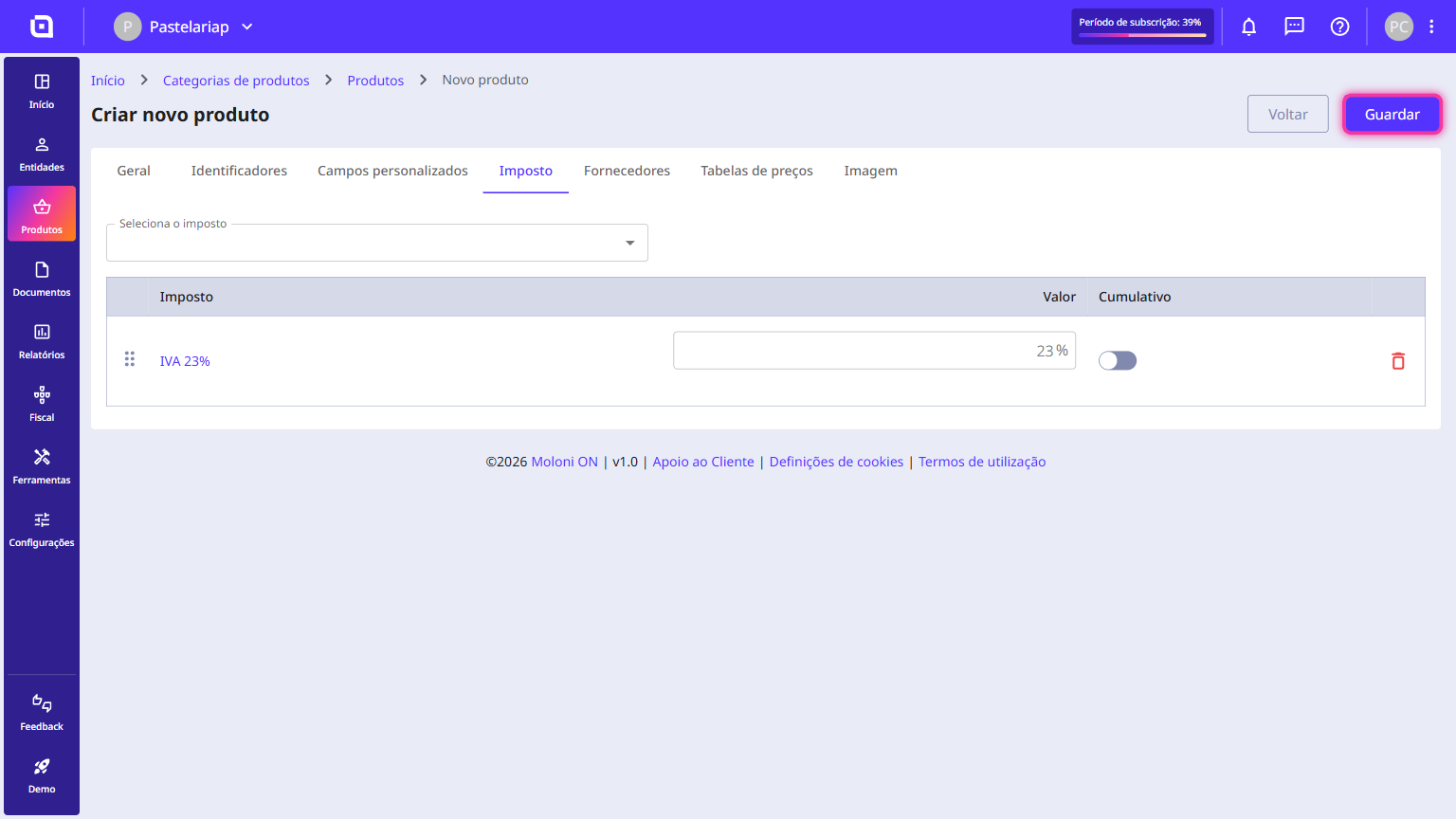
6. Click on Save.
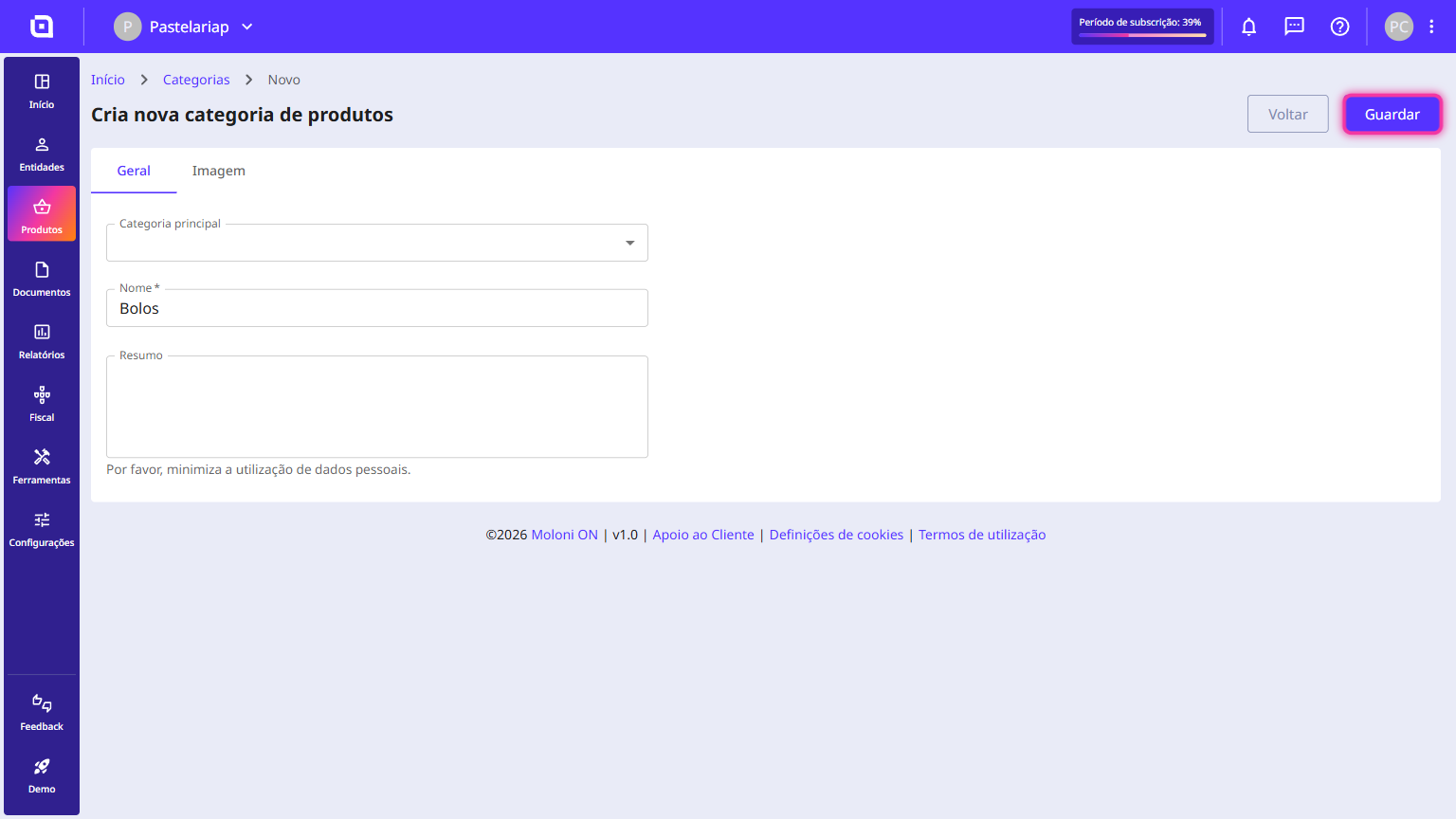
How to create a category
Follow these steps:
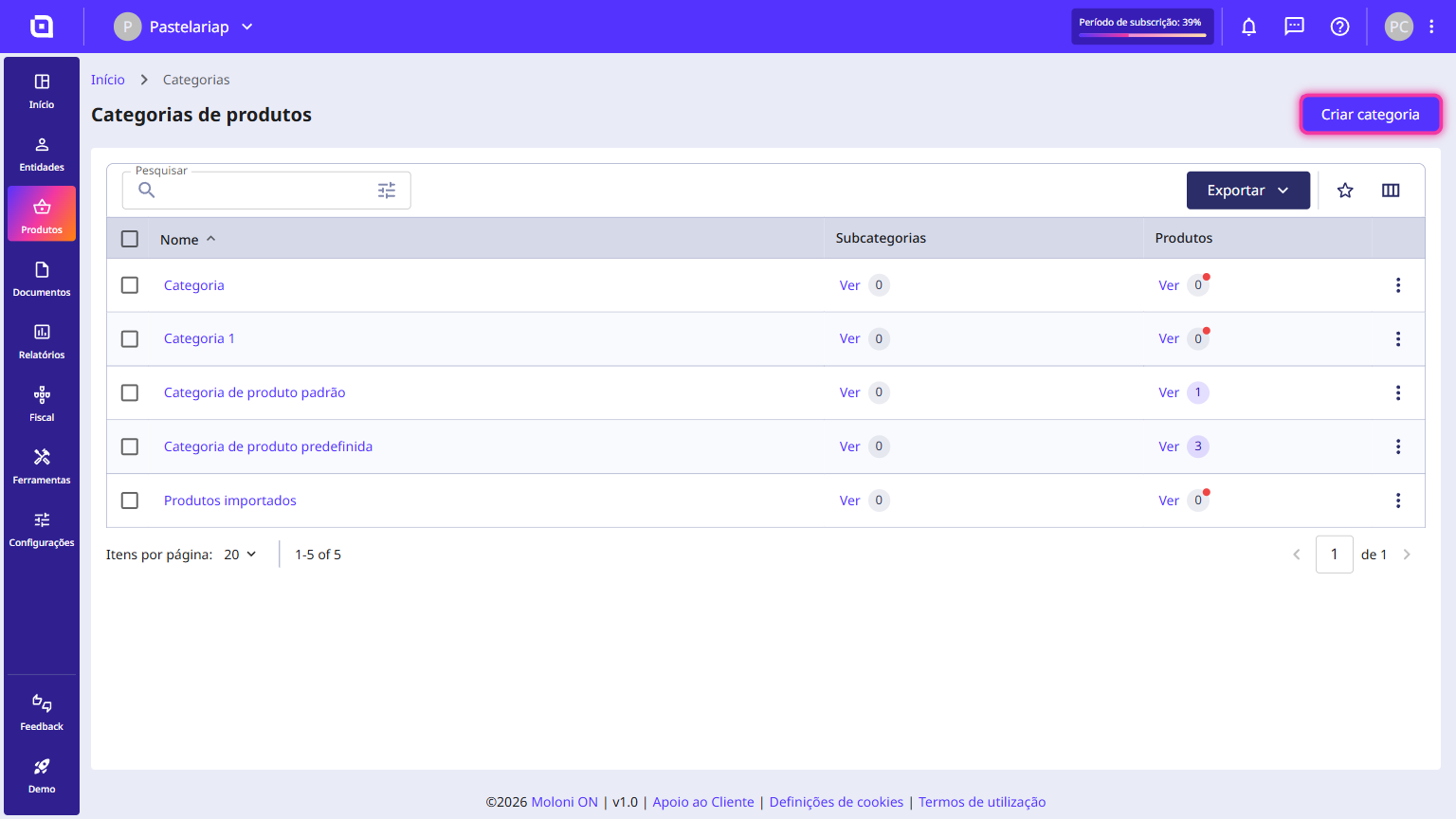
1. In the left-hand side menu, go to the Products section and click on Categories.
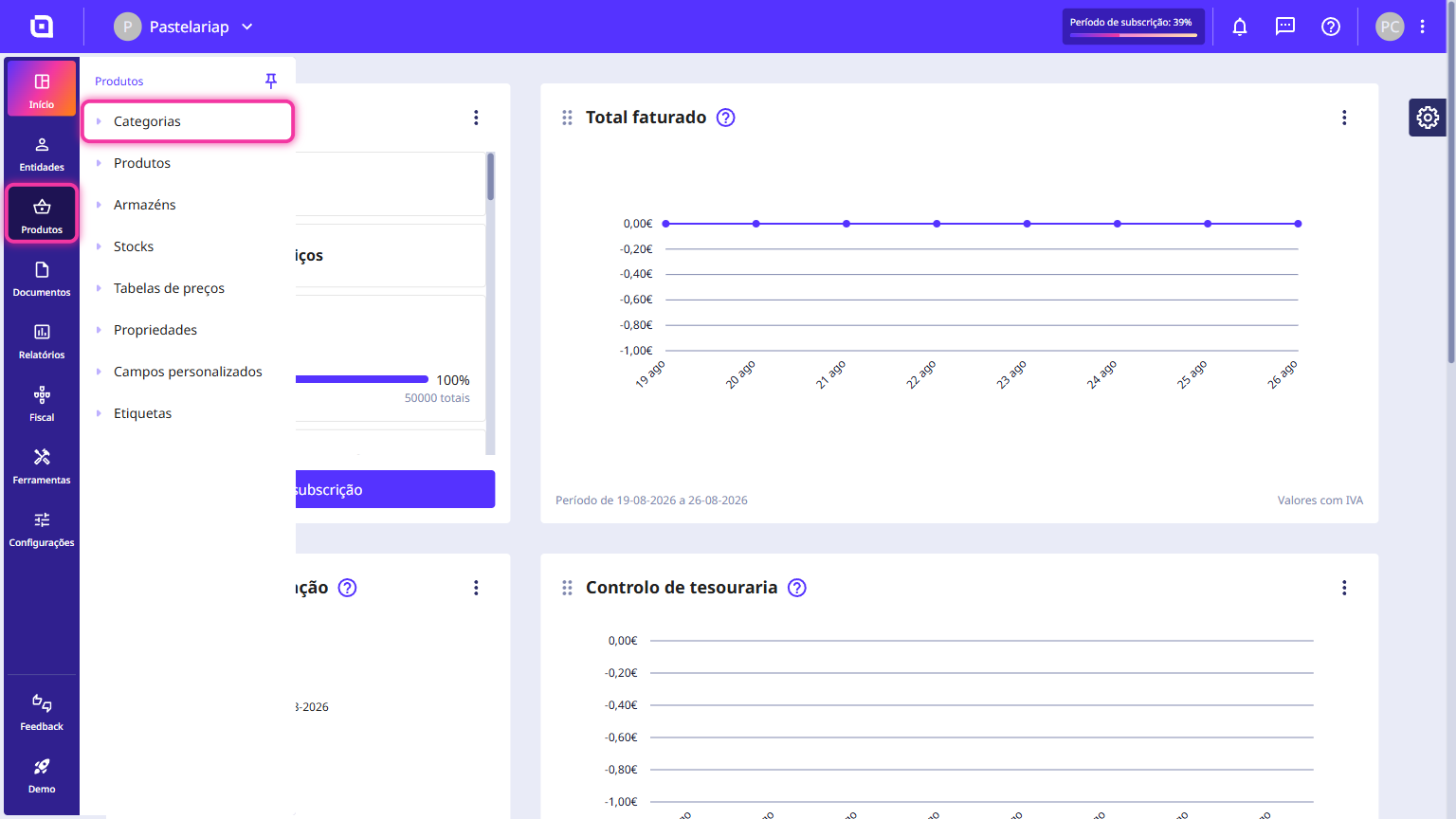
2. Click on Create category.
3. Enter the name to be assigned to the category. The remaining details are optional.
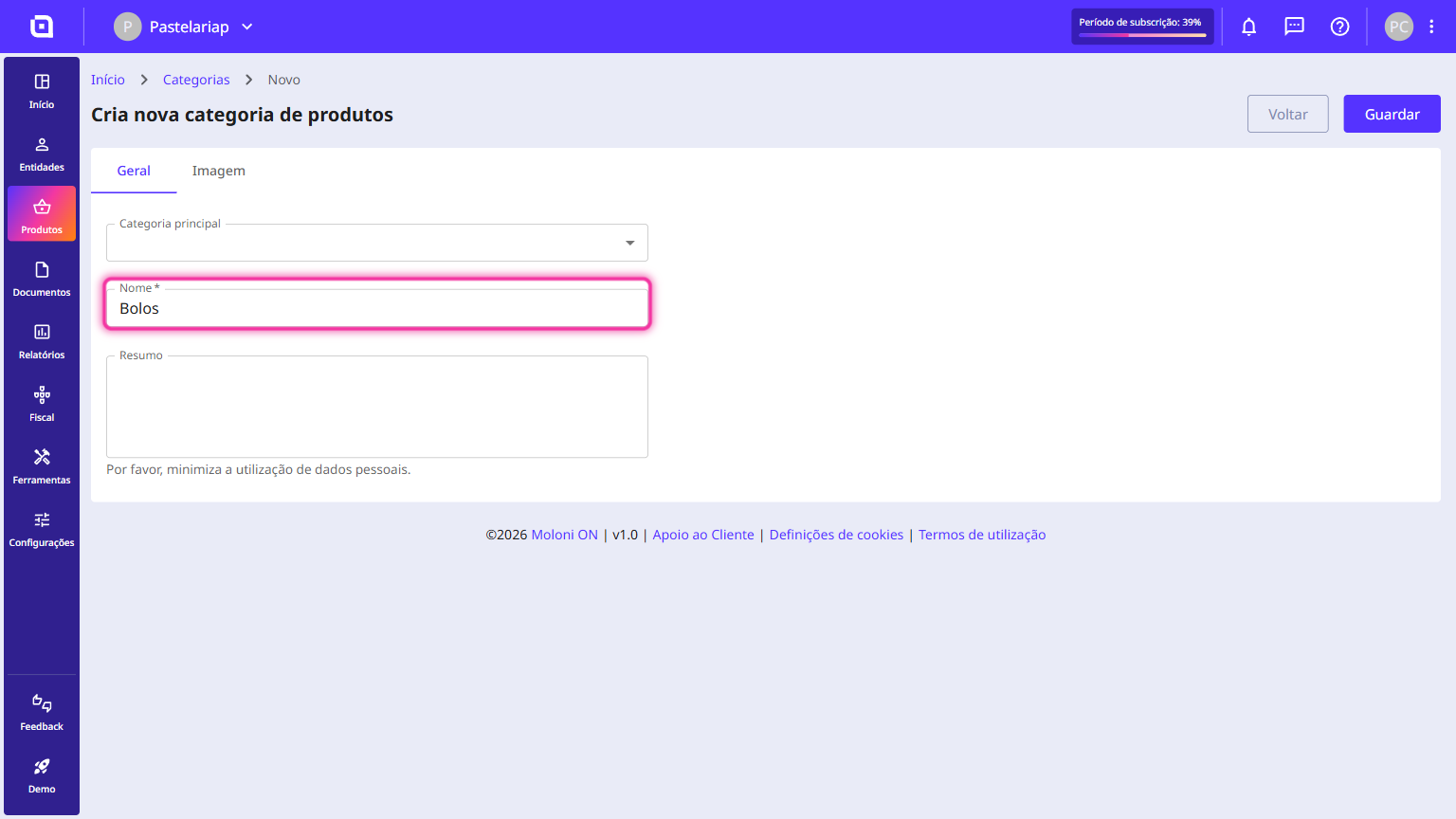
4. Click on Save.