How to create a customer
Follow the steps:
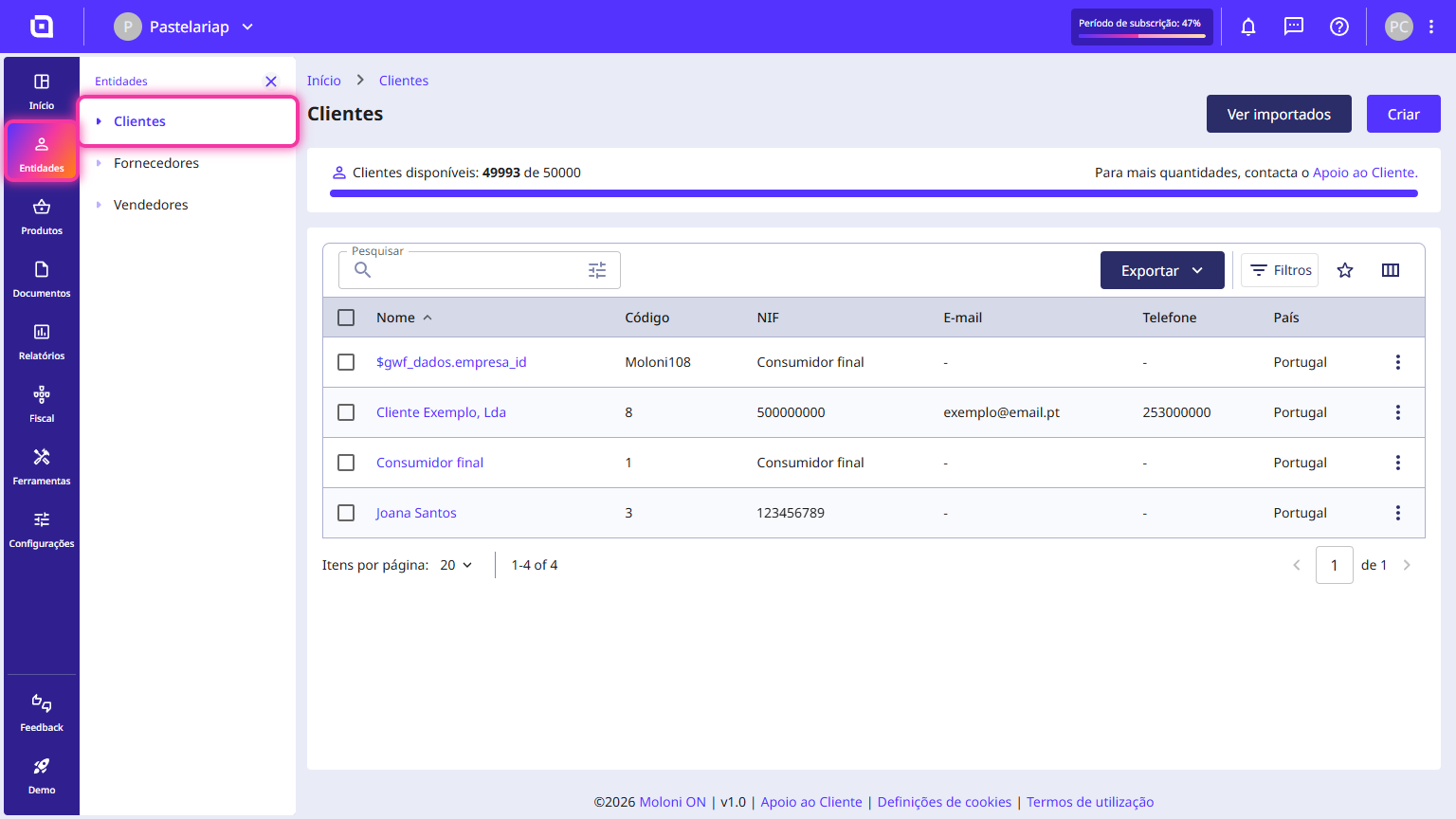
1. Go to the menu Entities > Customers.
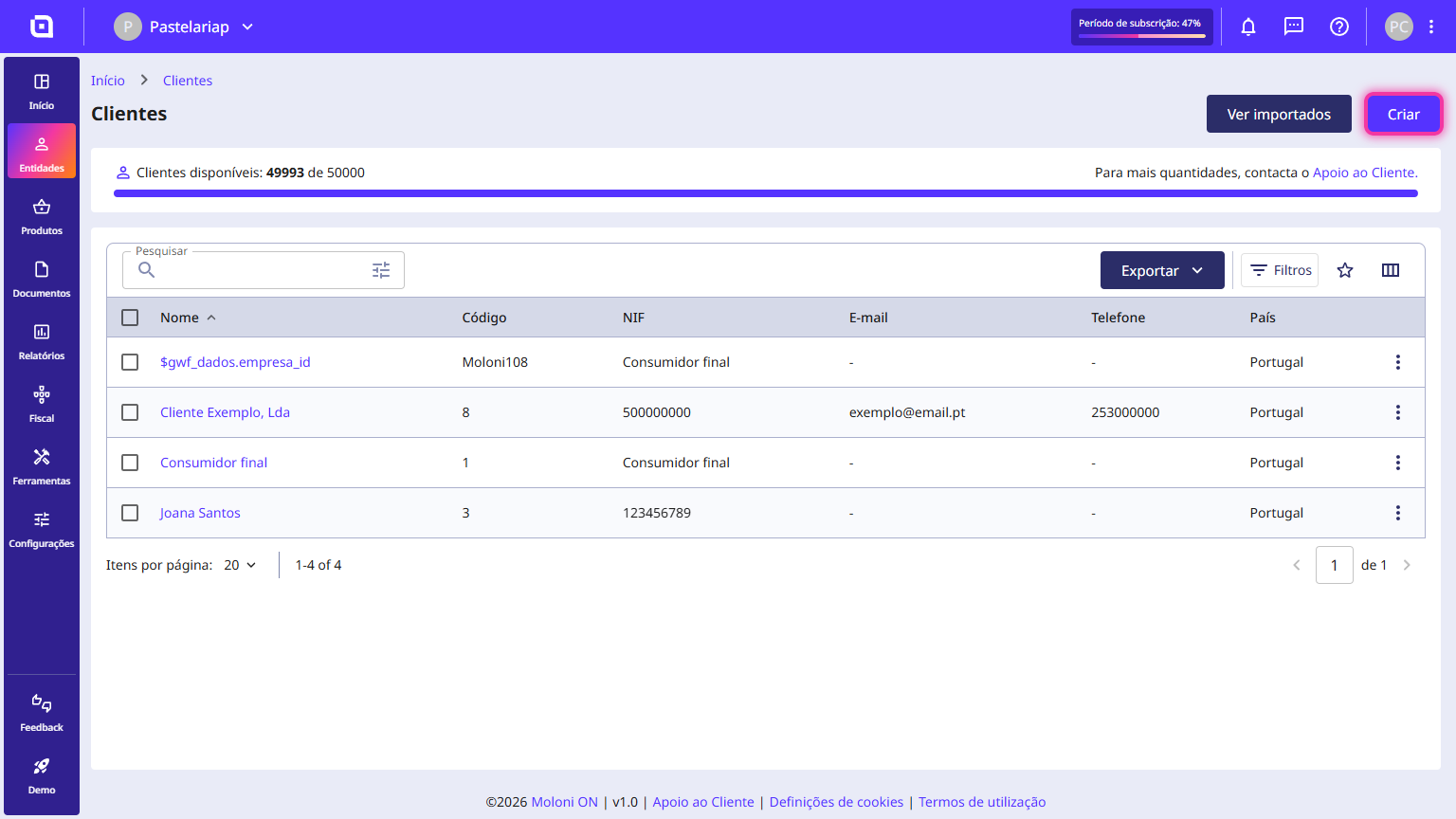
2. Click on Create.
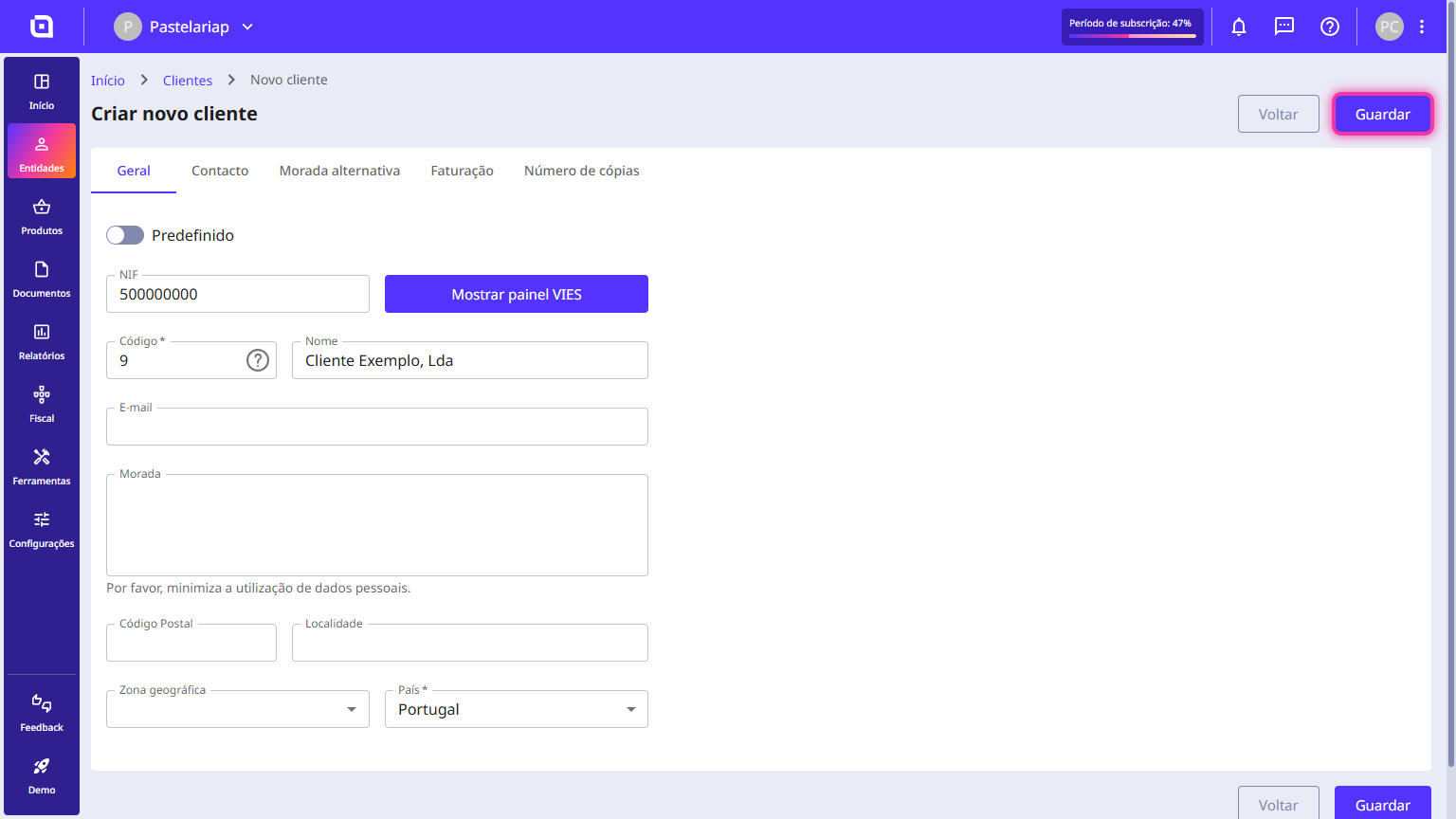
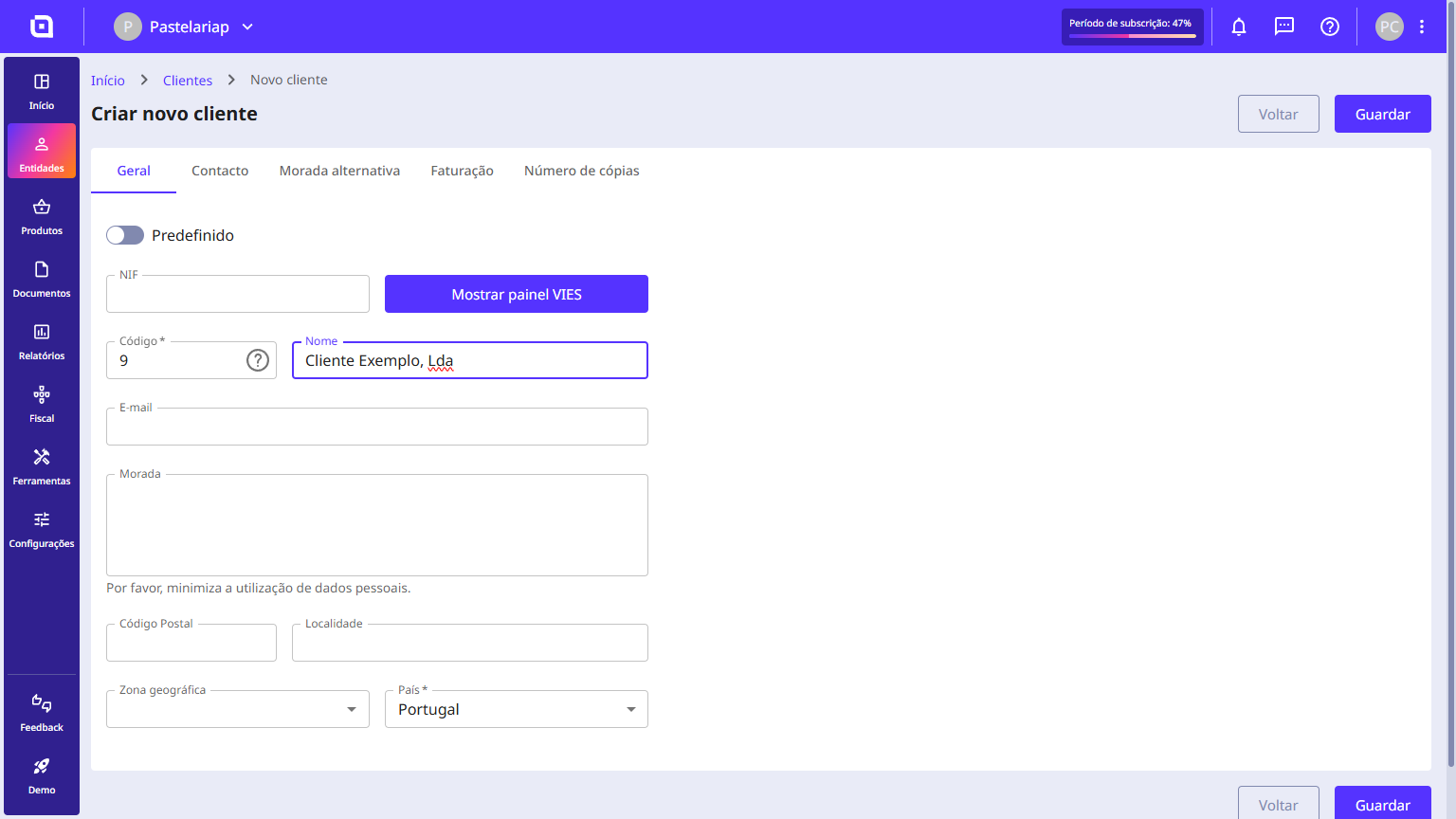
3. Enter the requested data such as the code, the name, and the country. The remaining fields are optional.
4. If you enter a VAT number, you can verify it. To do this, click the Show VIES panel button, select the country, and click Check VIES.
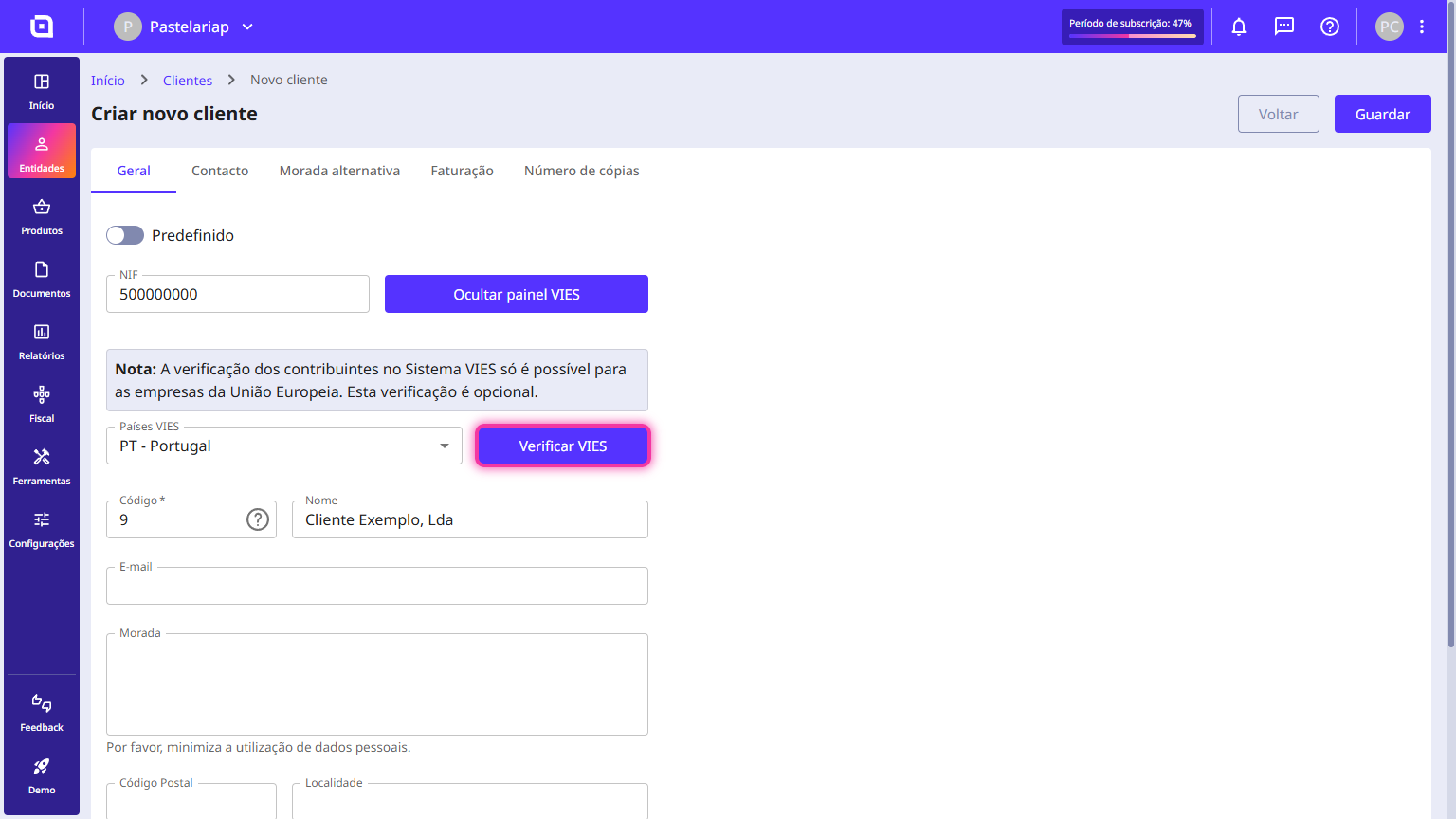
5. Click on Save.