How to add add-ons to your Moloni ON subscription
Follow these steps:
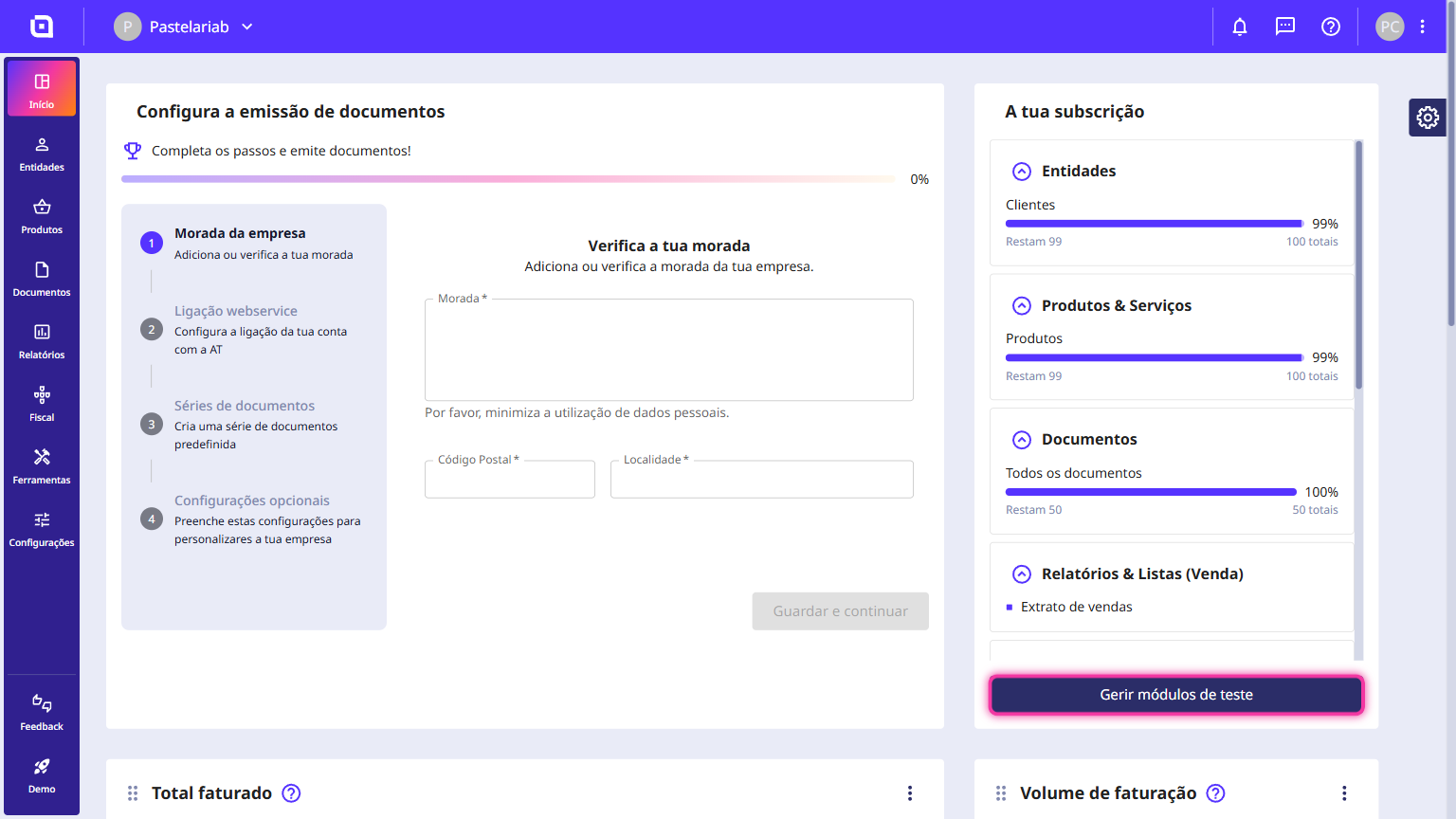
1. On the Moloni ON main dashboard, click the Manage trial add-ons button or Manage subscription if you have an active subscription.
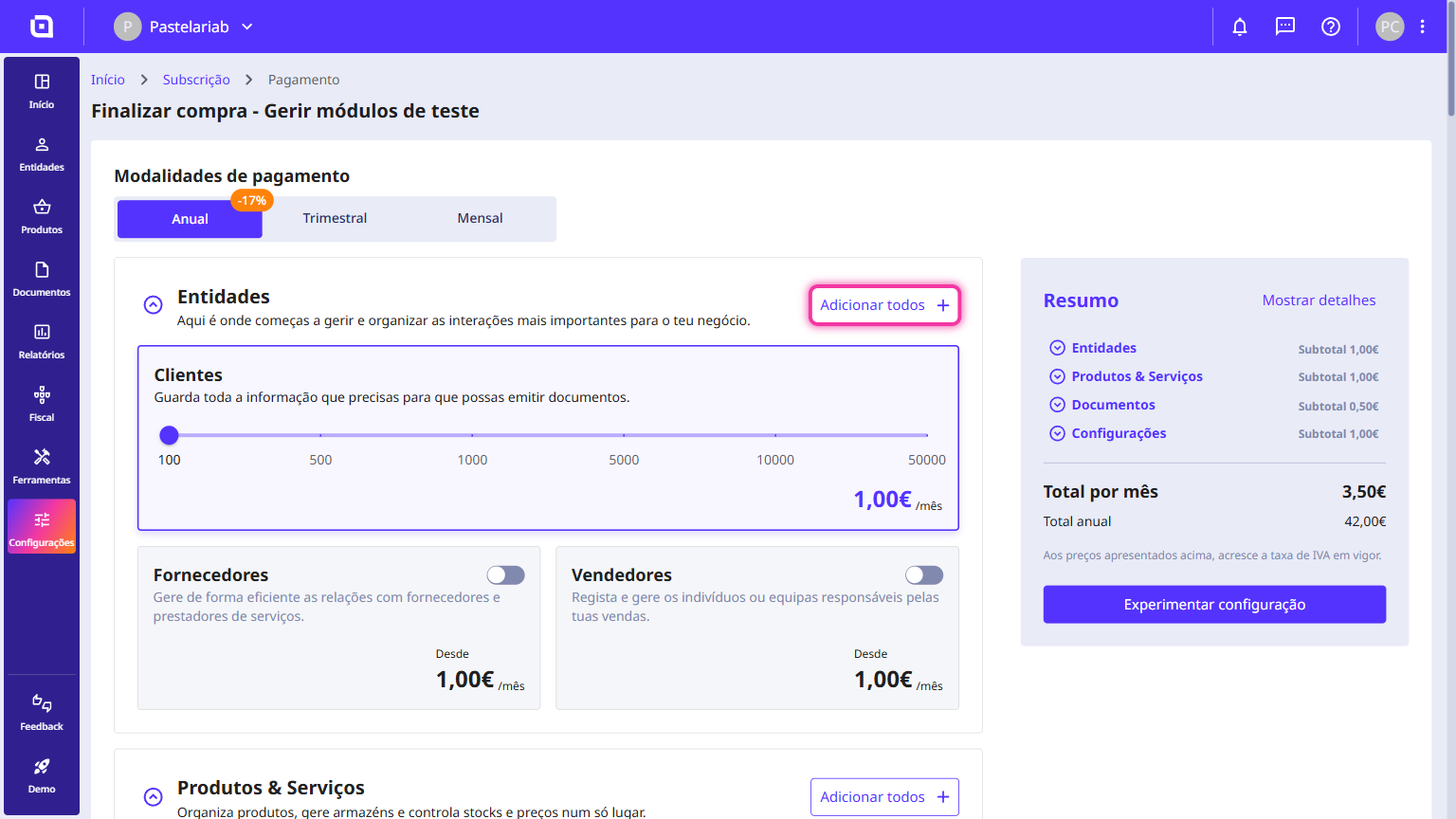
2. On this page, add the desired add-ons.
3. Confirm the added add-ons and click the Try this configuration button or Proceed to payment, if you have an active subscription.
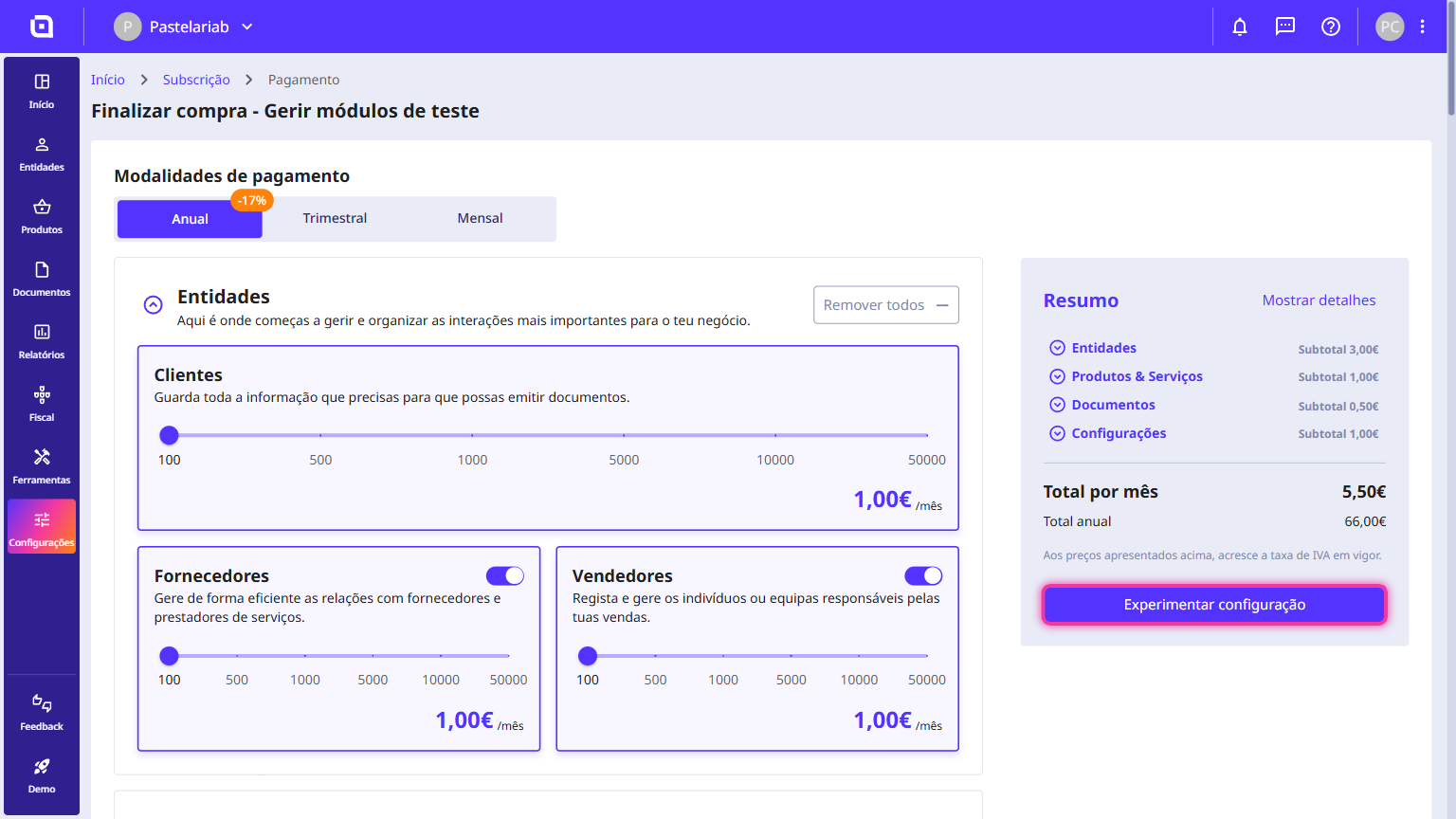
If you're on a trial, the process is complete. Feel free to keep exploring Moloni ON for free.
If you have an active subscription, follow the steps below to complete your payment:
Payment via Multibanco Reference
1. Select the Multibanco Reference option and click Next.
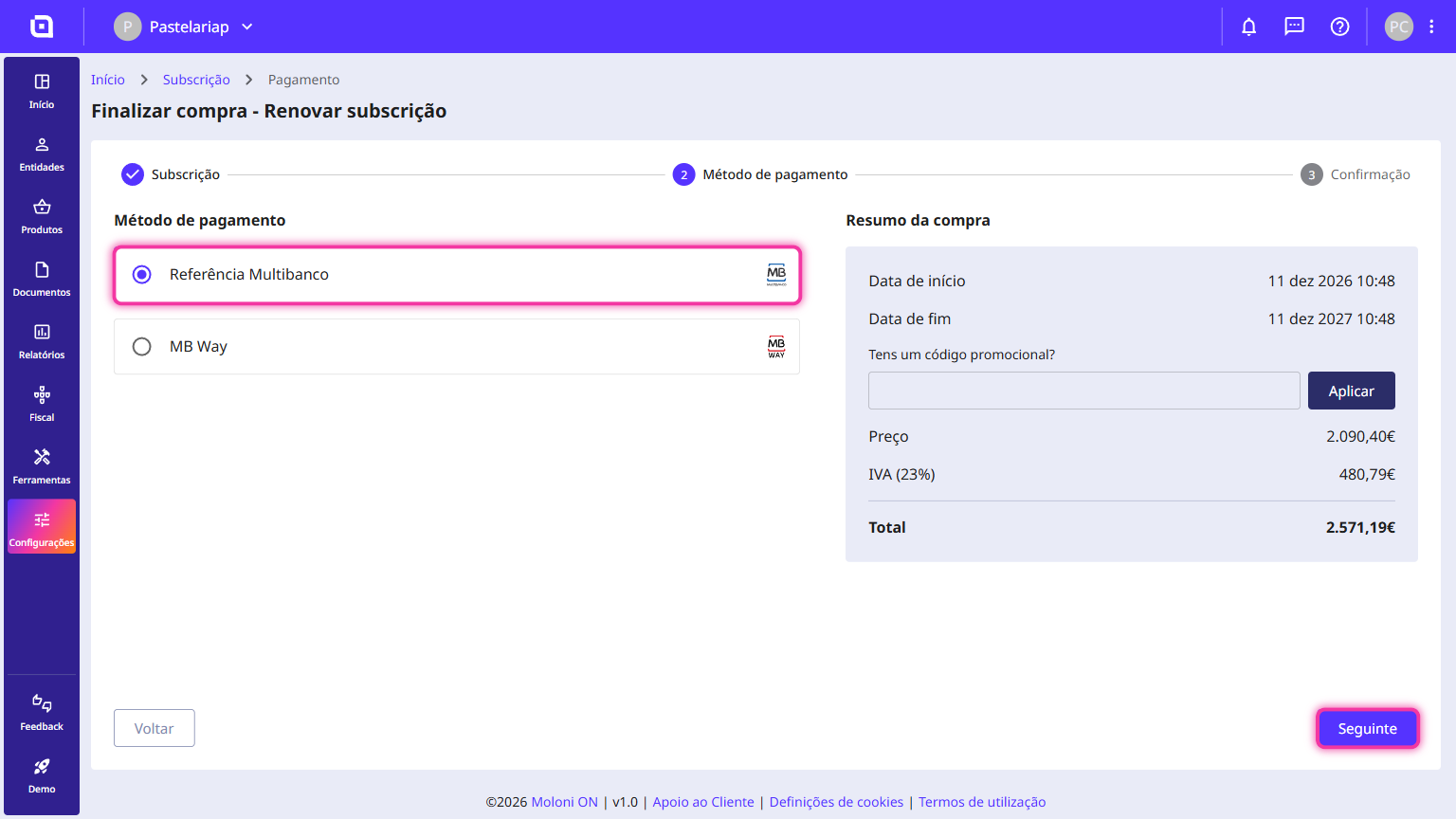
2. Review the purchase summary and click Confirm.
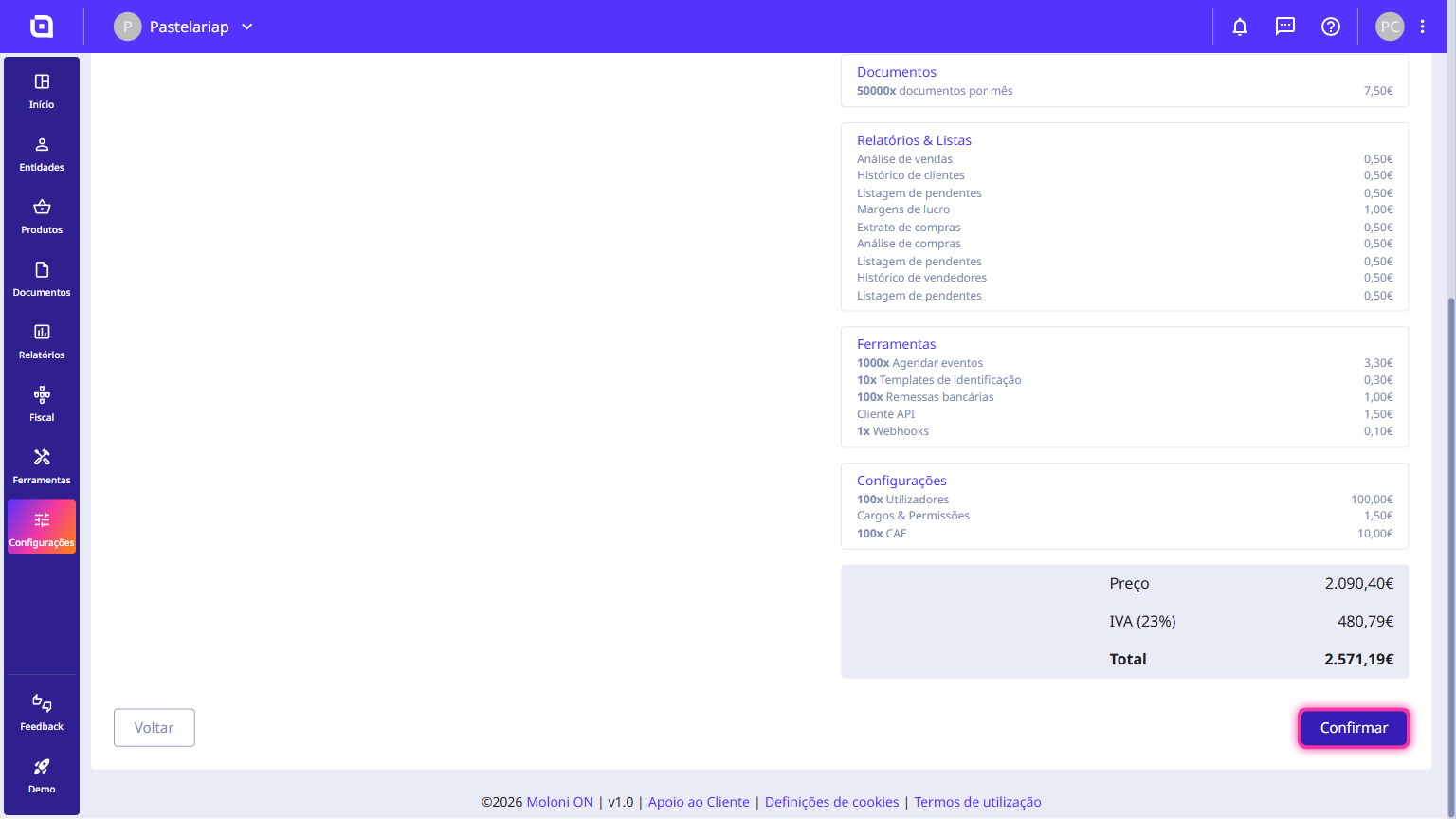
The payment reference has been created. To complete the payment, use the details at an ATM or via online banking.
Payment via MB Way
1. Select the MB Way option.
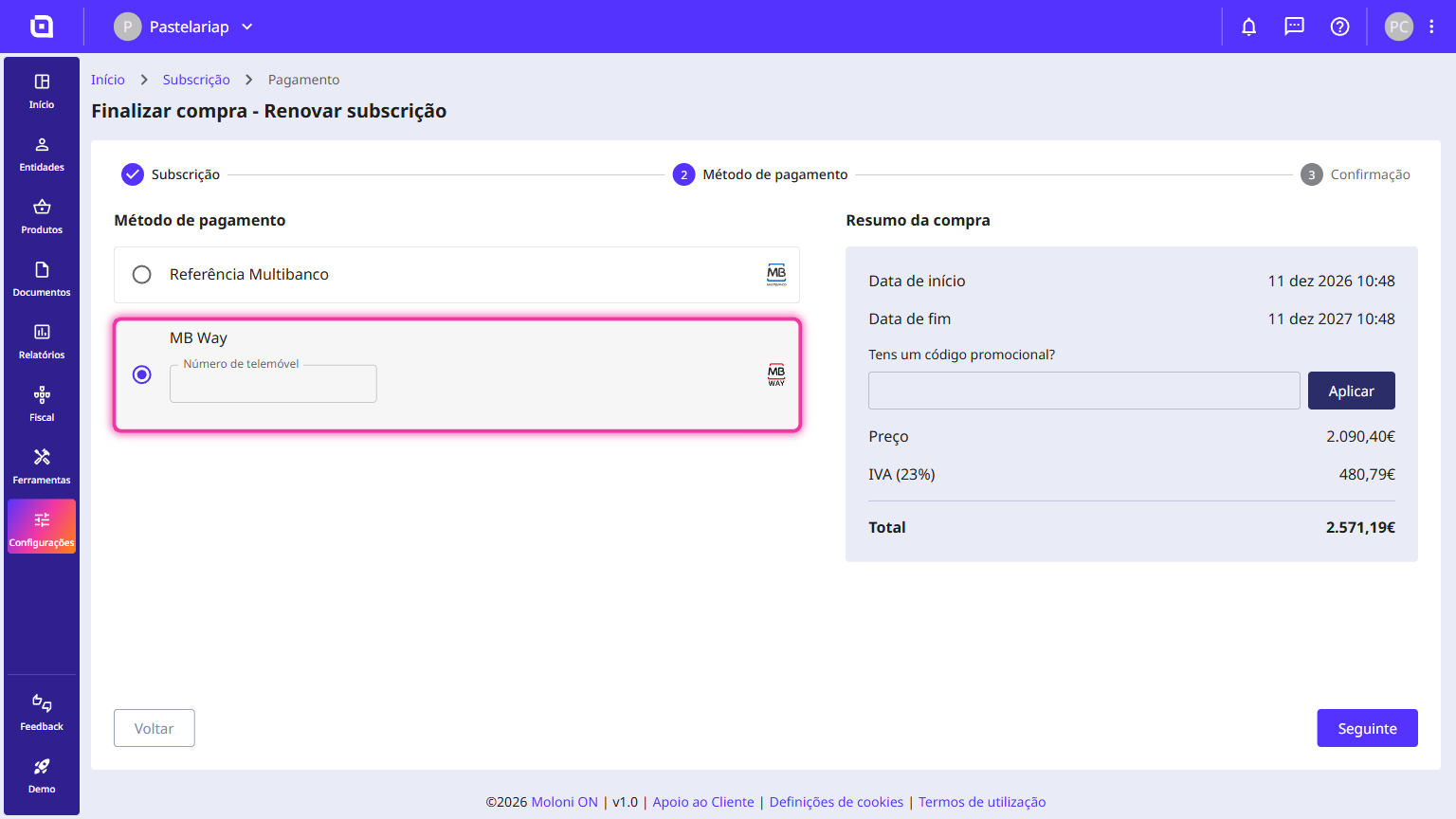
2. Enter your mobile number and click Next.
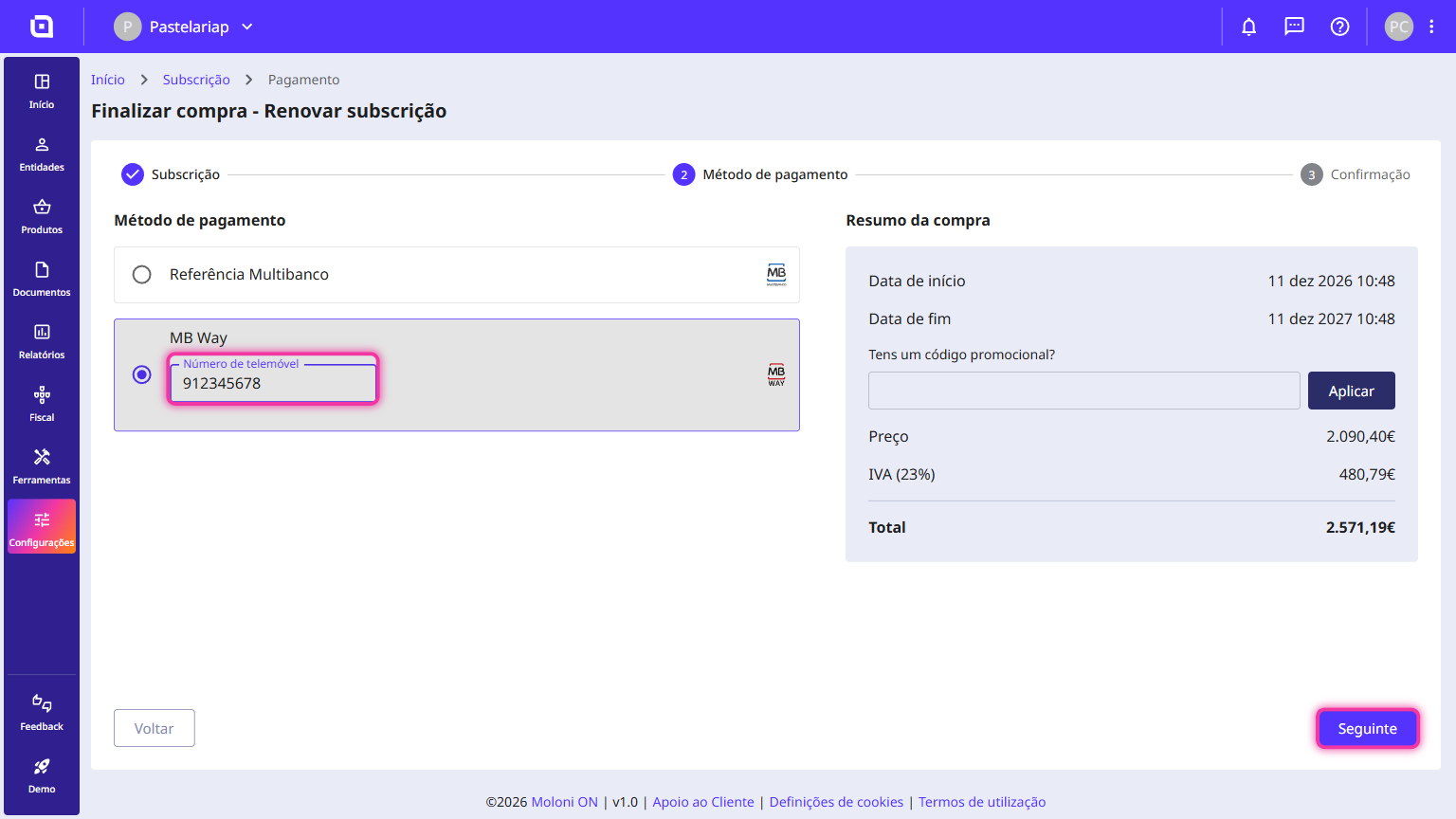
3. Review the purchase summary and click Confirm.
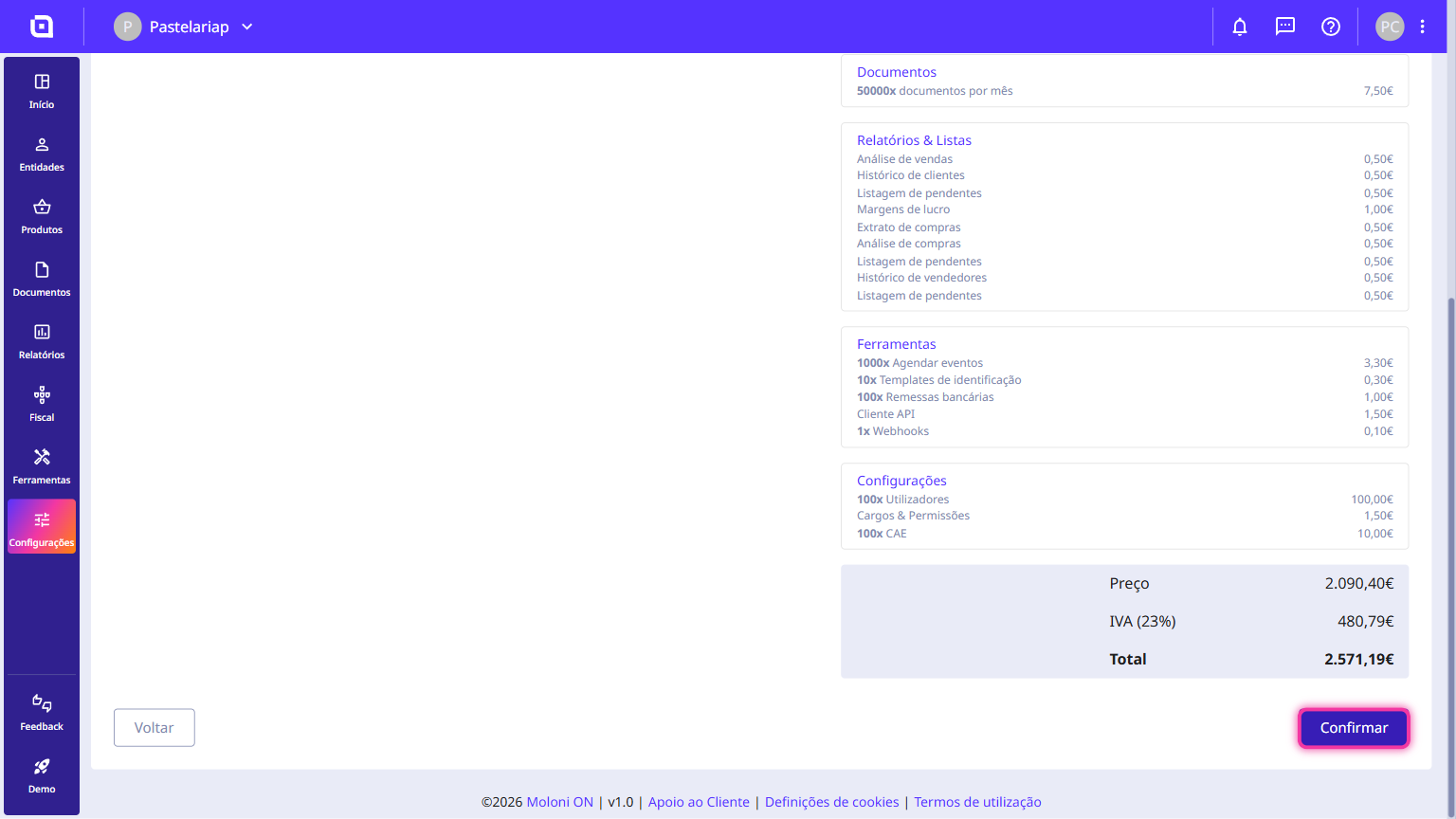
To finish, open the MB Way app and accept the payment notification.