How to create a recurring agreement
With a recurring agreement, you no longer need to issue the same invoice every month; Moloni ON does it for you.
What is a recurring agreement?
A recurring agreement is a service contract concluded between a professional (or company) and a client, where payment is made on a regular and fixed basis (usually monthly), regardless of the specific volume of work carried out each month.
How does it work?
Unlike a one-off service, where you pay for a specific task, under a recurring agreement the client ensures the professional's availability for a certain set of recurring tasks.
Advantages
For the client:
- Predictability - They know exactly how much they will spend per month (helps with budgeting).
- Priority - Generally, clients with a recurring agreement have response priority over sporadic requests.
- Prevention - Allows minor problems to be resolved before they become large and expensive.
For the professional:
- Stability - Guarantees a fixed monthly income.
- Retention - Creates a long-term relationship of trust with the client.
- Workload risk - If there is a lot of work in a given month, the amount received is the same, which requires good time management.
Follow these steps:
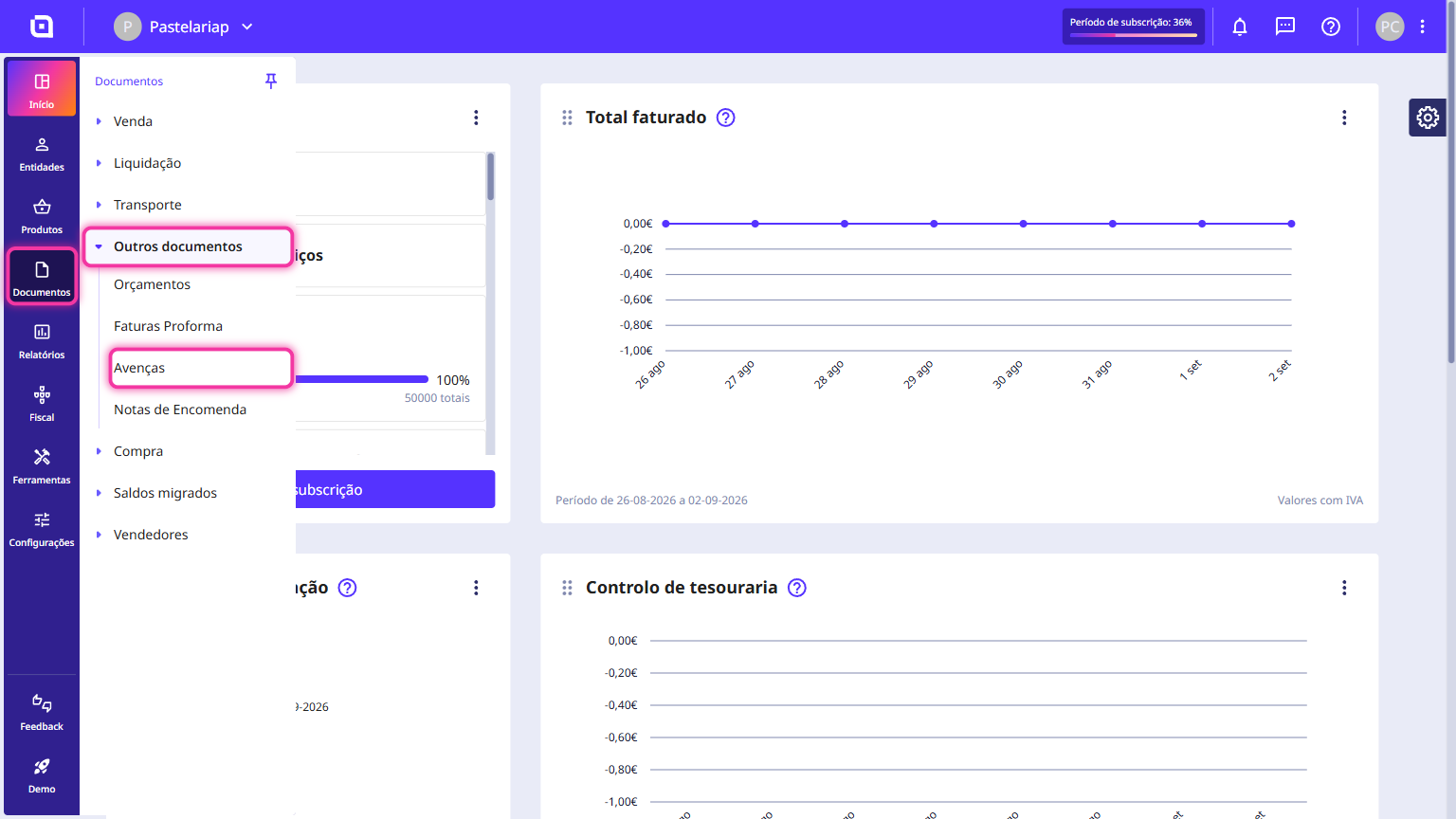
1. Go to the Documents > Other documents menu and select Recurring agreements.
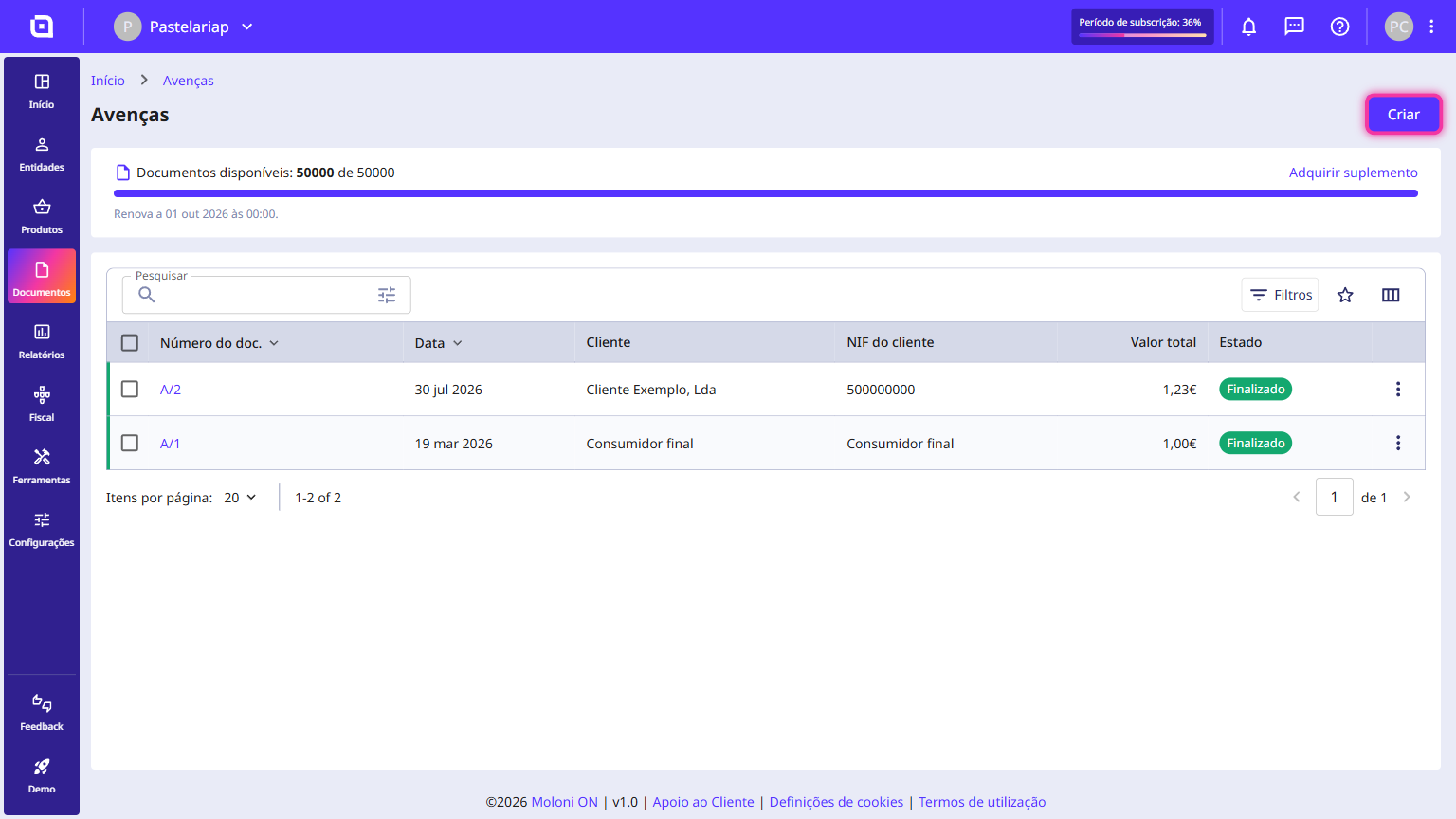
2. Click Create.
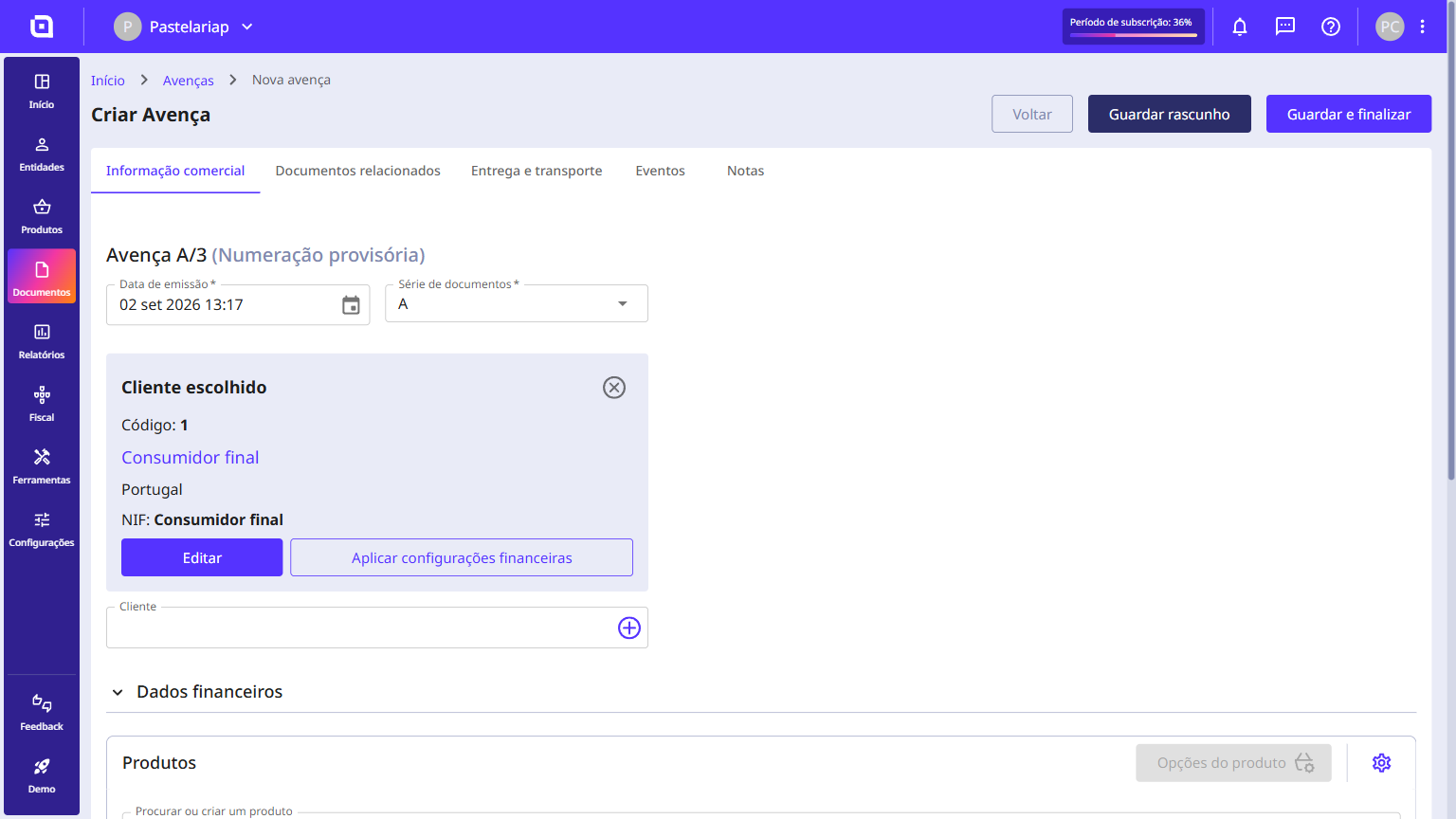
3. Fill in all the required fields.
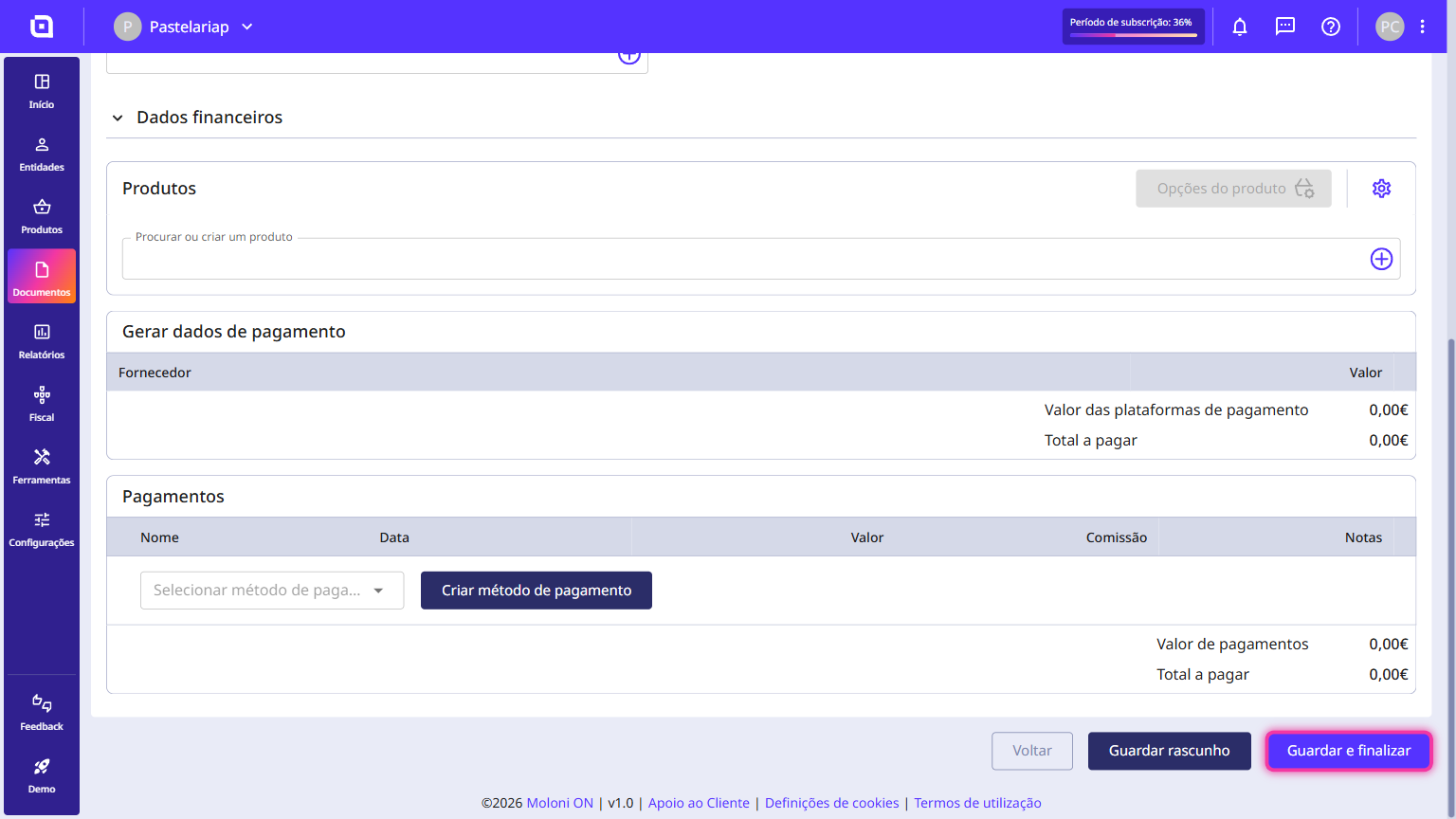
4. Finally, click Save and finish.
While creating the recurring agreement, you can generate an event by selecting the Events tab and clicking the Create event button.