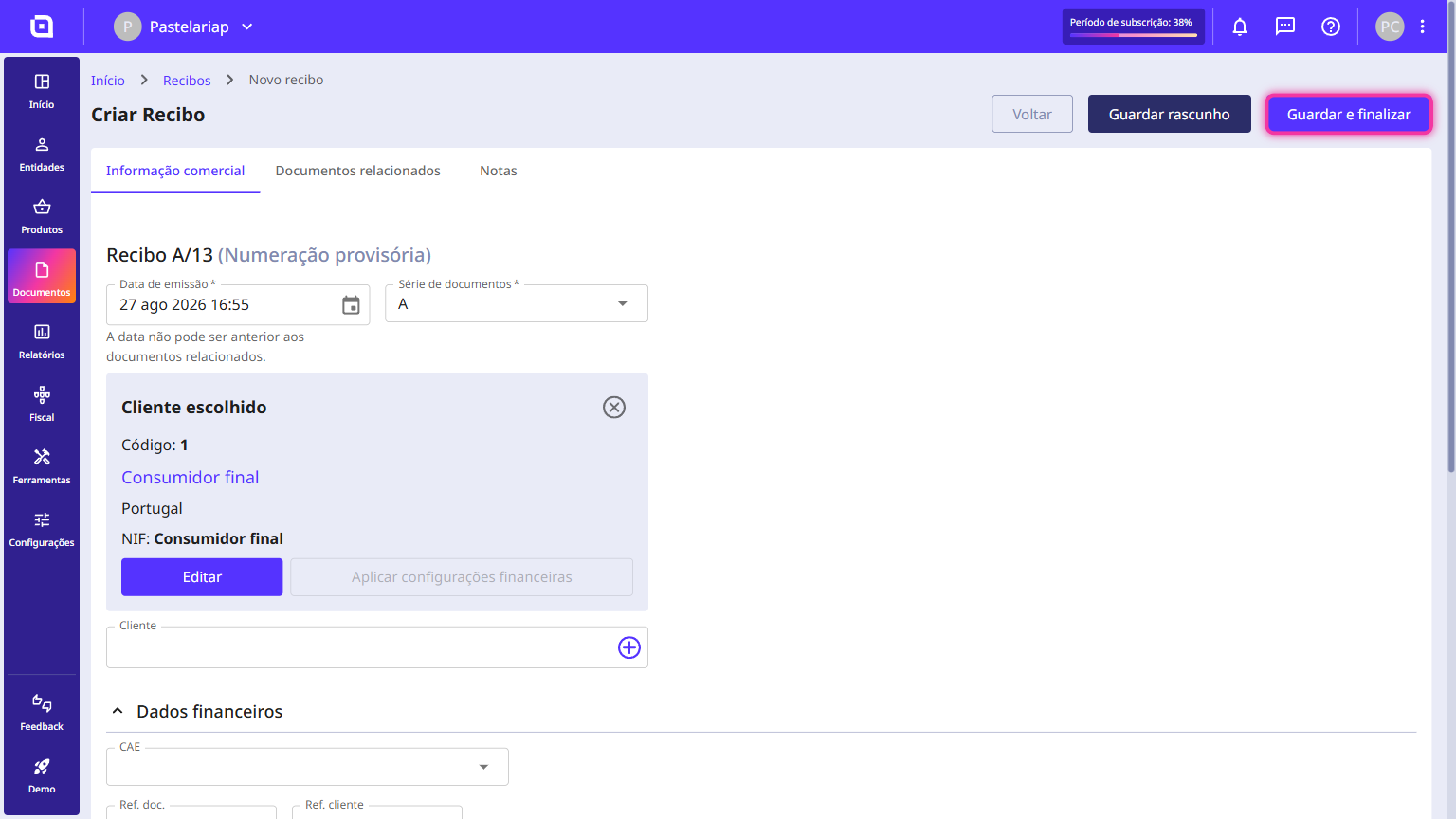
How to create a receipt
A receipt is the document you issue when you receive payment for an invoice. When you create it, you choose which of the customer's invoices it settles and how much it clears on each one.
What if the payment is only partial?No problem! The receipt will be issued only for the amount you specified, and the invoice will remain in your outstanding list, but only with the remaining balance. The next time you create a receipt for this customer, Moloni ON will alert you that there is still an outstanding amount to settle.
Follow these steps:
1. In the Client Area, go to the Documents menu, select Settlement and click on Receipts.
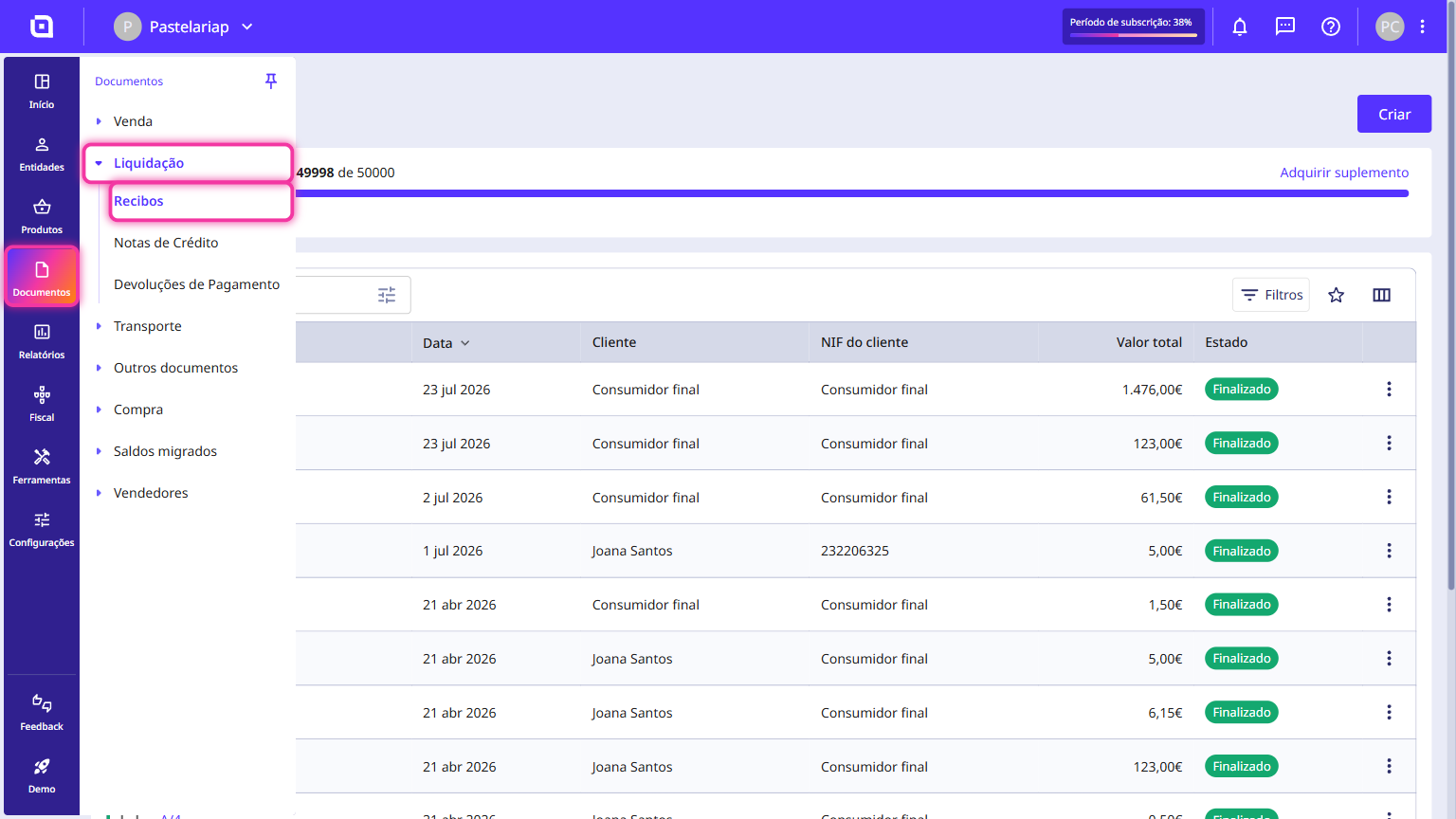
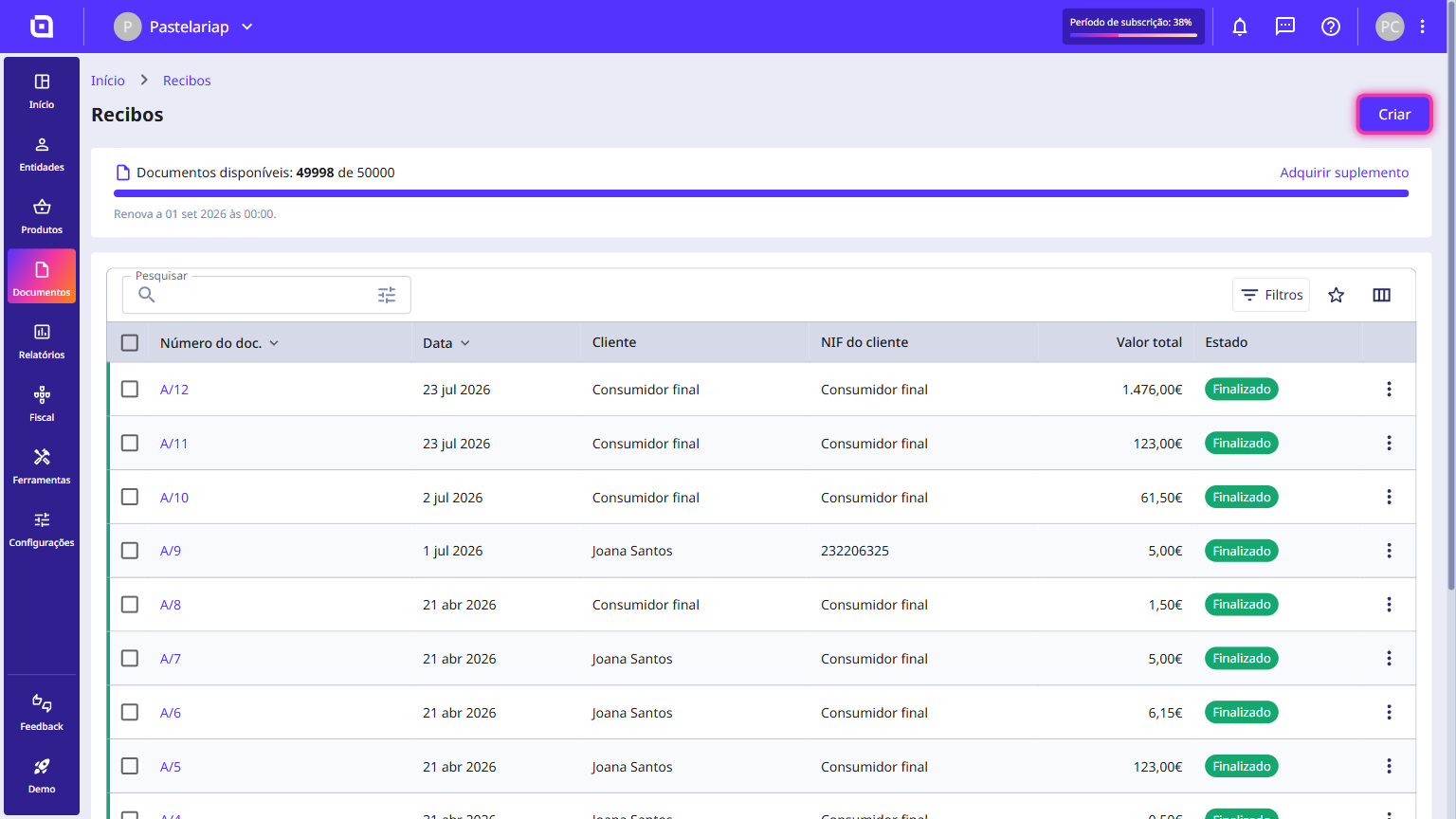
2. Click the Create button.
3. Select the customer you want, fill in the necessary details and click the Related documents tab.
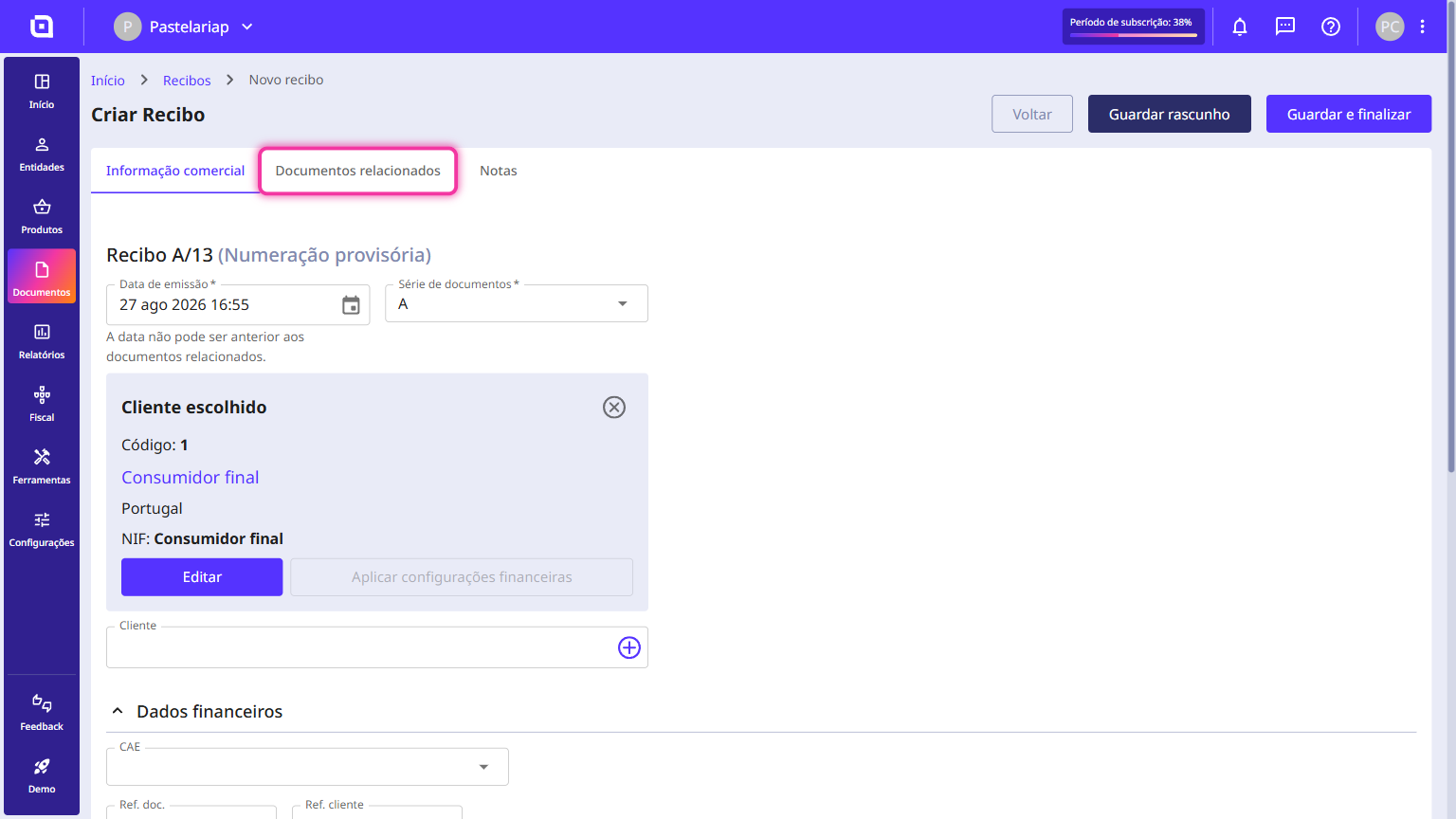
4. Click Manage related documents.
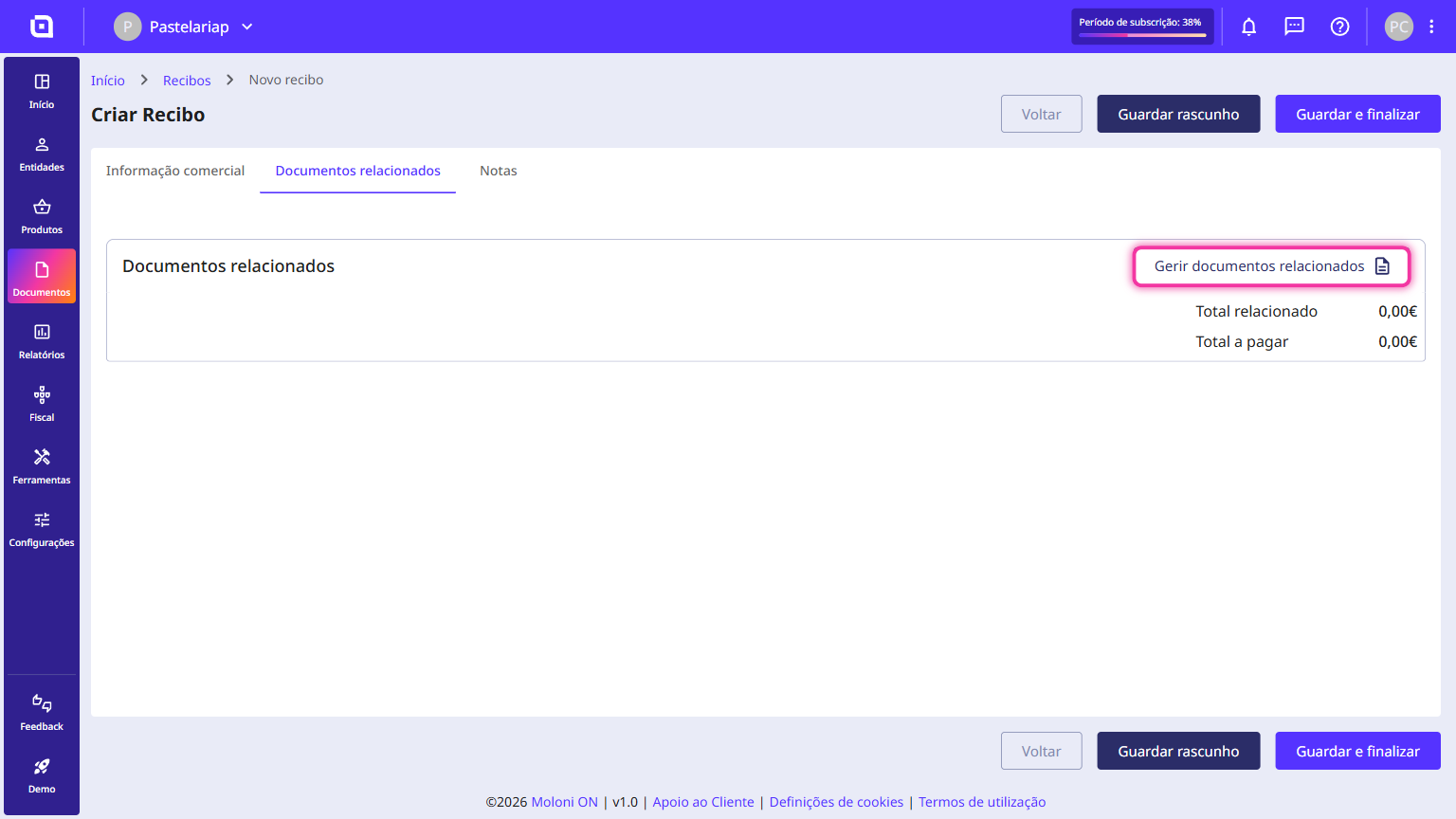
5. Select the invoice you want to include in this payment and click Apply.
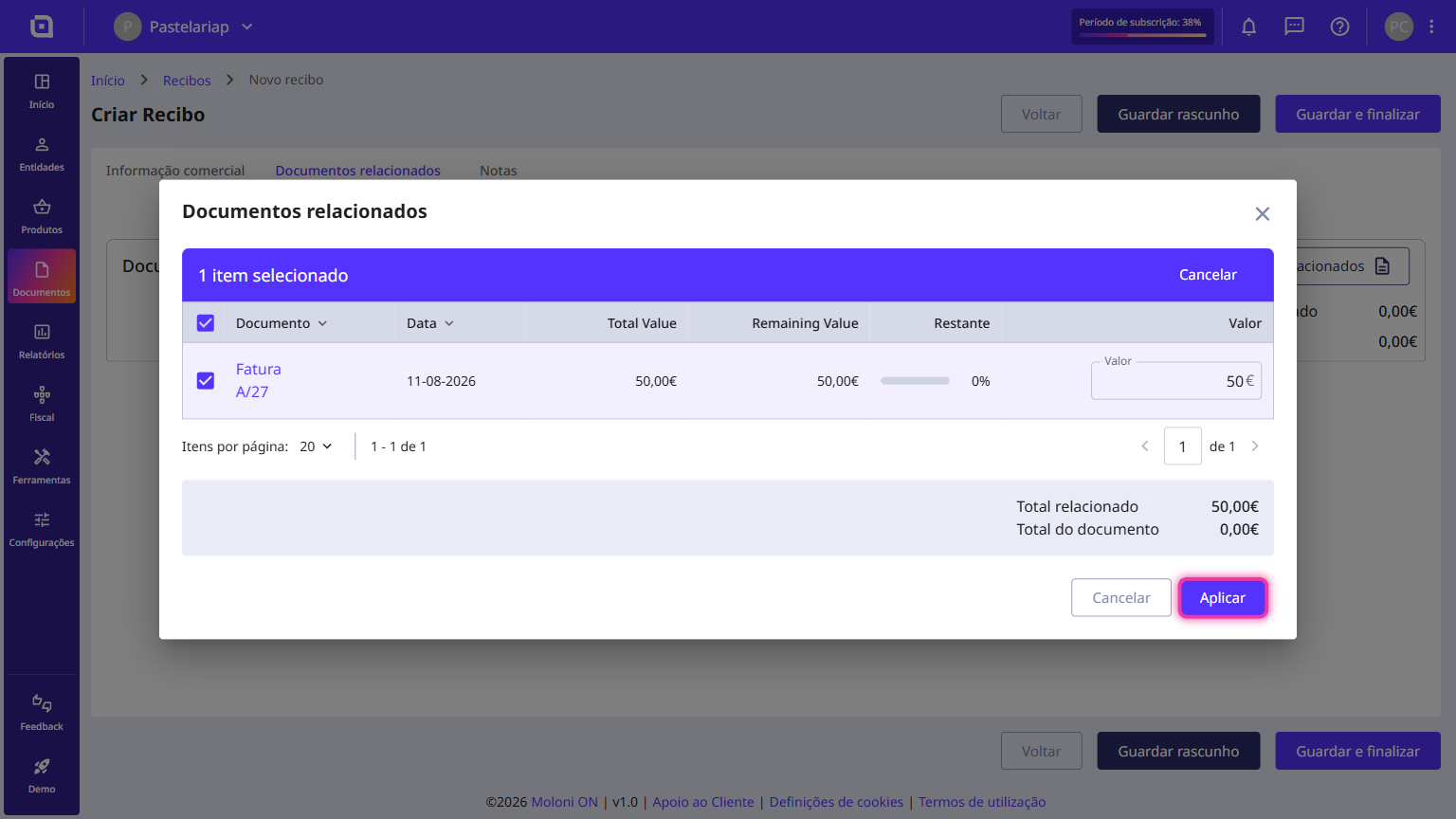
If the amount you are receiving is different from the invoice total, adjust it in the Value column before you apply.
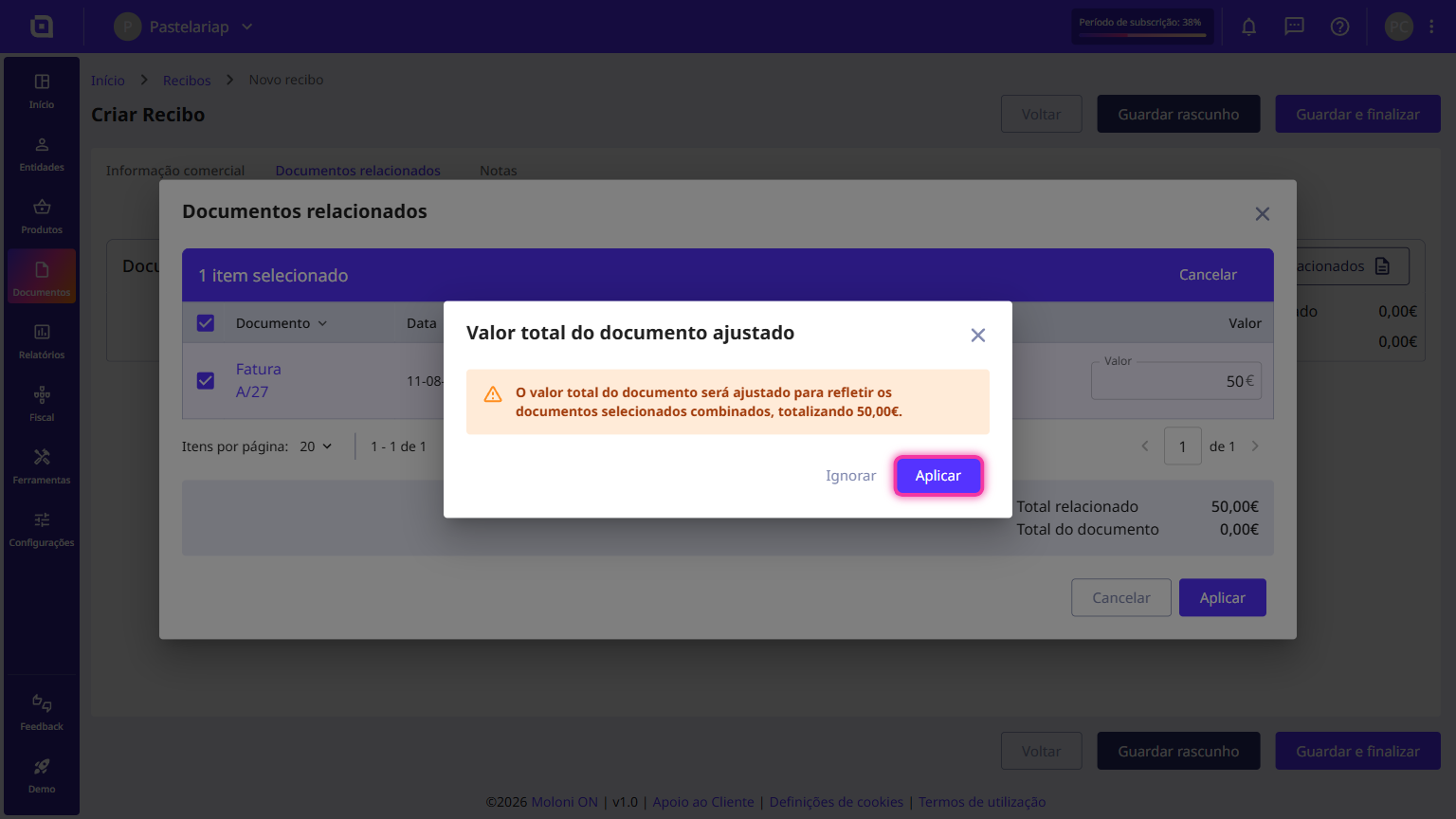
6. Moloni ON warns you that it will adjust the receipt total to the selected amount. Confirm with Apply.
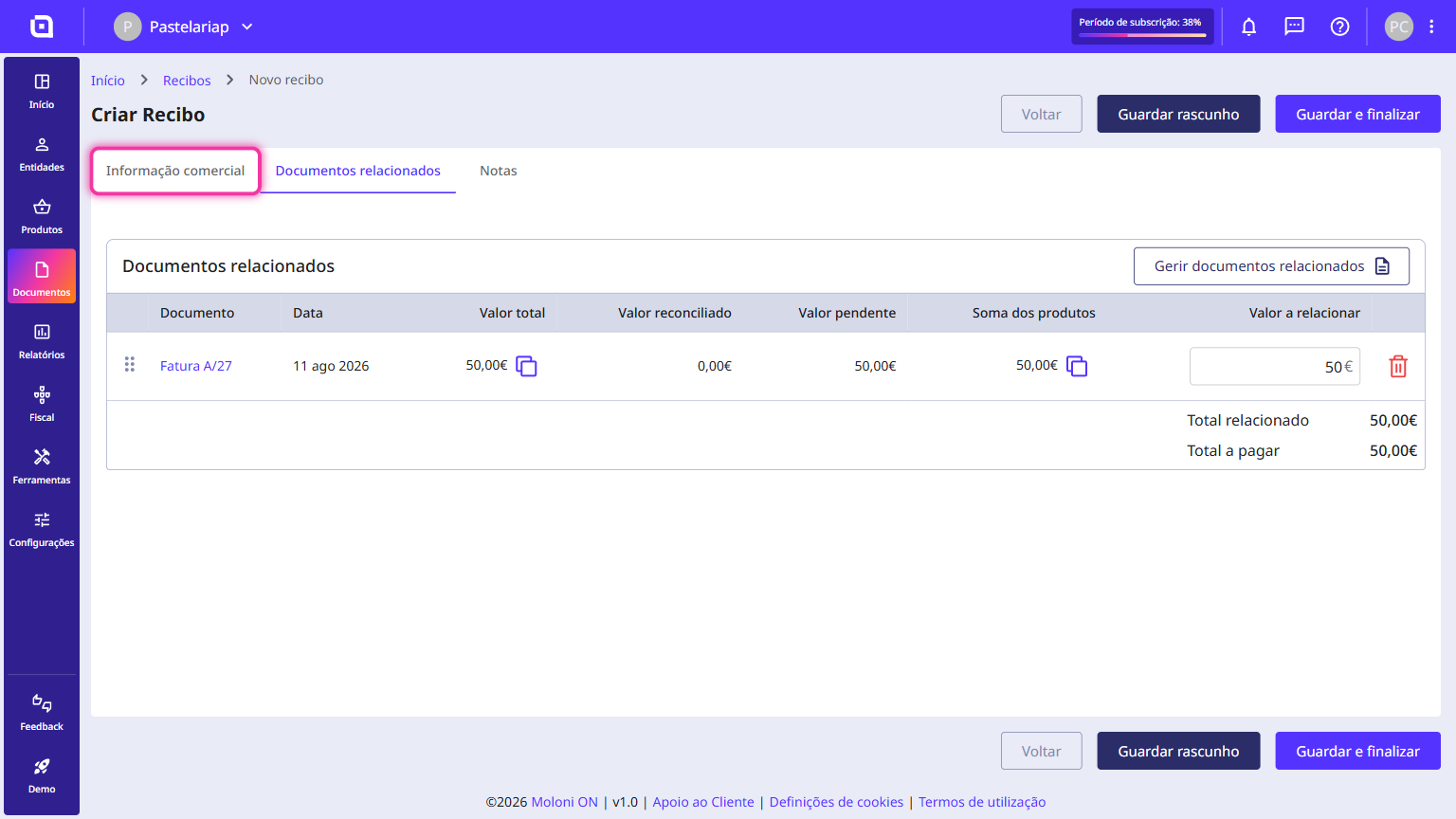
7. Go back to the Commercial information tab.
8. In the Payments section, choose the payment method. If you do not have the one you need yet, create it with the Create payment method button.
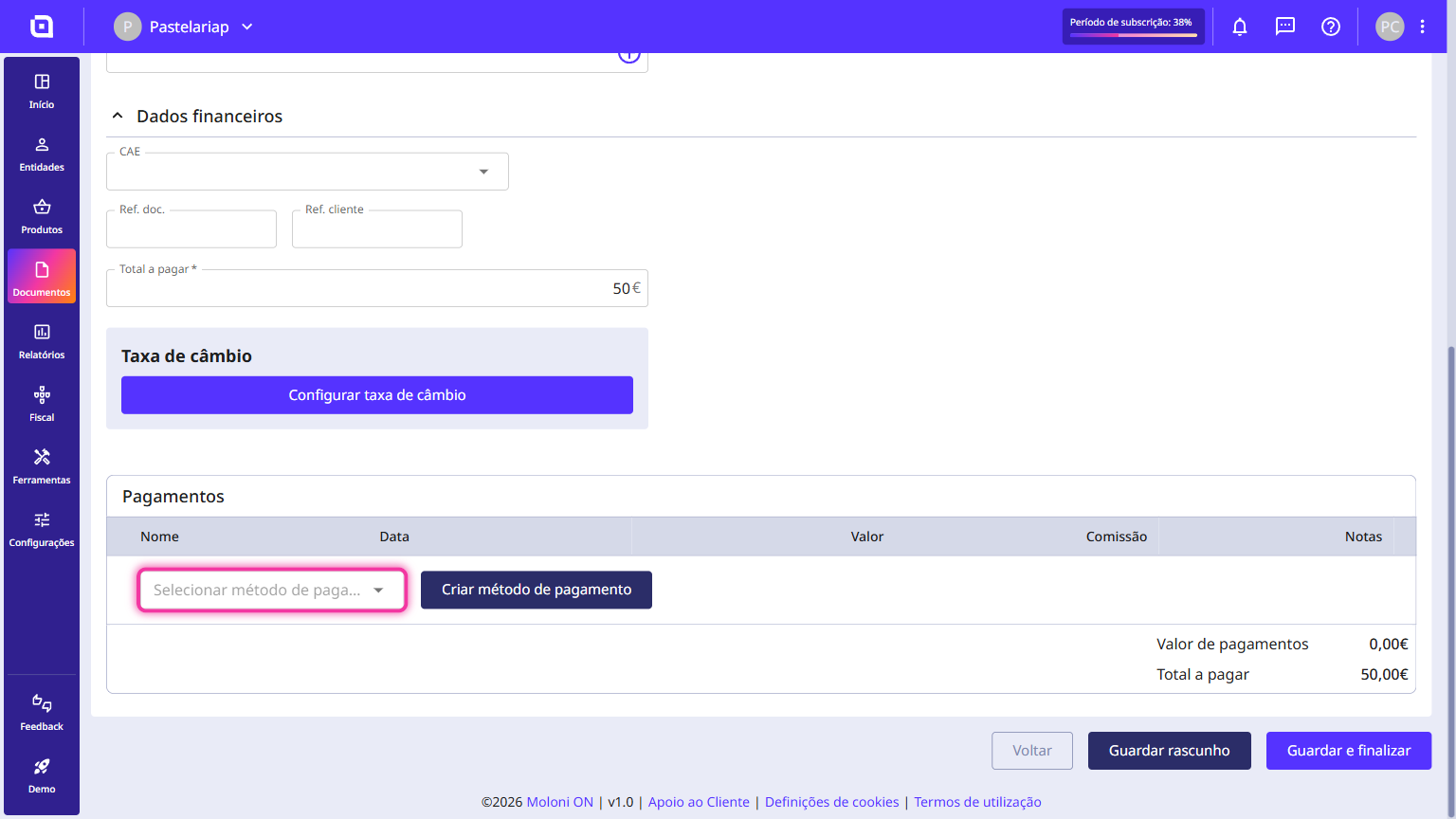
9. Finally, click Save and finish.