How to register documents belonging to a set at the TA
Follow these steps:
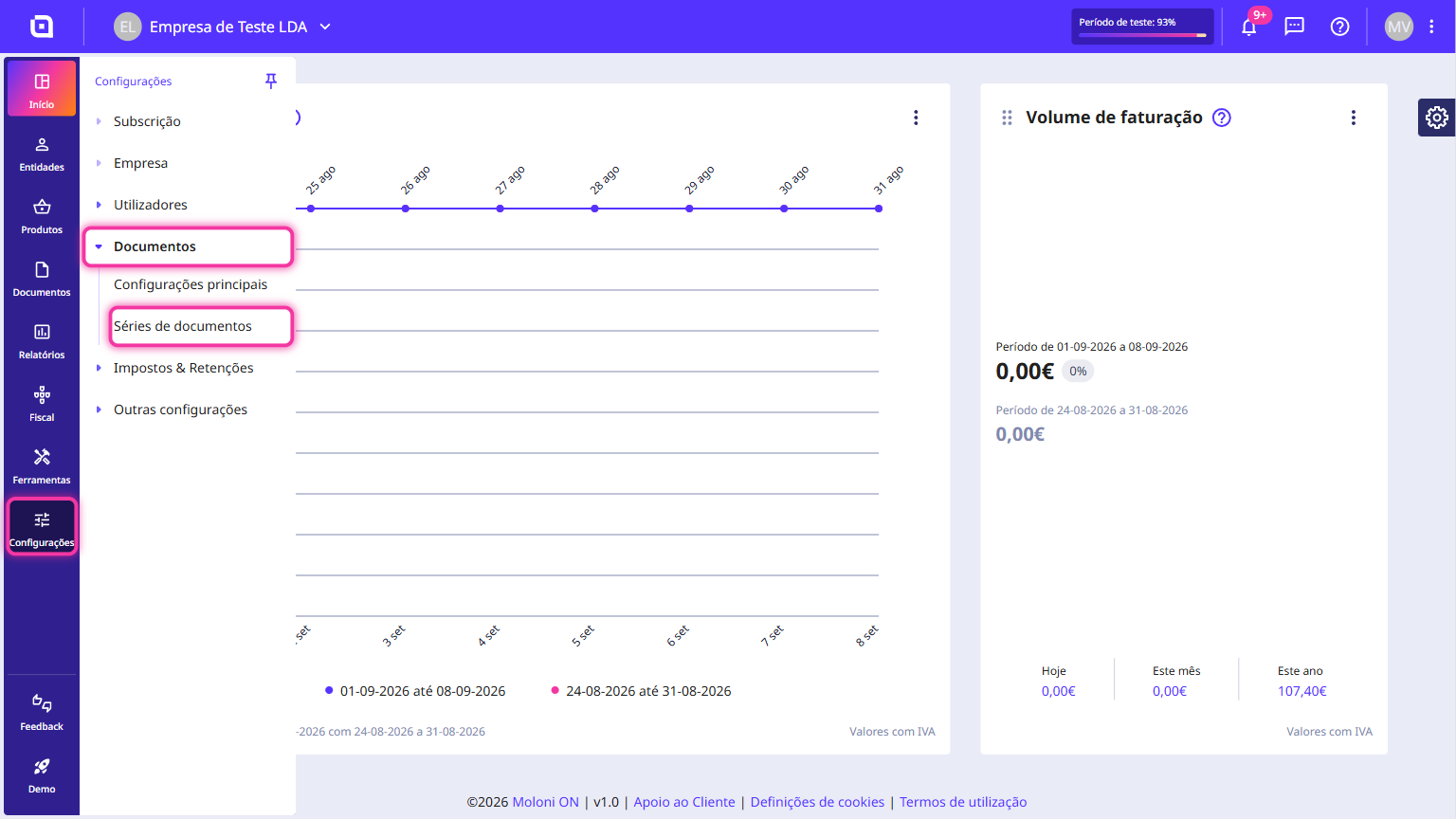
1. In the Client Area, go to the Settings menu, select Documents and click on Document sets.
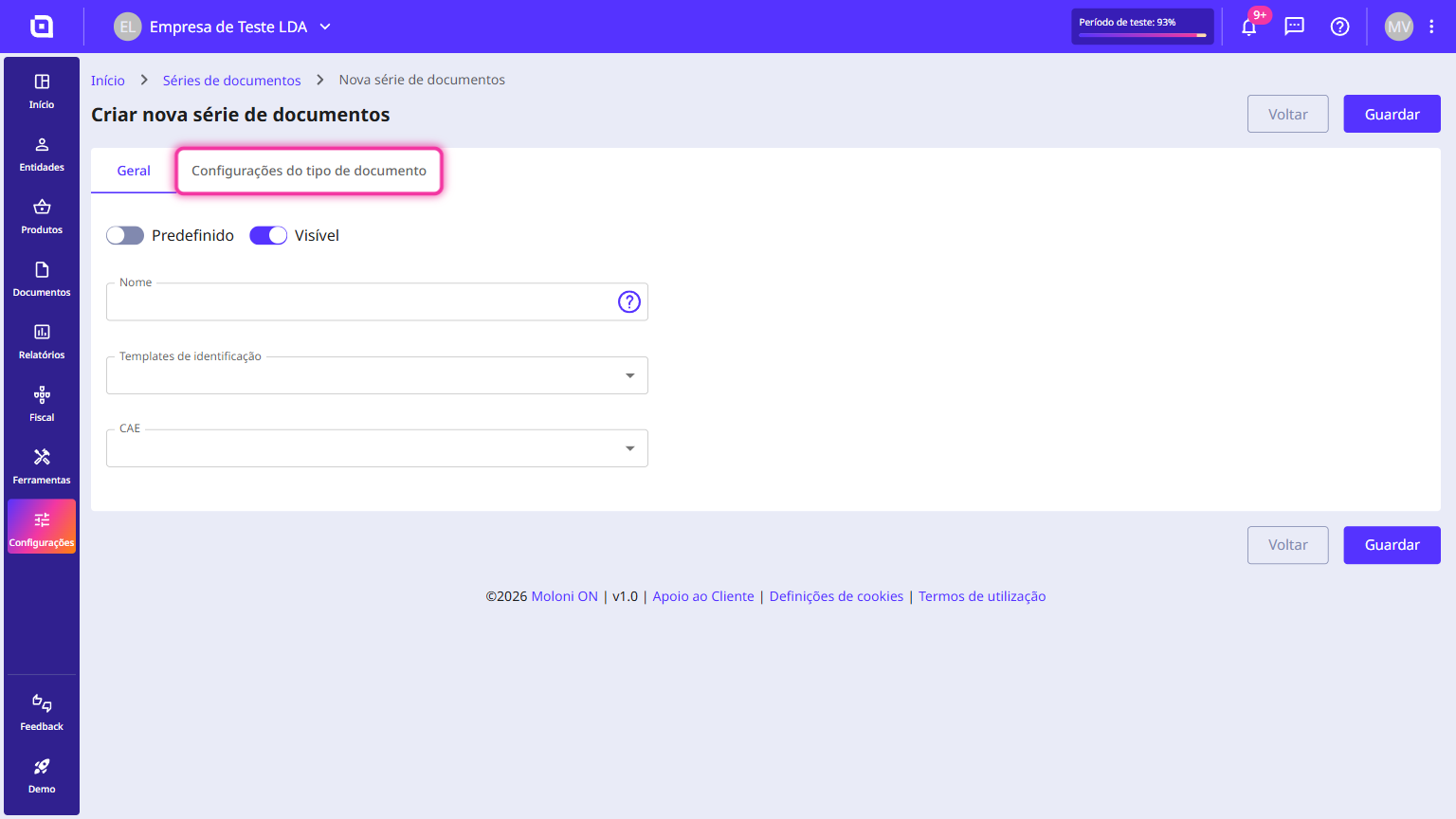
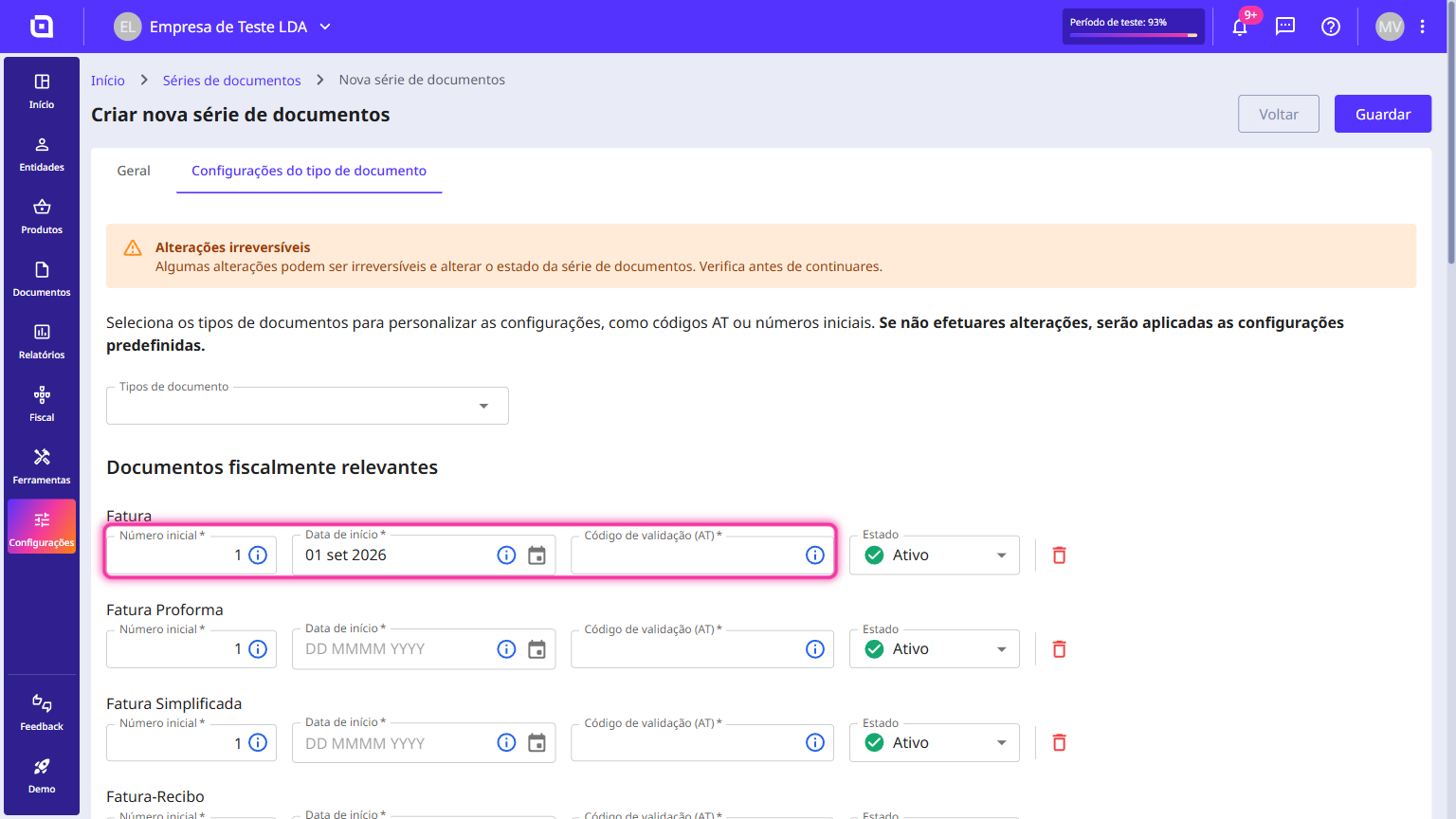
2. When creating or editing a document set, click on the Document type configuration tab.
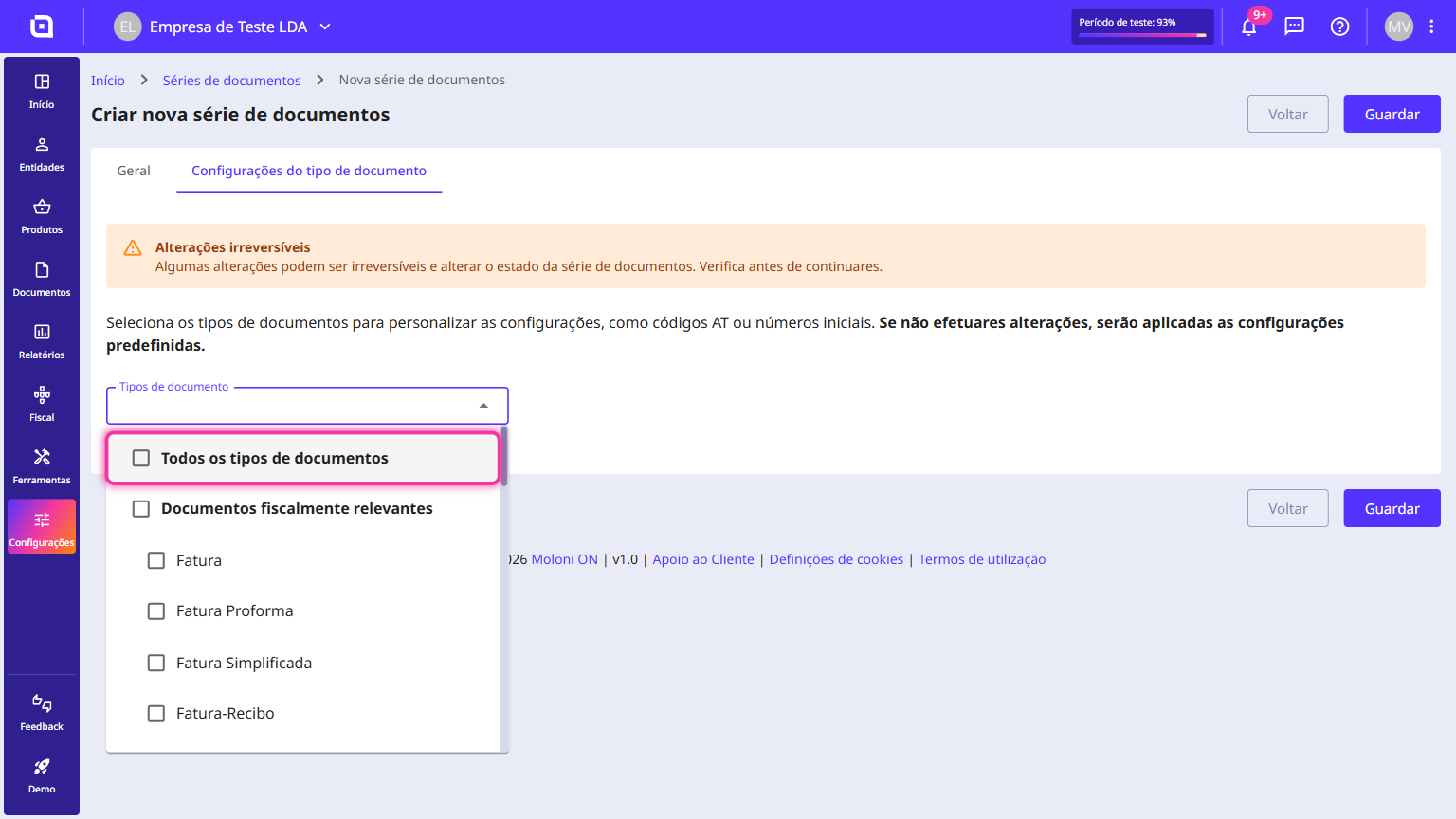
3. In the Document types field, select the All document types checkbox to register them all in one go. You can also pick only the types you want to communicate.
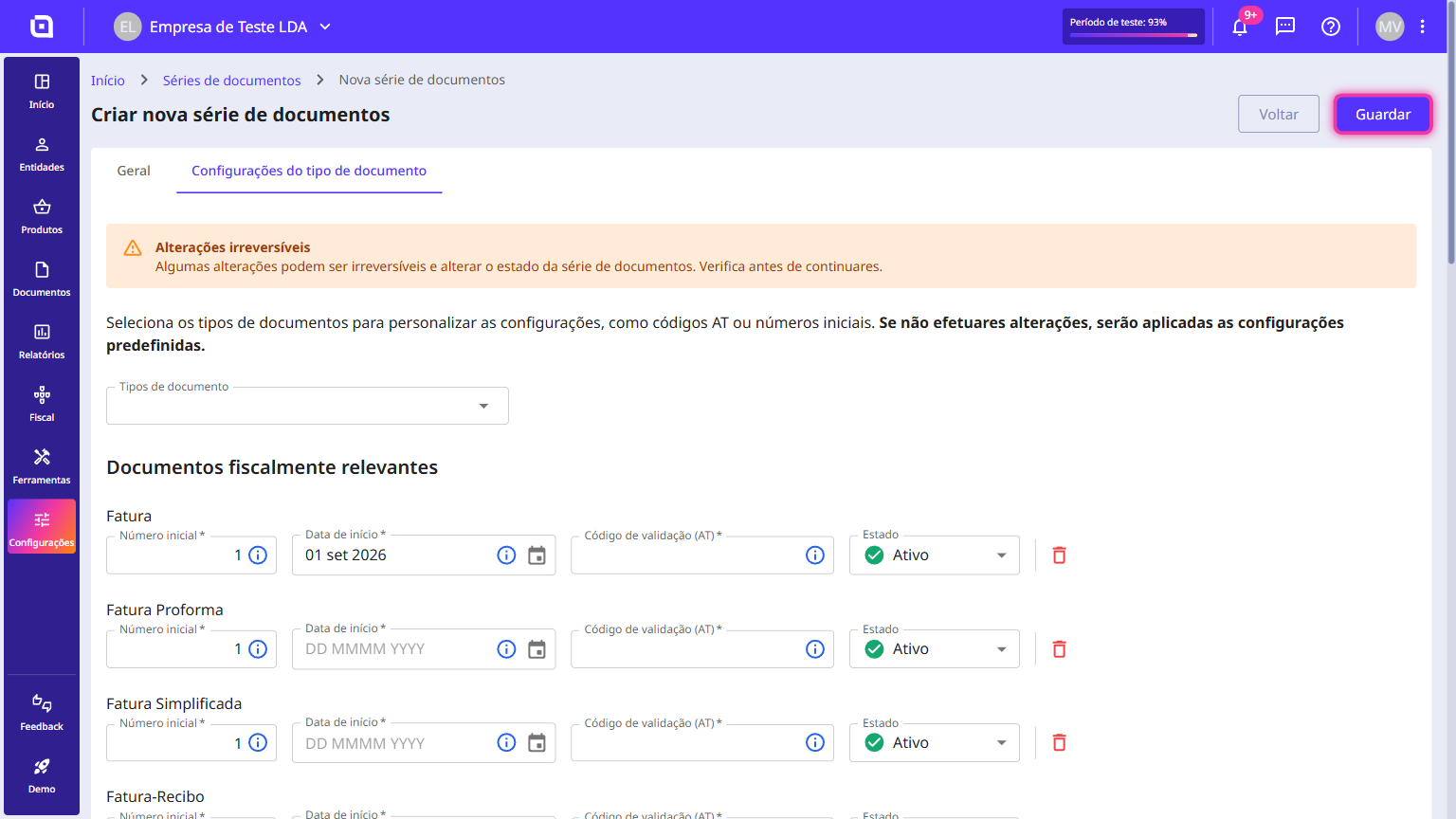
4. For each document type, fill in the initial number, select the starting date for the beginning of its use and enter the validation code (TA). If you have webservice communication active, click on the Request TA code button.
5. Click on Save.