How to manually communicate sets
Follow the steps:
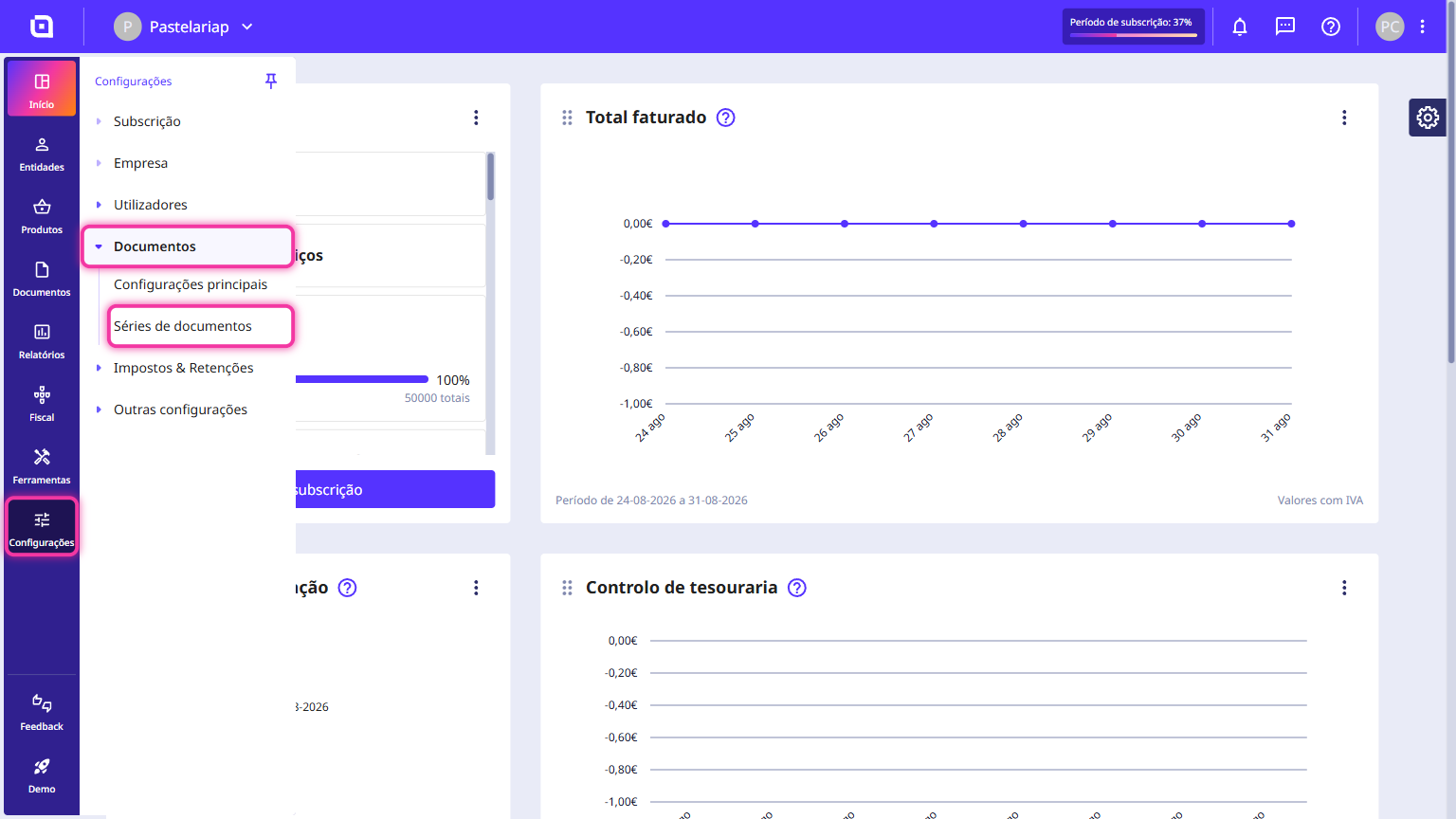
1. In the Client Area, go to the Settings menu, select Documents and click on Document sets.
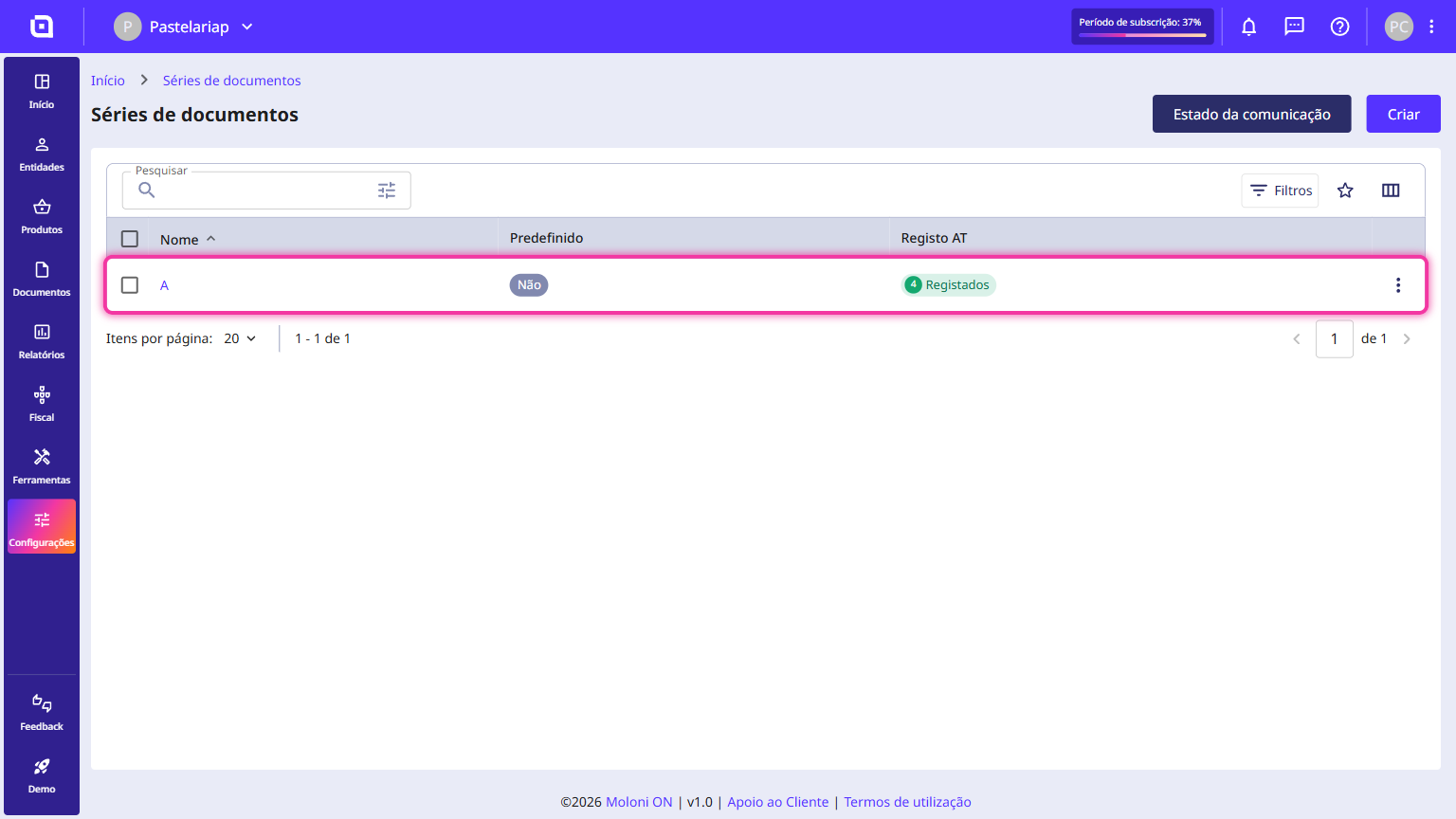
2. Click on the document set you want to communicate. If you don't have the document set created, click the Create button.
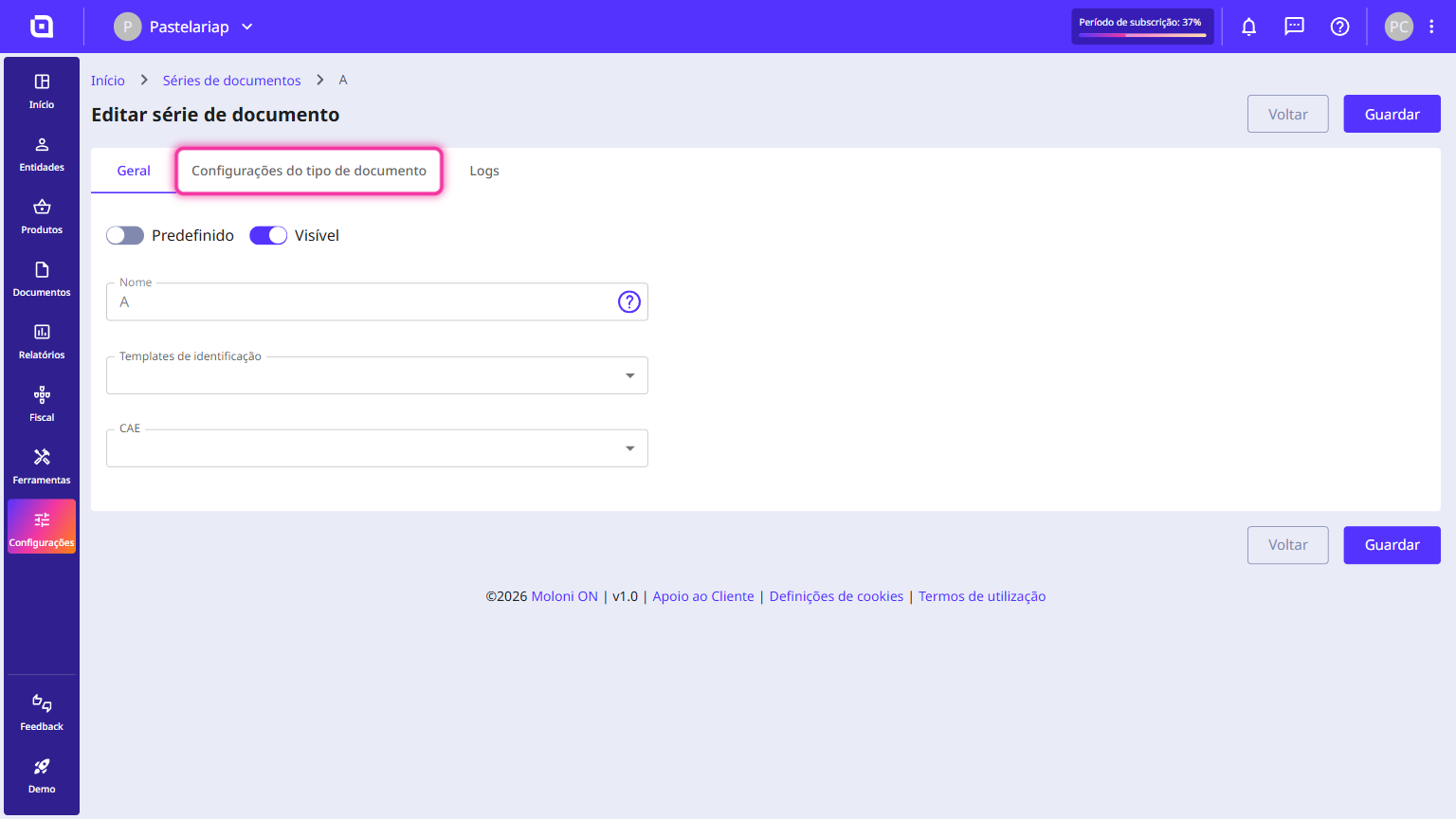
3. Go to the Document type configuration tab.
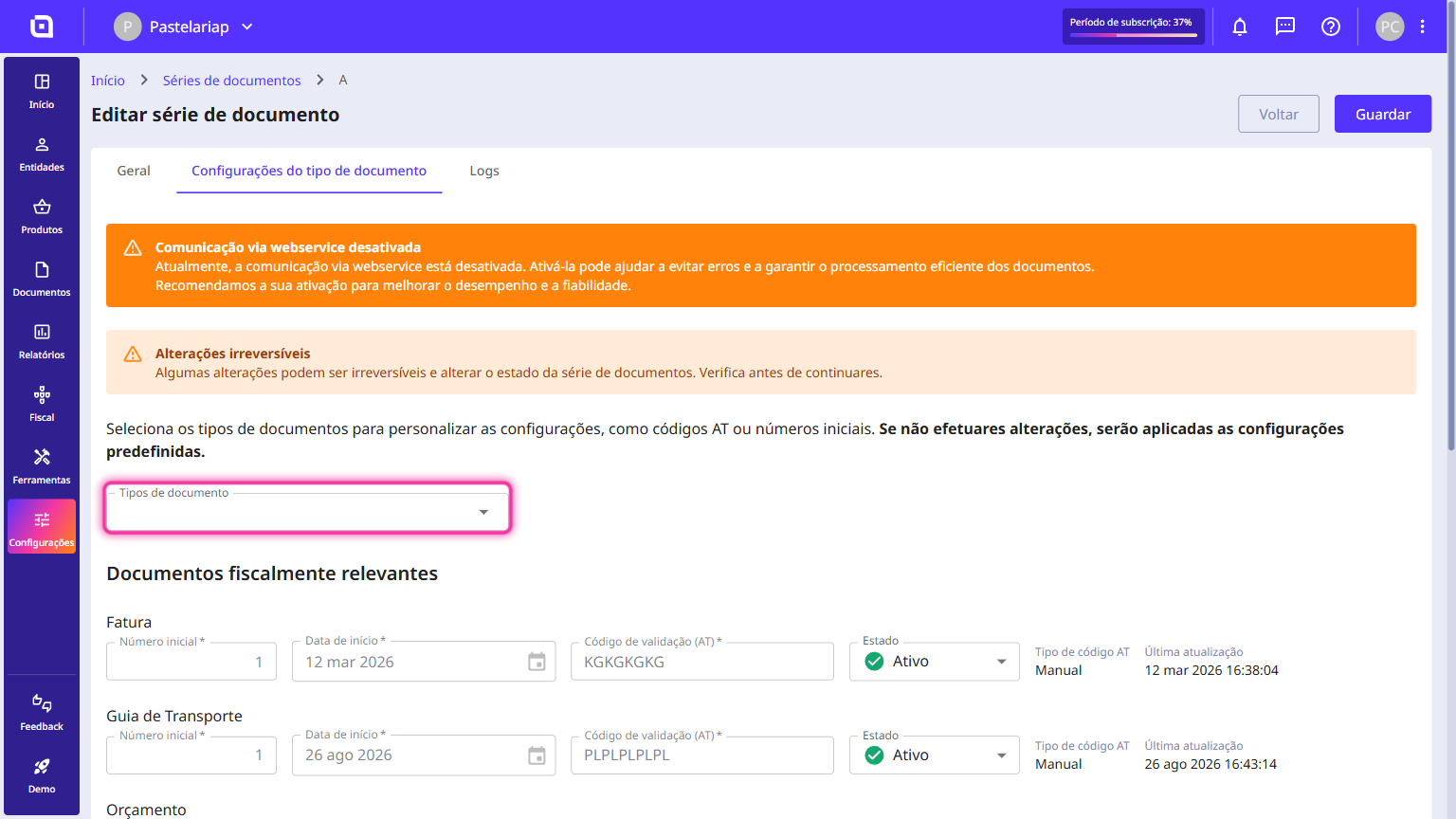
4. On this page, you must select the type of document you intend to communicate. To do this, click on the Document types field and select the desired option.
5. According to the selected document type, fill in the Initial number and Starting date fields.
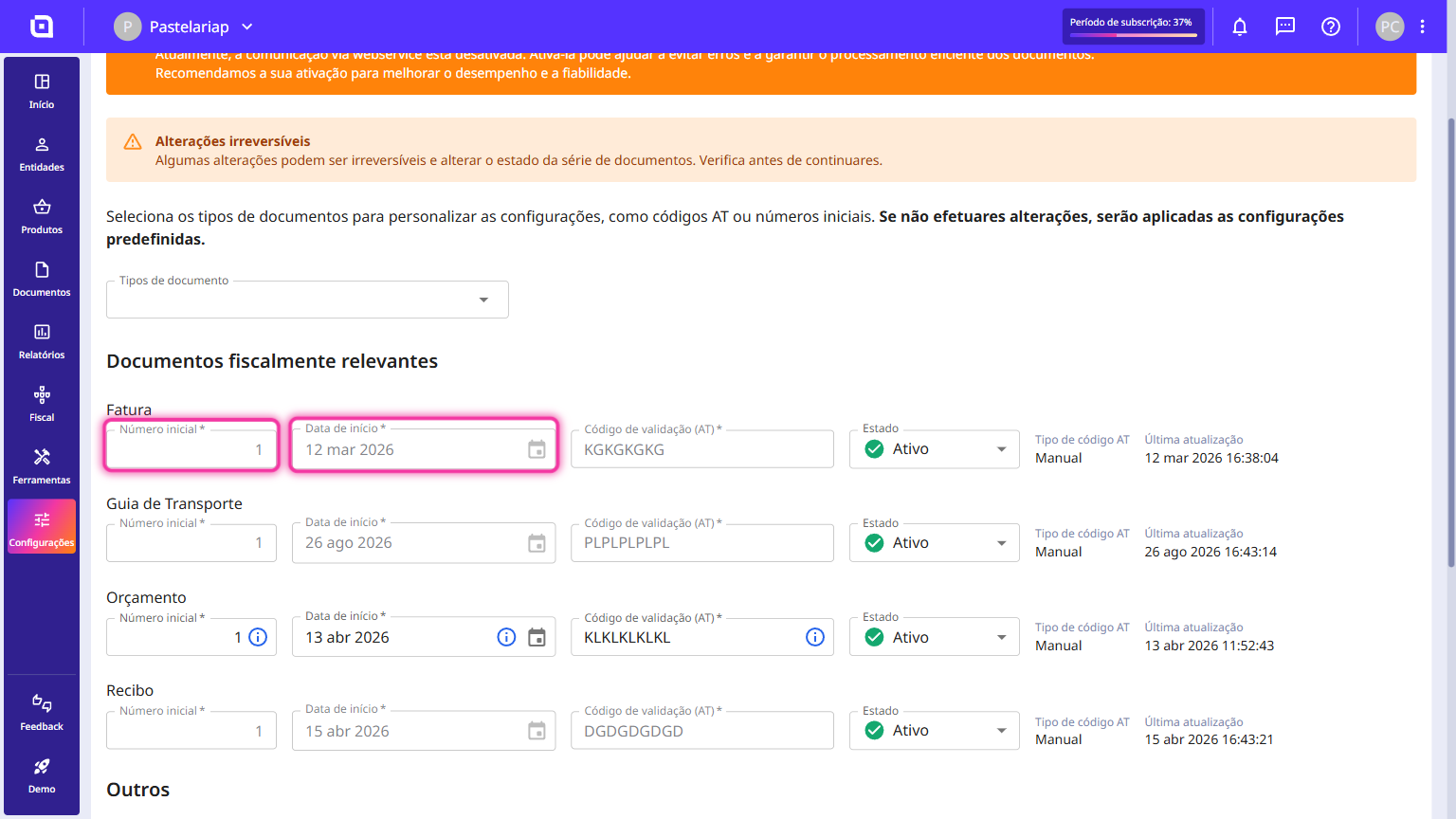
If you wish, you can edit these fields by entering the initial number and selecting the expected start date of its use, as registered with the TA.
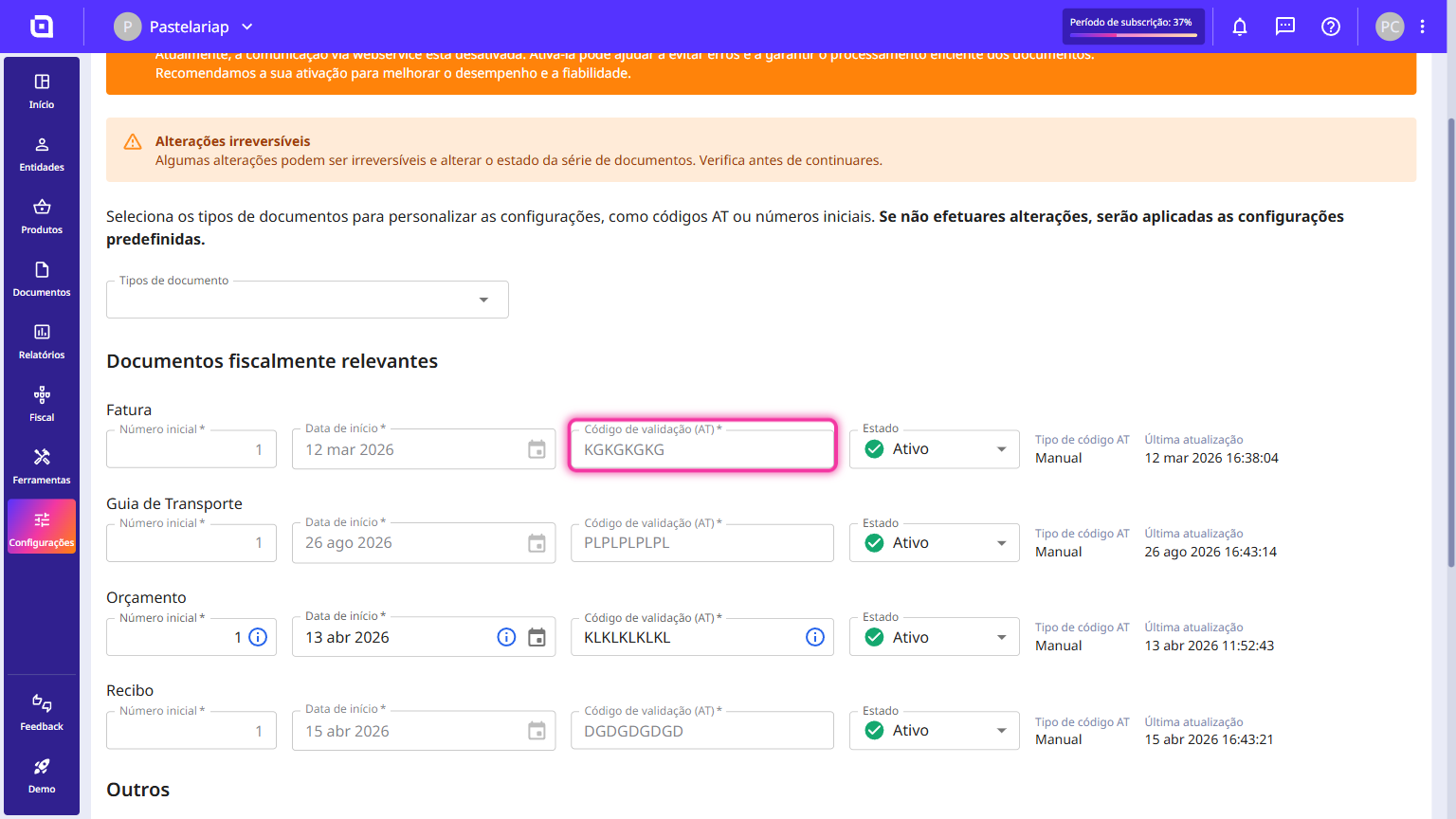
6. Simply insert the validation code provided by the TA into the Validation code (TA) field.
7. Click on Save.
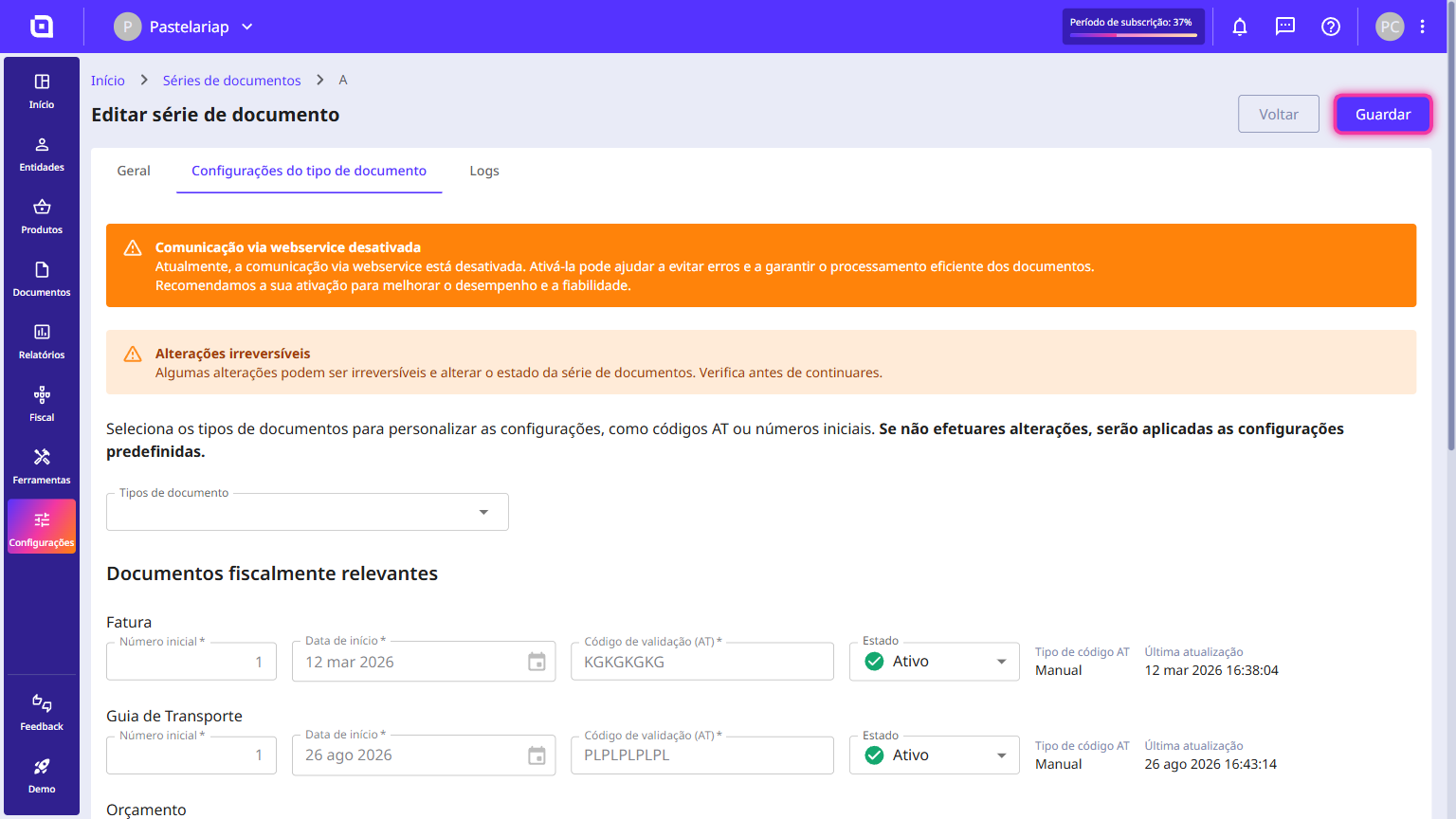
The communication has been successfully completed and the document set registered.
The communication was not successfully completed. Possible causes:
- Incorrect code insertion;
- Momentary communication failure with the TA.
Reading this guide does not dispense with consulting the documentation provided by the TA. For more information, please consult this link.