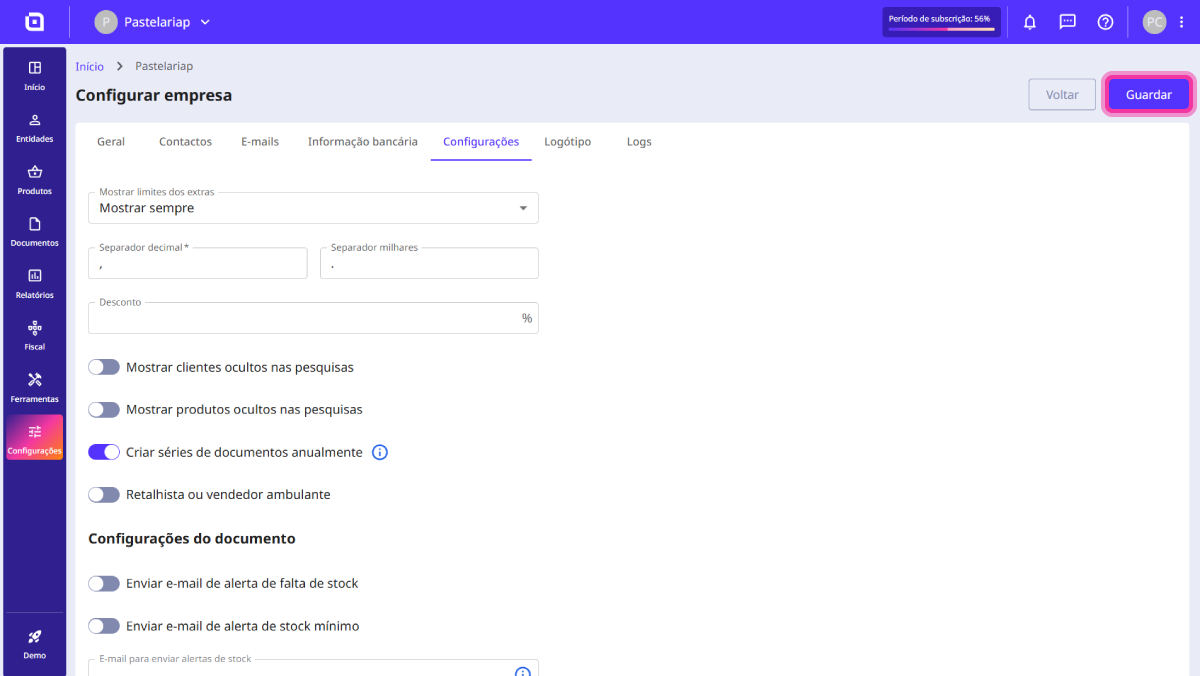
How to enable annual document set creation
However, carrying out this process manually for every document type can be time-consuming and easily forgotten during the New Year transition.
To simplify your management, Moloni ON’s annual set creation feature allows you to automate this transition. By enabling it, you ensure that the system updates the set names and resets the numbering 100% automatically on the 1st of January, without you needing to interrupt your invoicing or perform last-minute configurations.
Follow these steps:
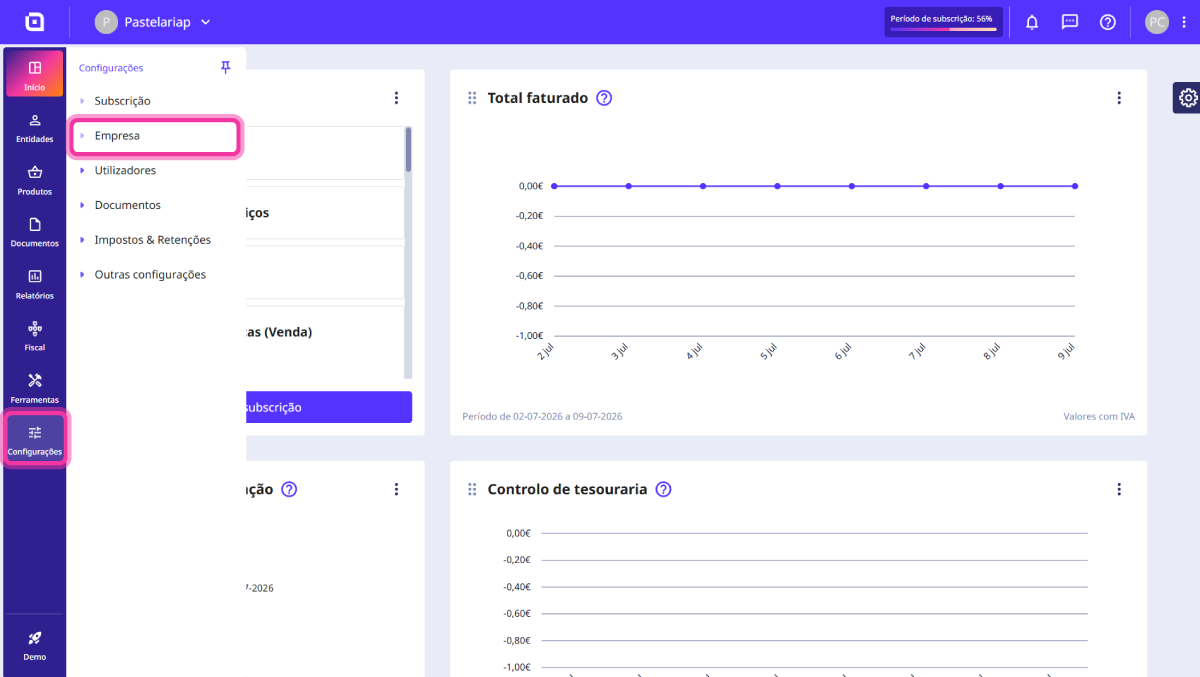
1. In the left sidebar of your Moloni ON, locate the Settings menu and click on the Company option.
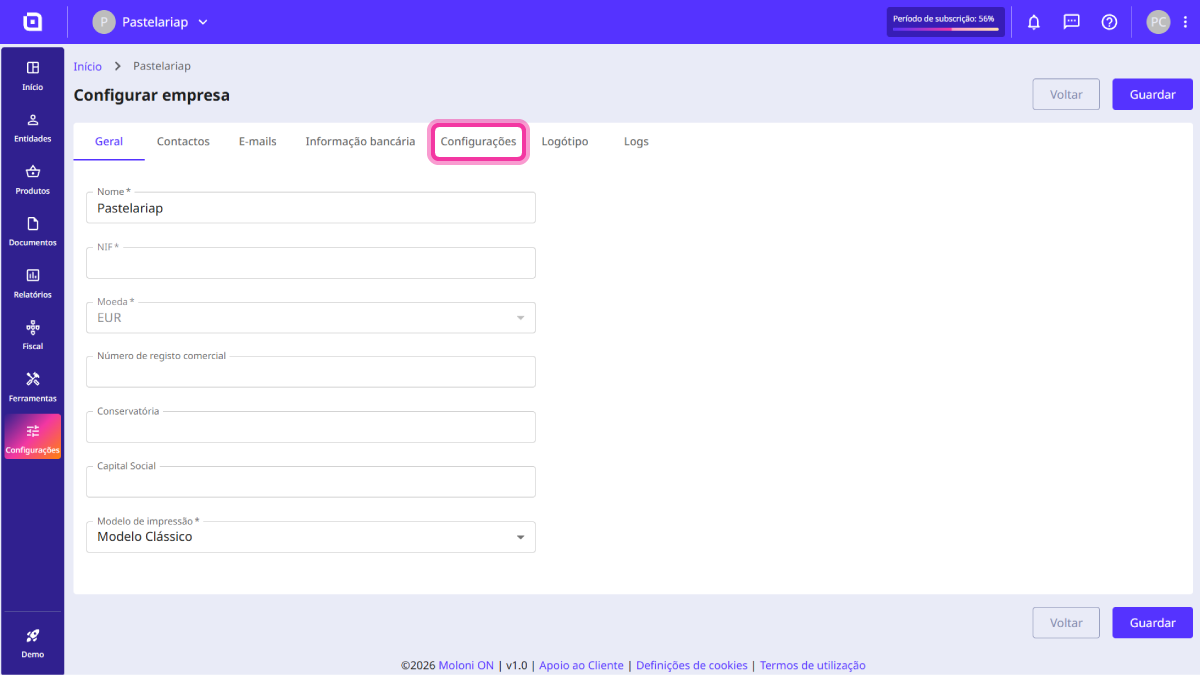
2. In the top bar of your company page, click on the Settings tab.
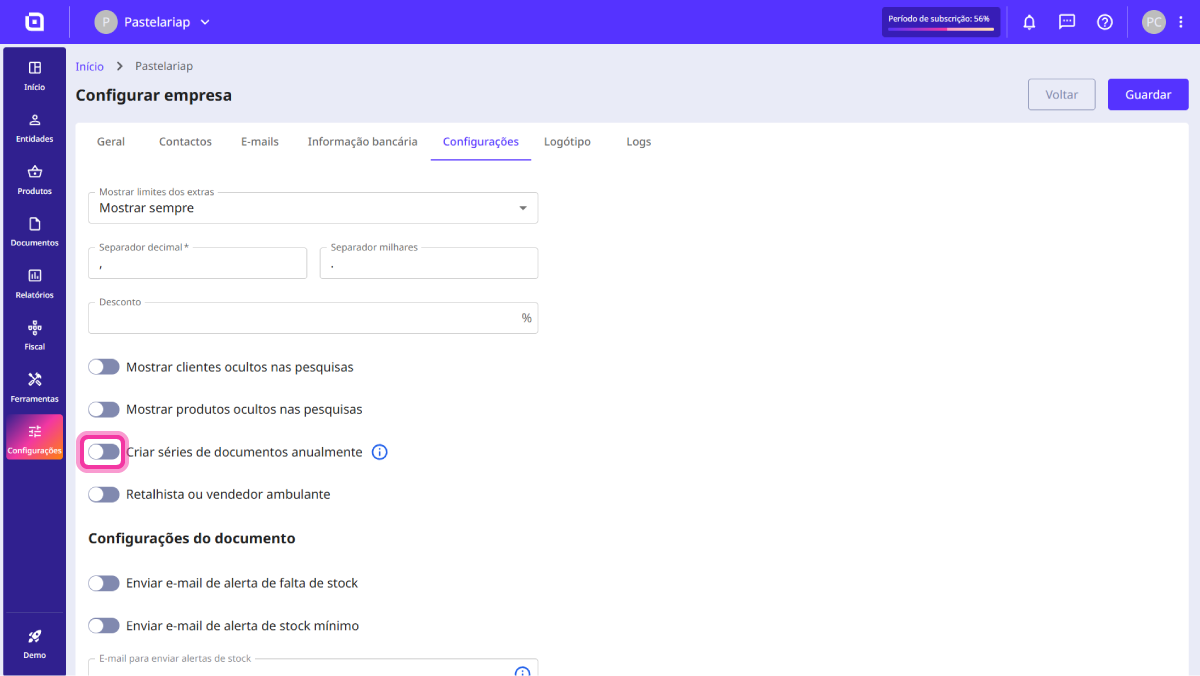
3. Switch on the toggle for Create document sets annually.
4. Click Save in the top right corner.