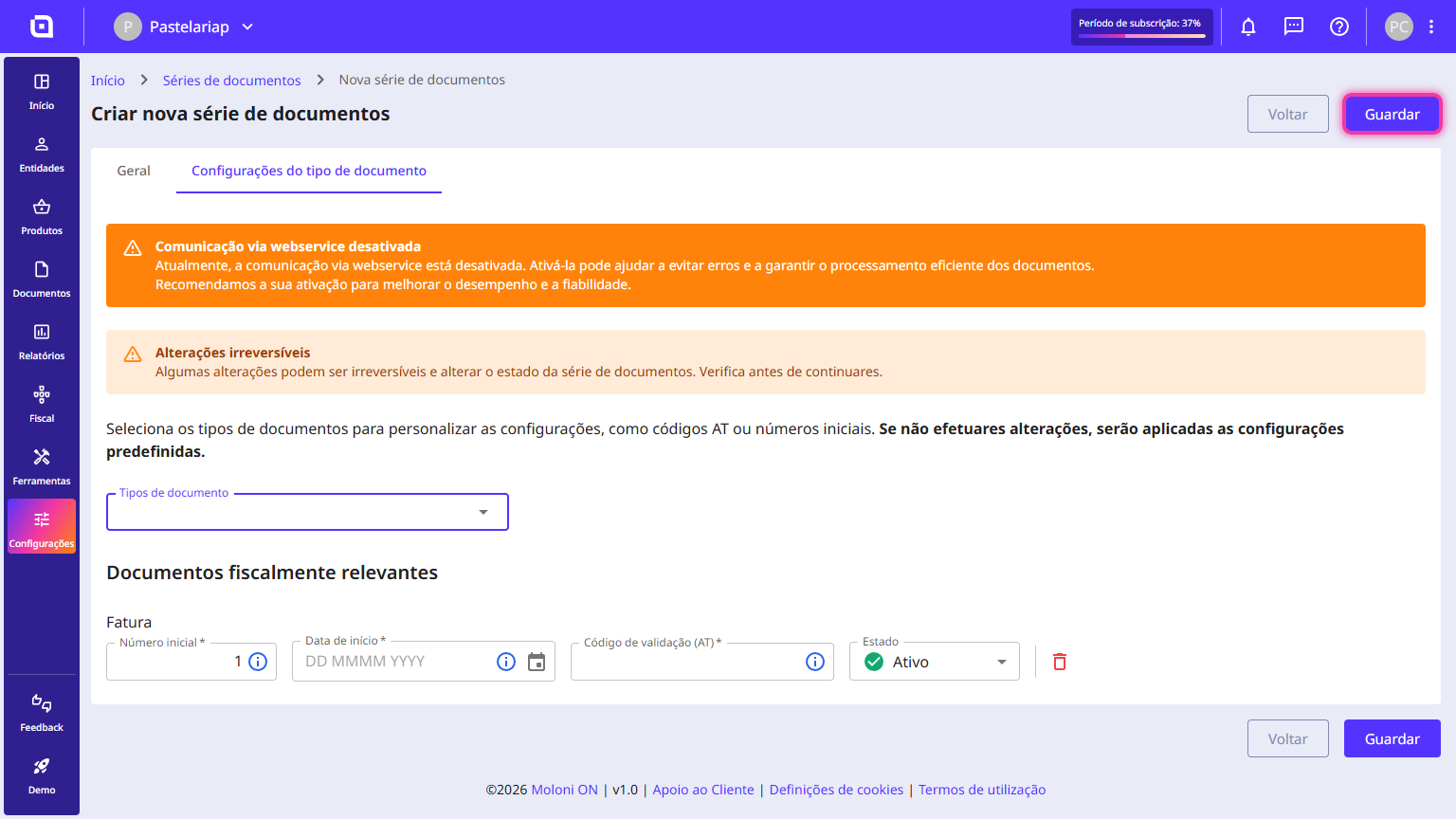
How to create a document set
Follow the steps:
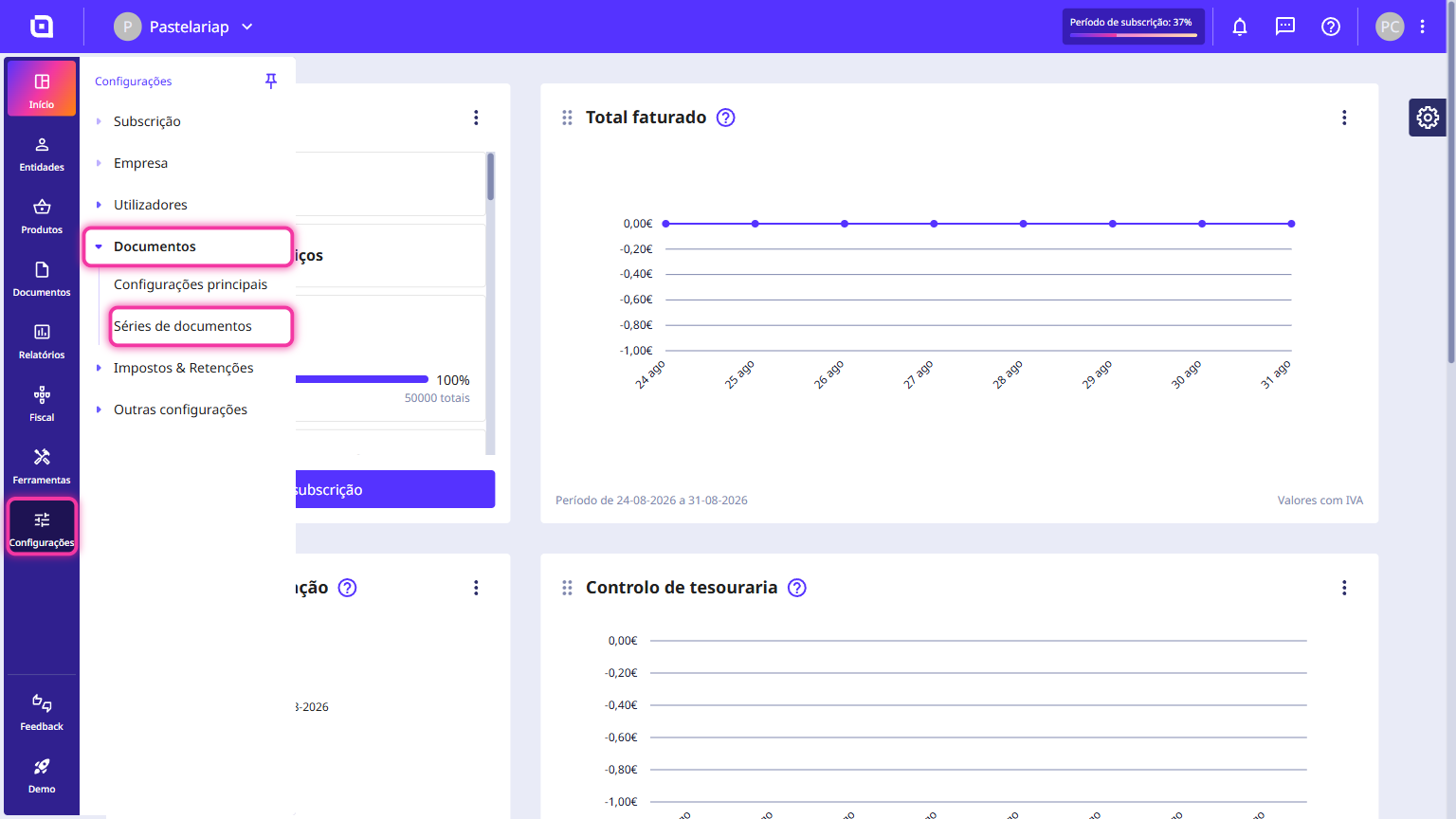
1. In the Client Area, go to the Settings menu, select Documents and click on Document sets.
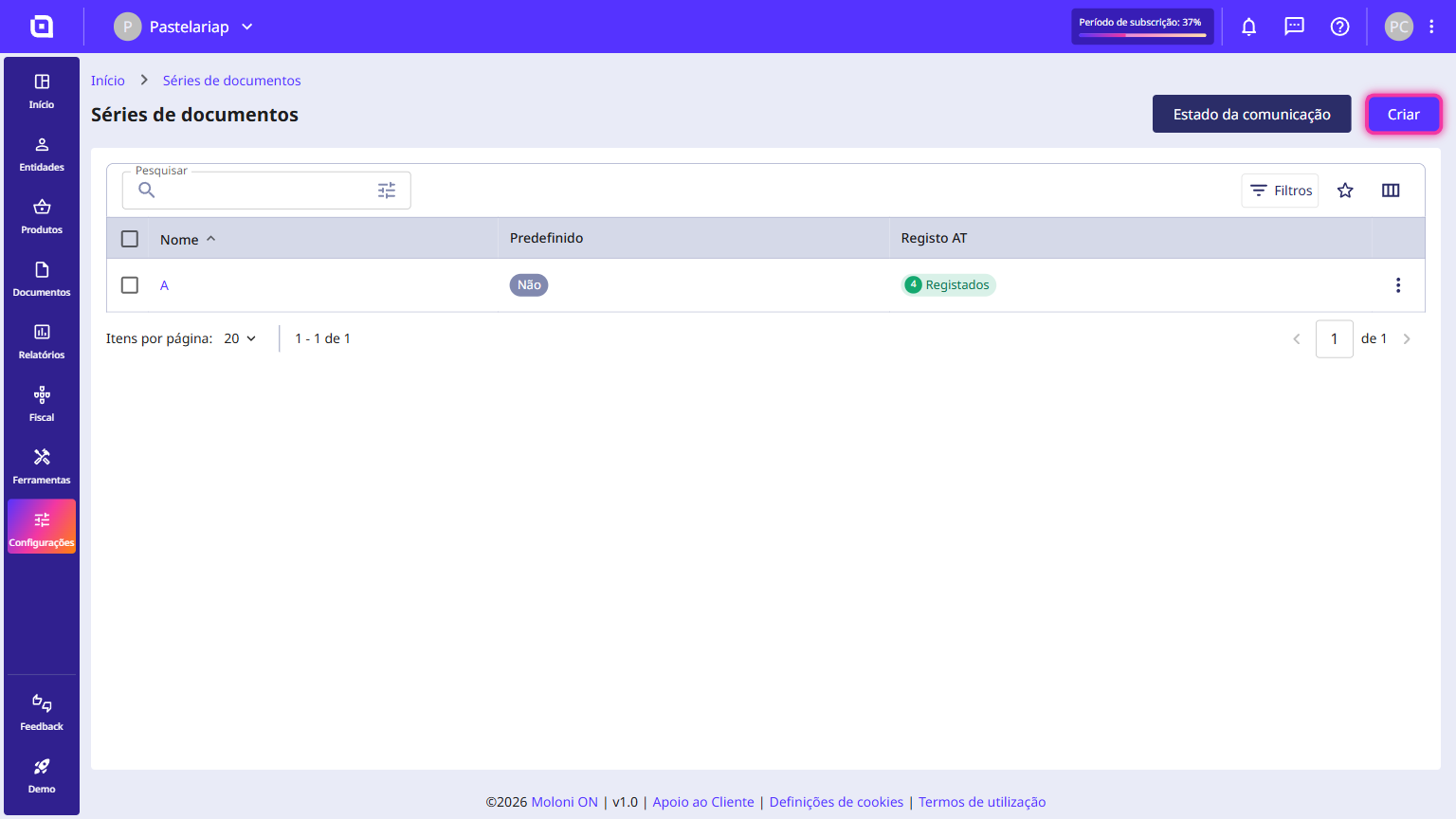
2. Click on Create.
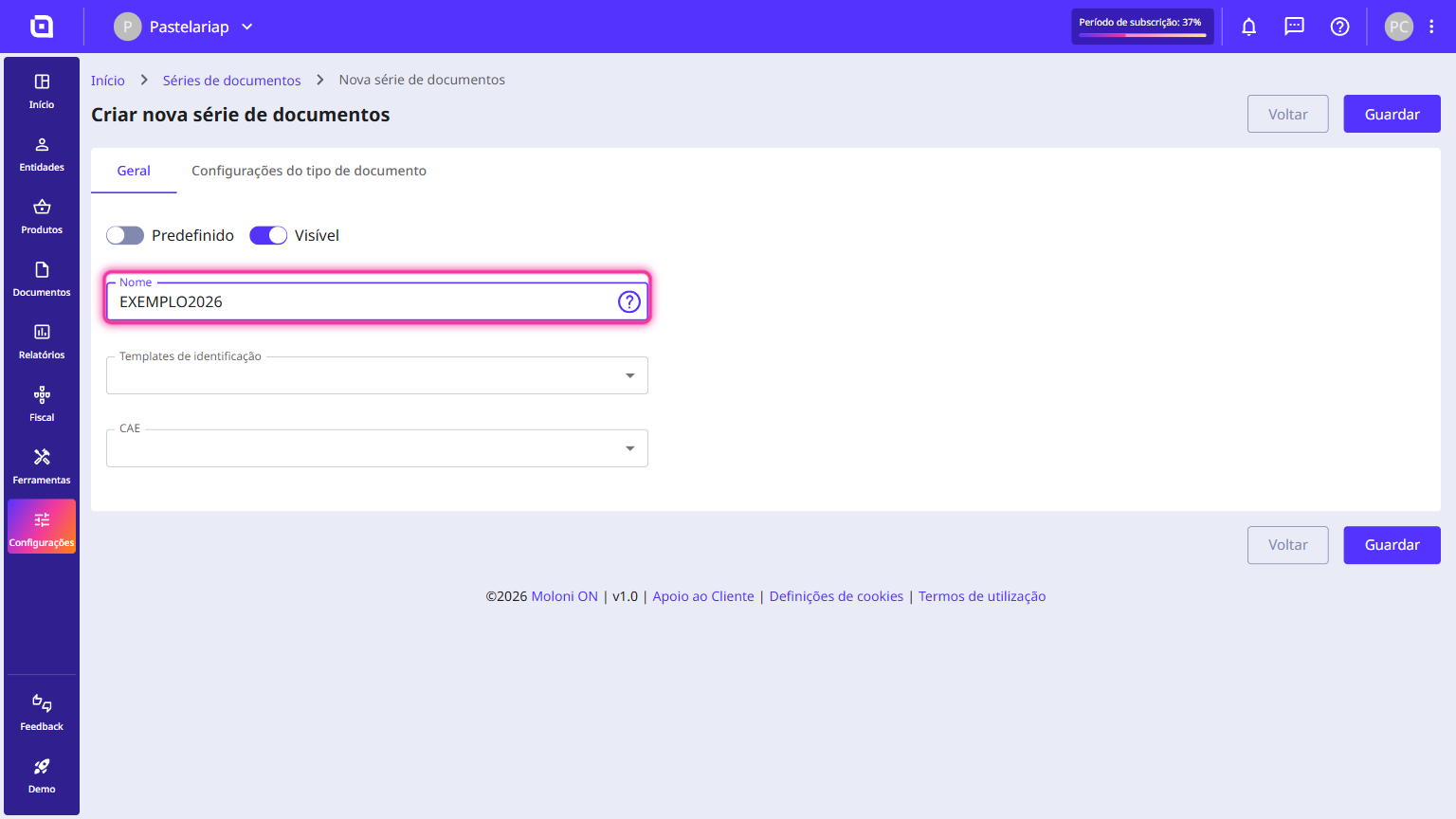
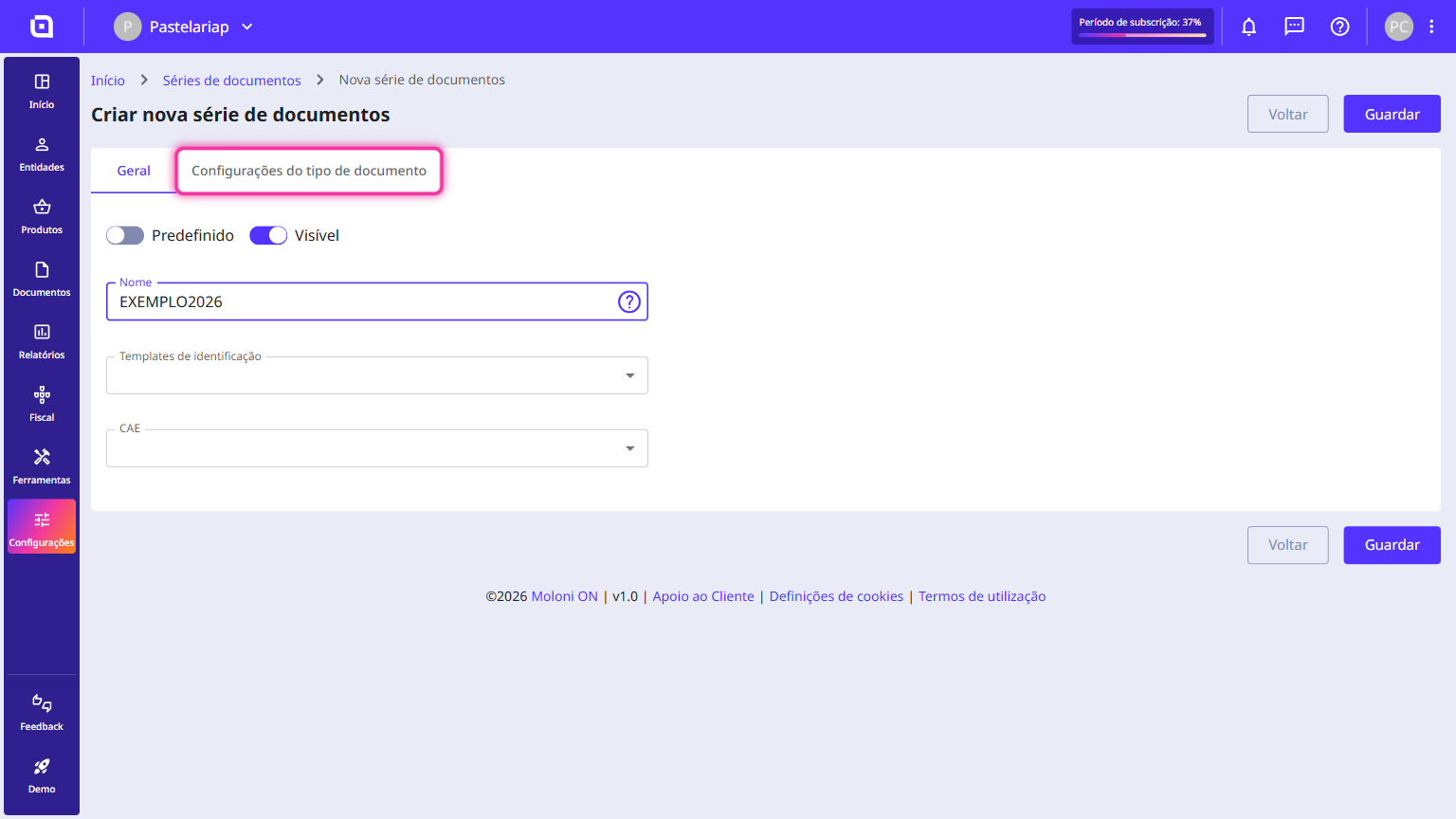
3. Fill in the requested information. The Name field must be filled in without spaces, with non-accented letters and numbers.
4. Go to the Document type configuration tab.
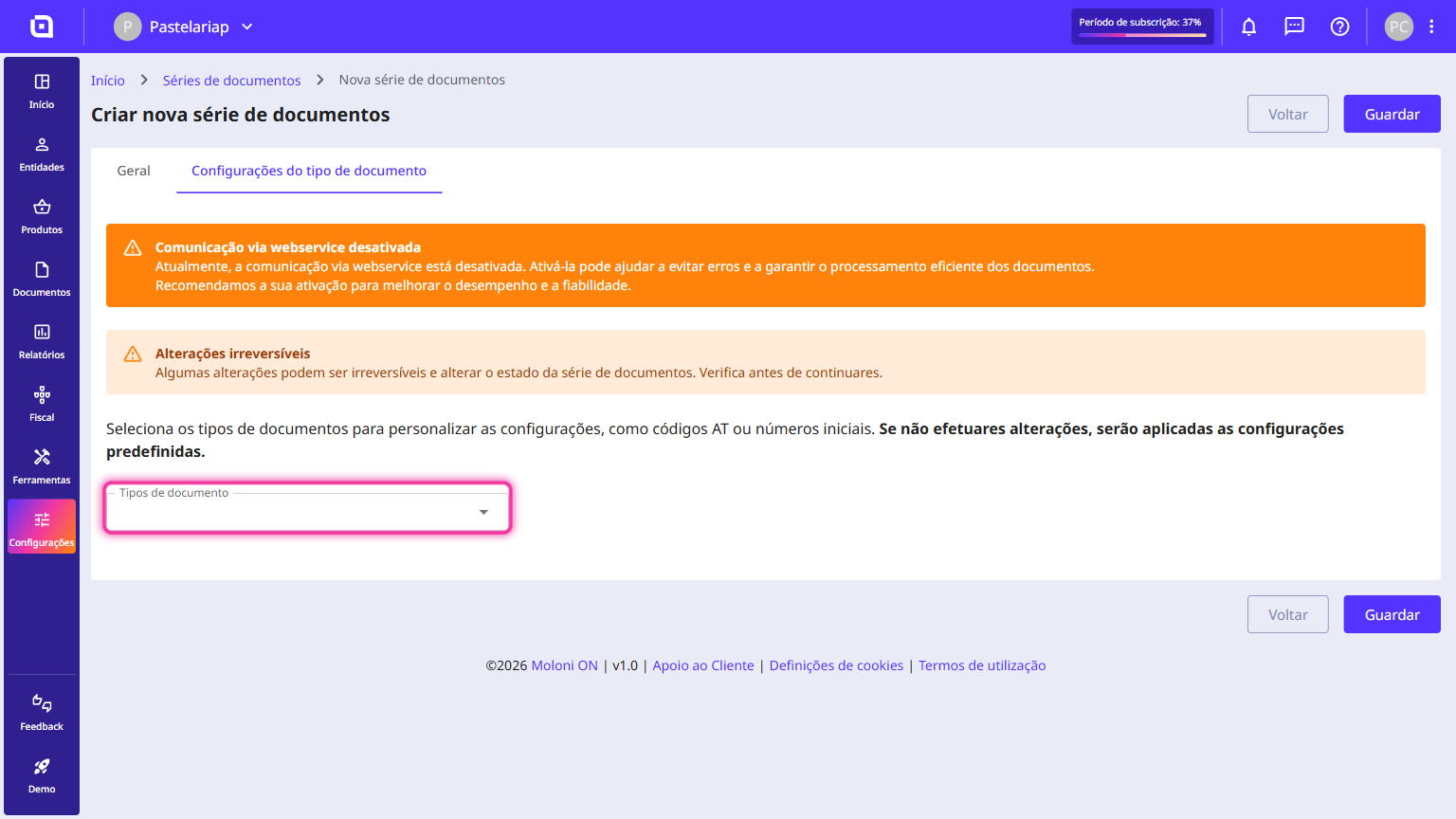
5. Select the document types you wish to use.
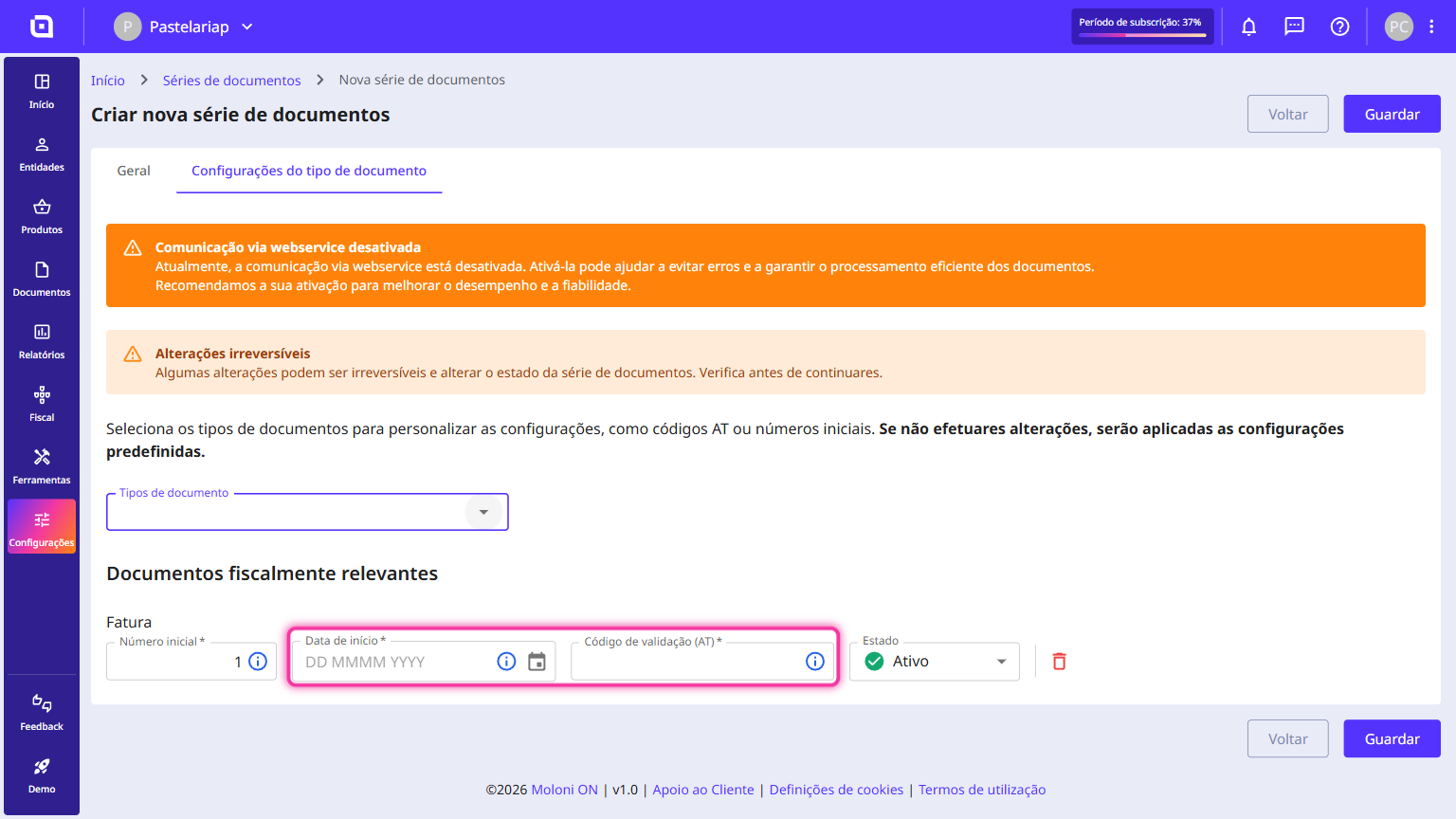
6. For each document, you must enter the starting date and the validation code (TA). If you have webservice communication active, click on the Request TA code button.
7. Click on Save.