Follow the steps:
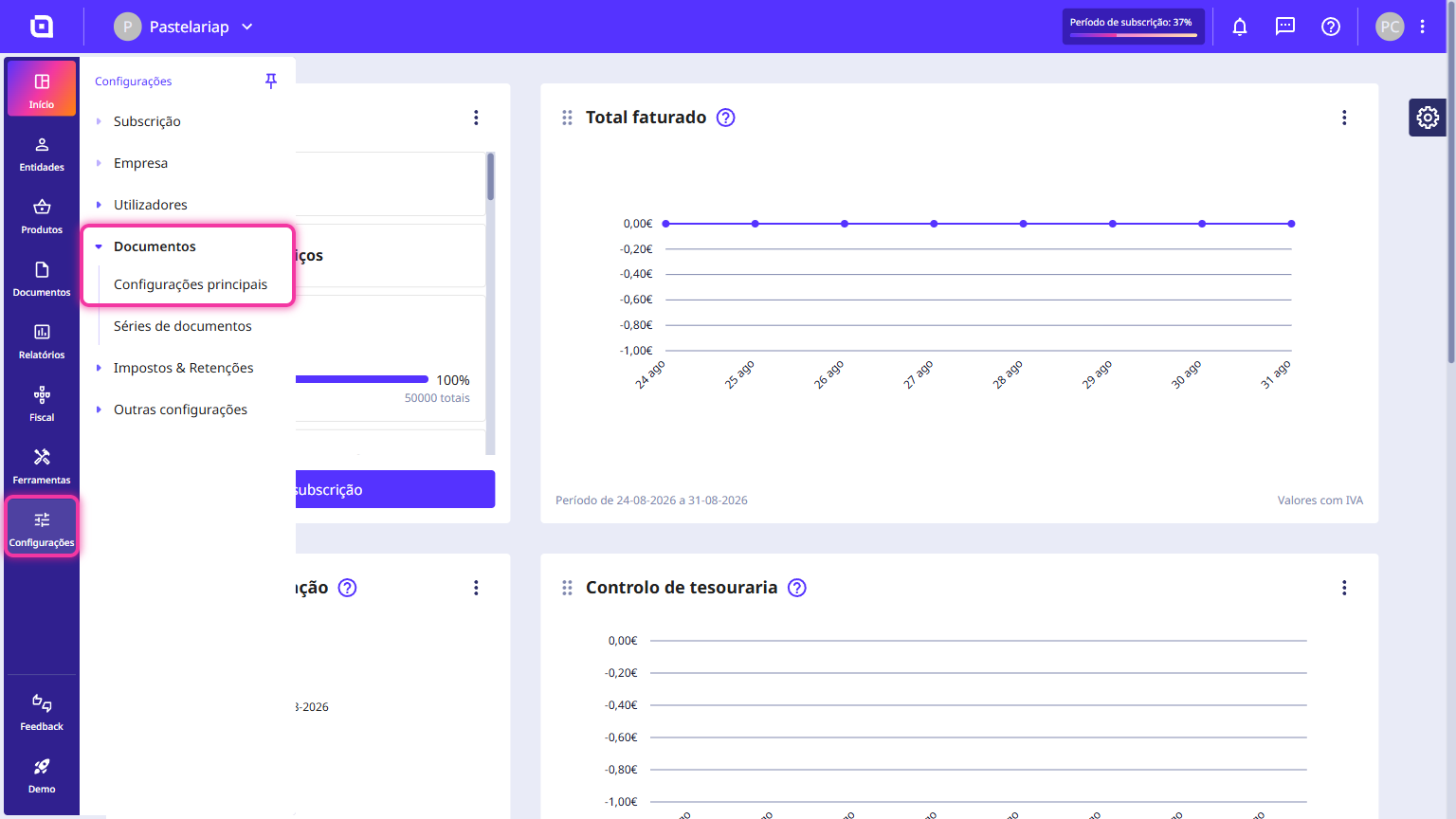
1. In the Client Area, go to the Settings menu, select Documents and click on Main settings.
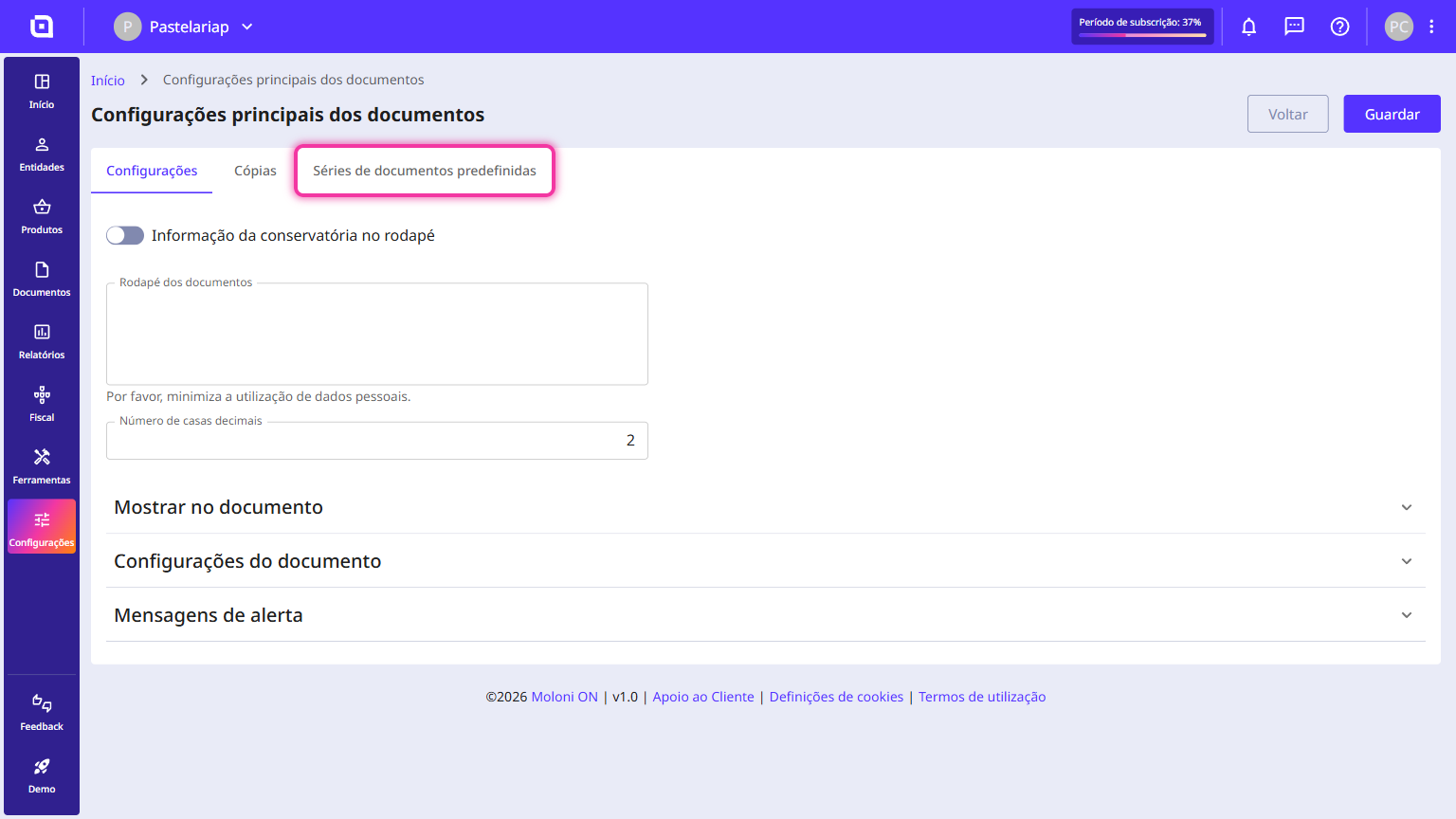
2. Click on the Default document sets tab.
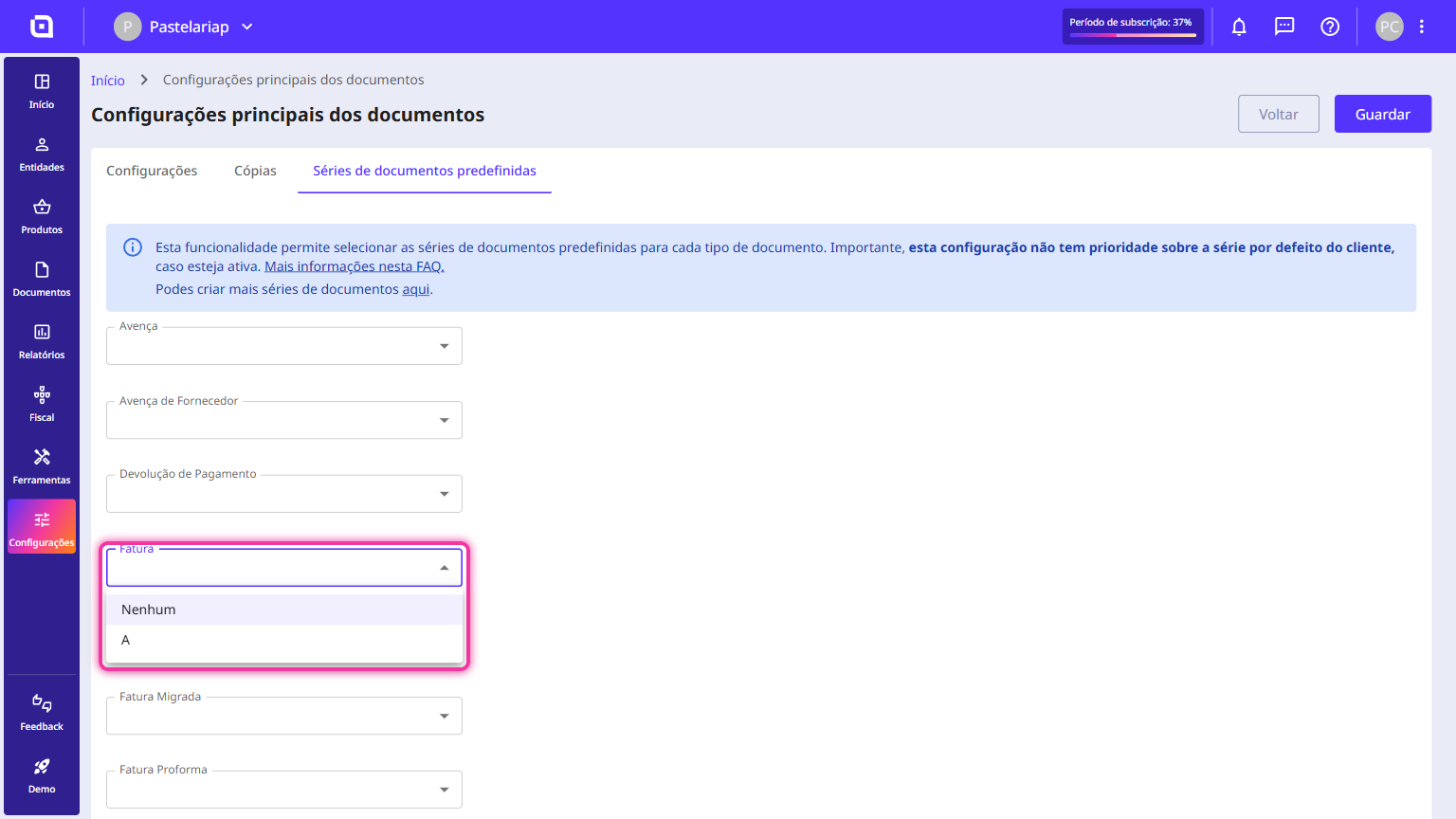
3. Select the sets to assign to each document type.
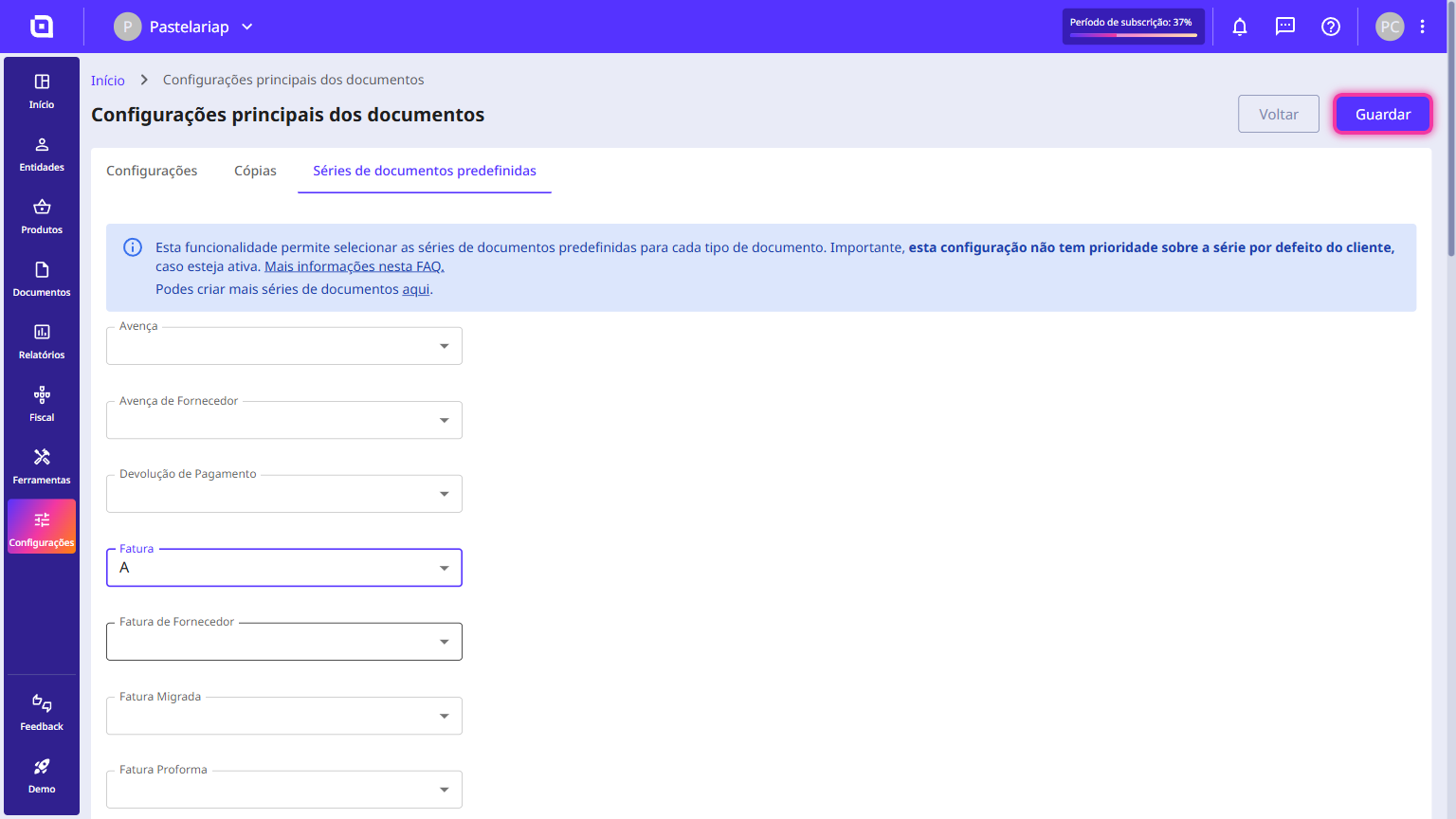
4. Click on Save.
Important:
The choice of sets follows an order that is applied automatically.
List of priorities applied to document sets:
1. Default sets defined for a client or supplier according to the document type.
2. Default sets defined for a document type.
3. Default sets defined for the company.
4. The first of all document sets.